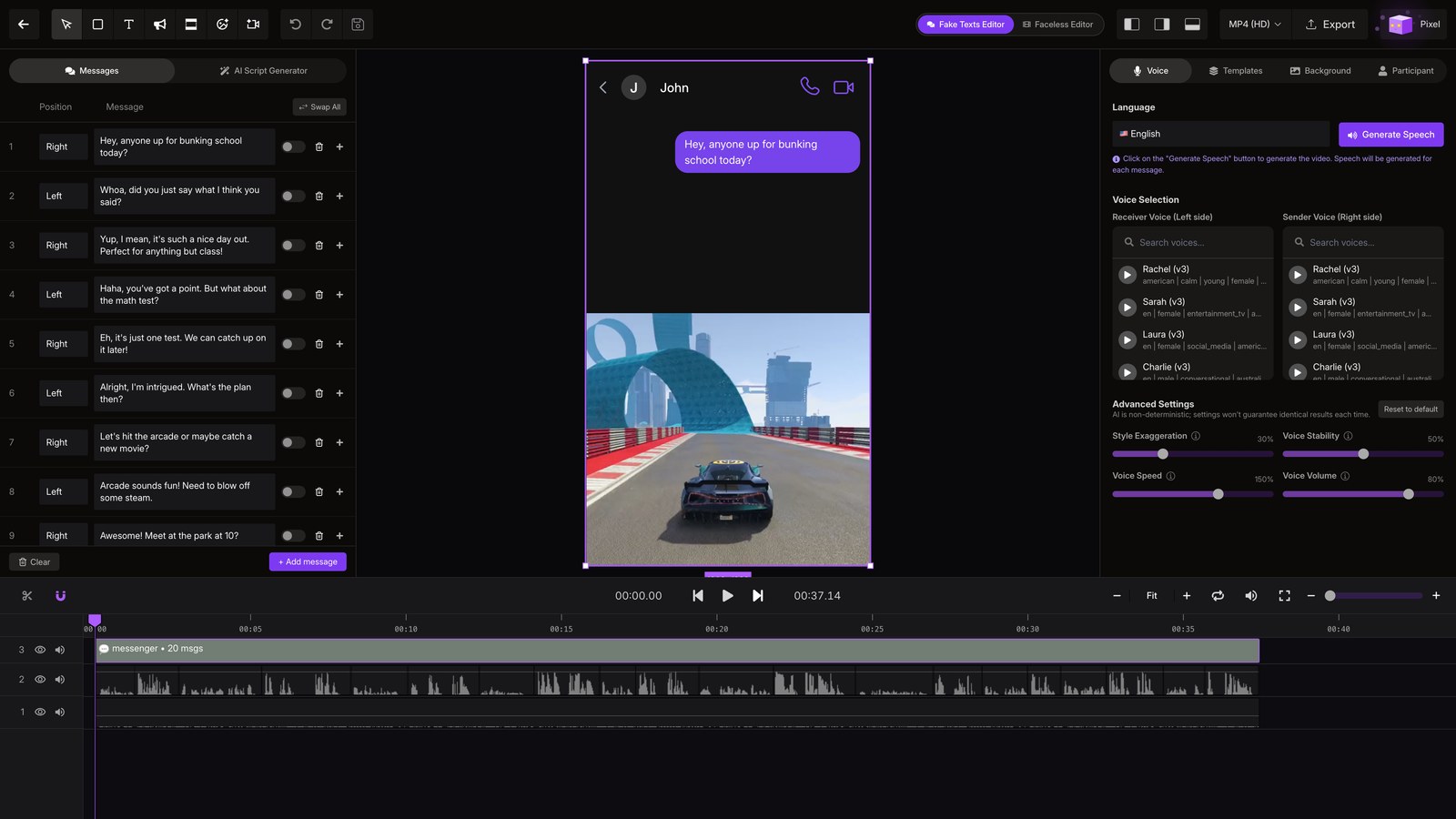
Faceless Tutorials
Tutorial 17 / 36Creation formats
Fake Texts
Build a text-message story that reads like a real chat, then let Faceless voice it.
54s8 steps
0/8 done
01
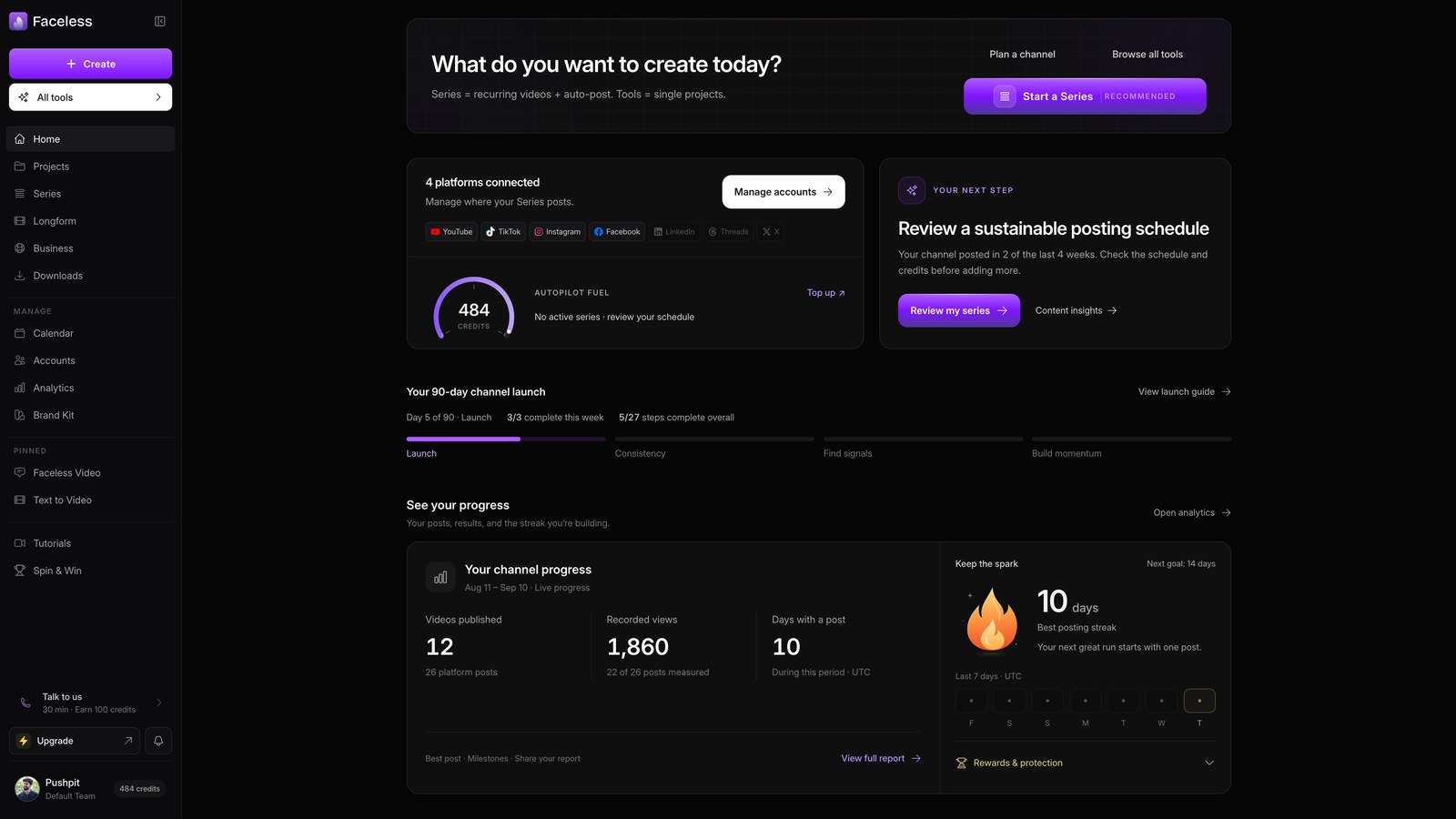
Open home
Start from your Faceless dashboard.
02
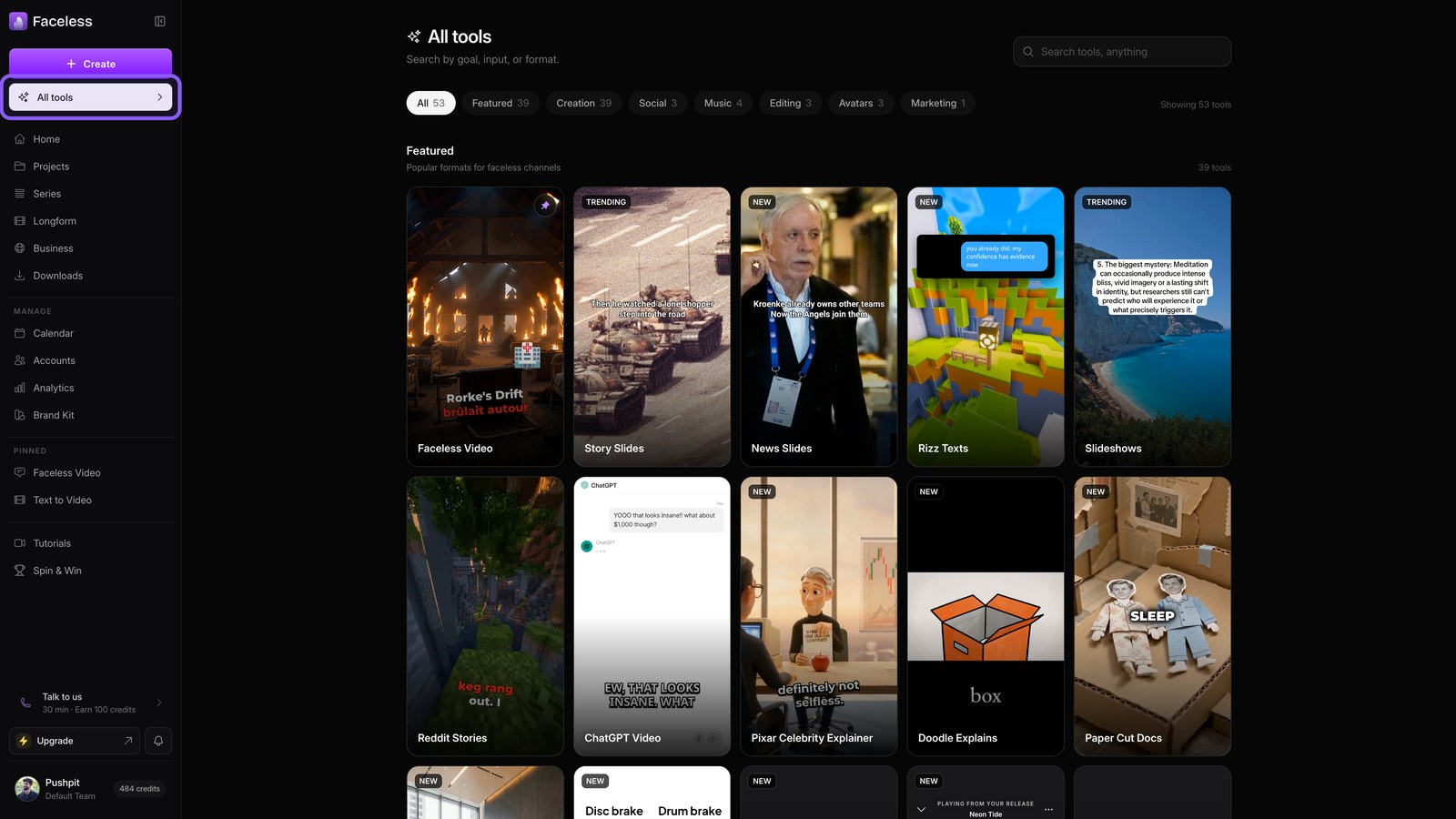
Open all tools
Open All tools to see every video format you can create.
03
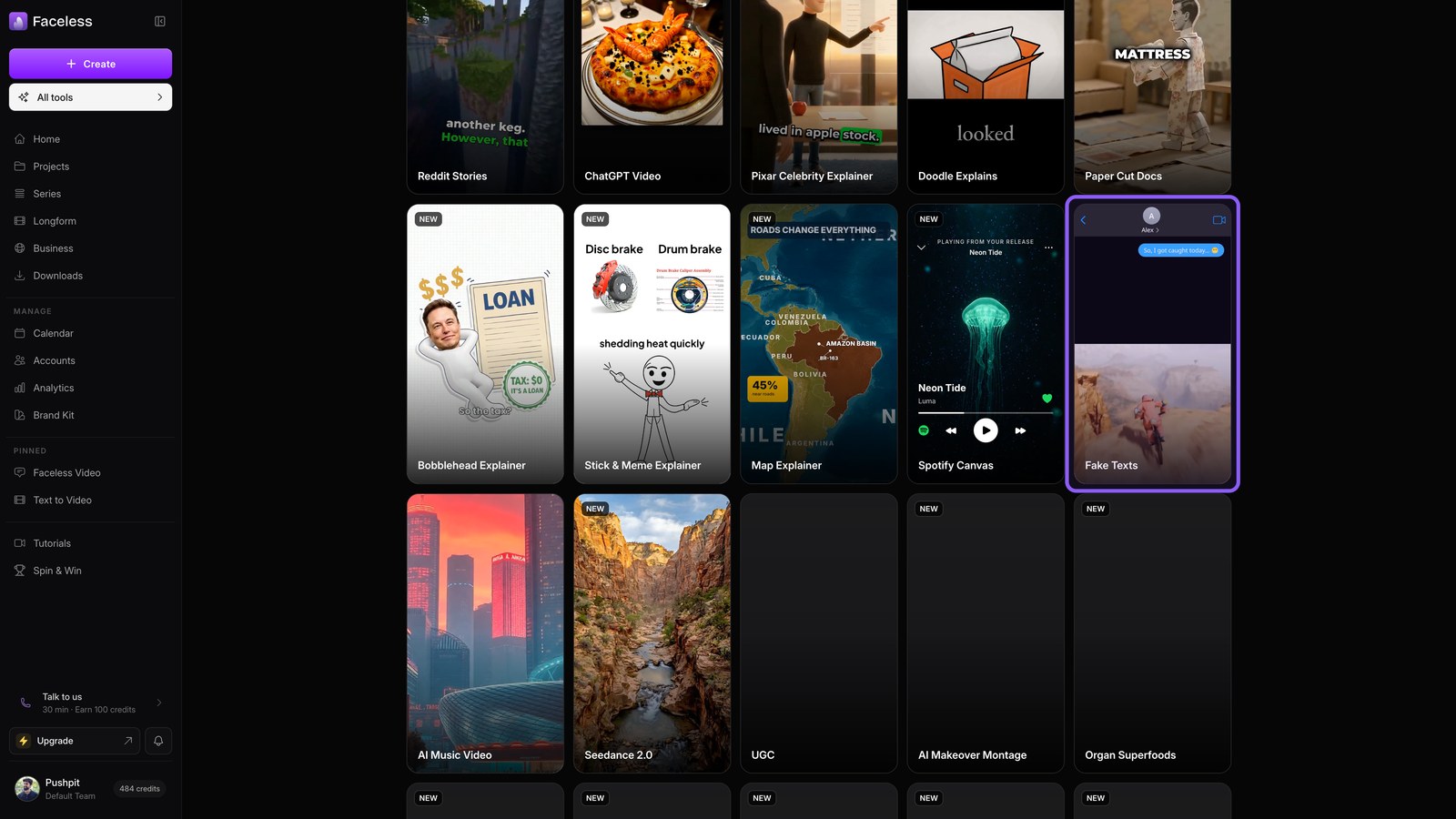
Open fake texts
Choose Fake Texts to build and voice a two person chat.
04
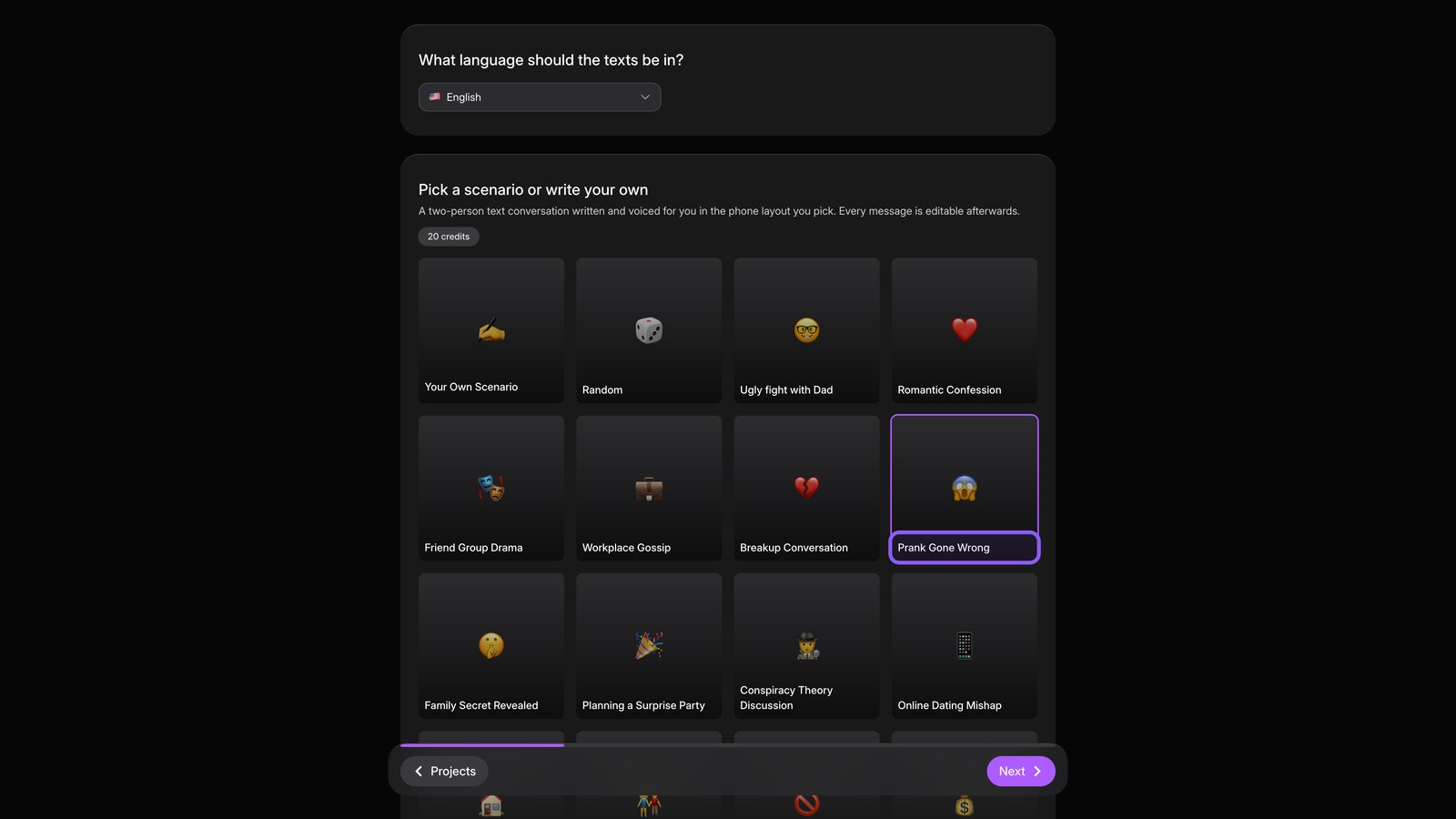
Pick scenario
Pick a language, then choose or write a scenario.
05
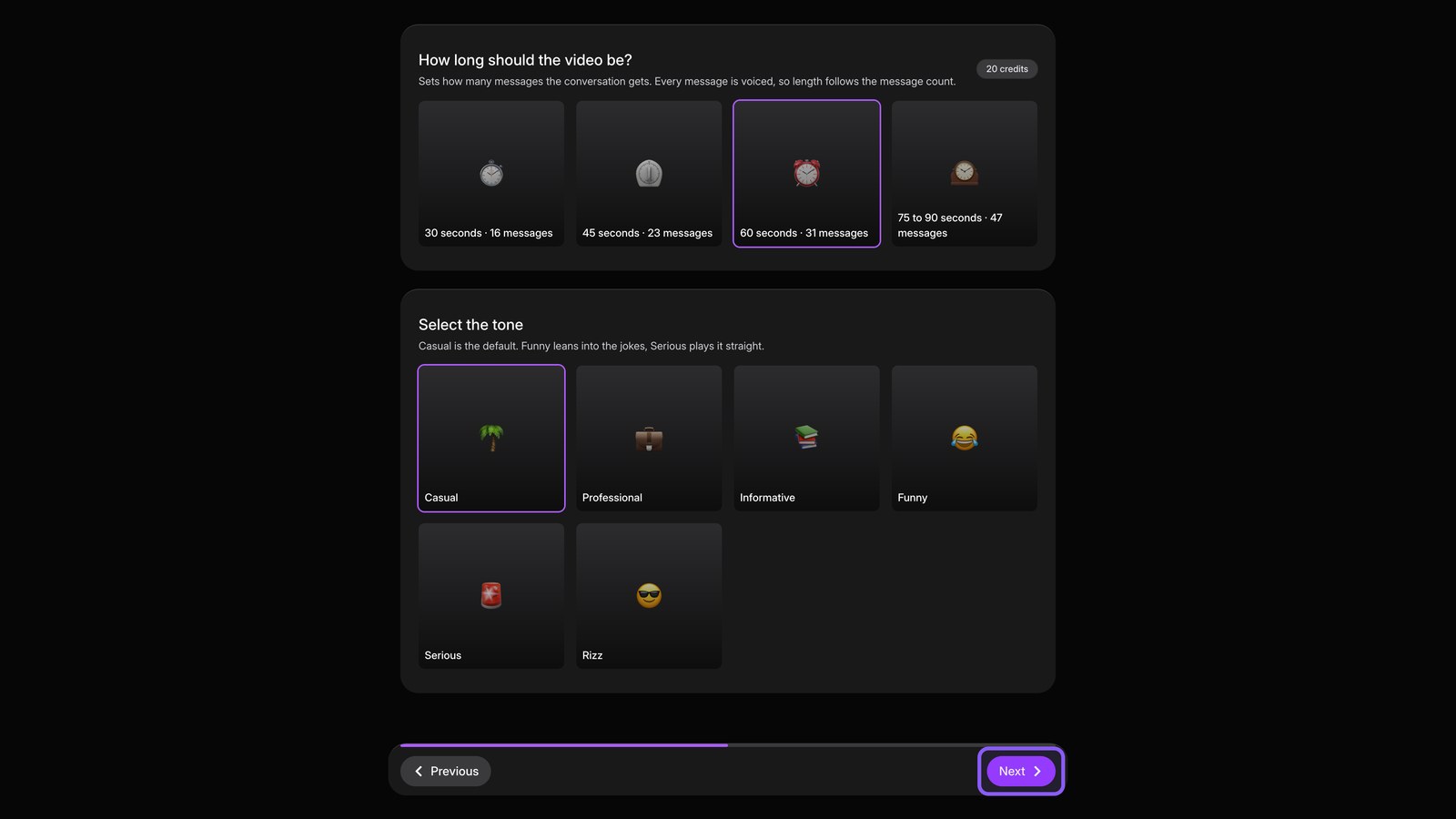
Length and tone
Continue, then set the video length and choose the conversation's tone.
06
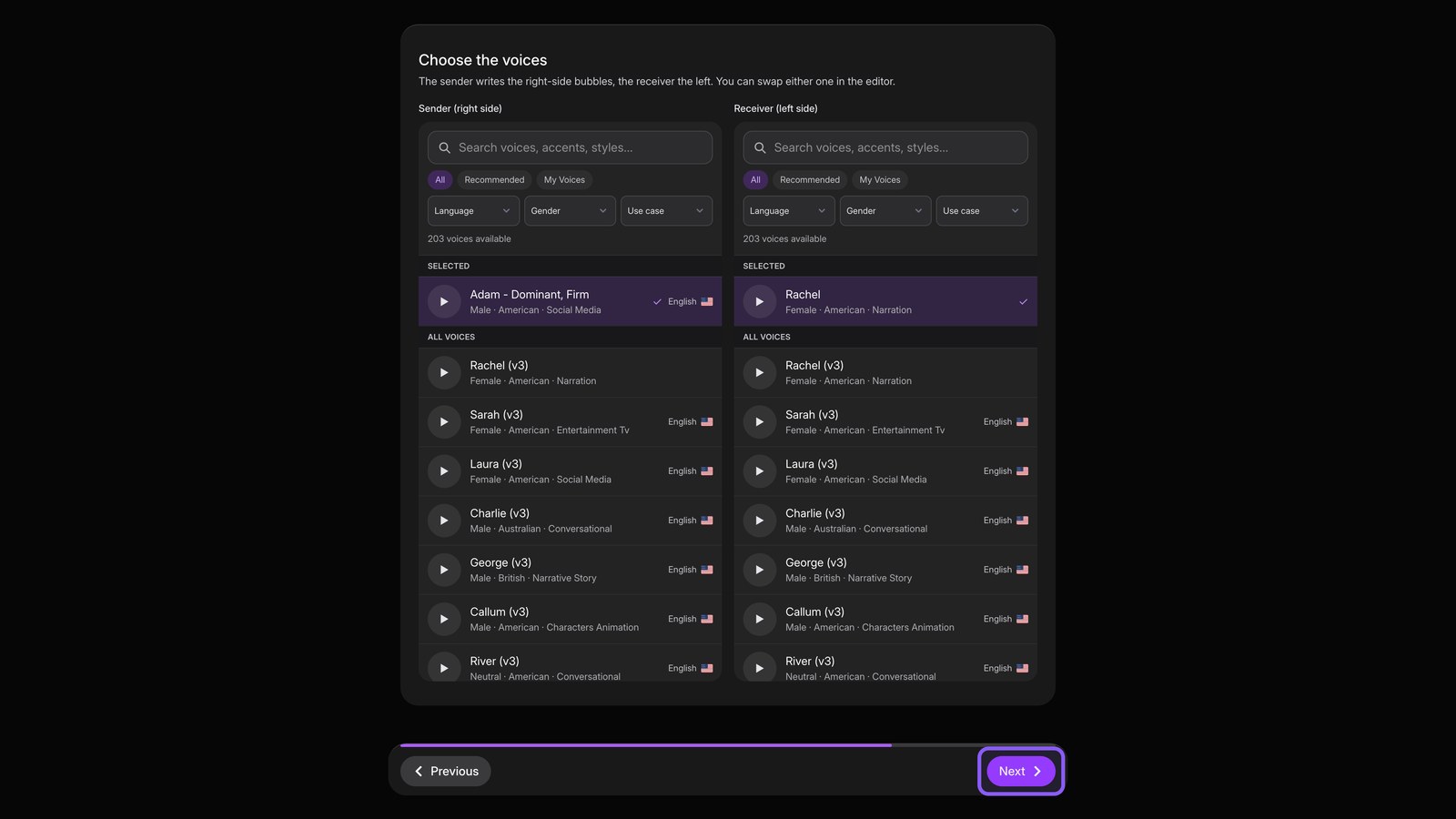
Choose voices
Continue, then pick a voice for each person. Preview voices before you choose.
07
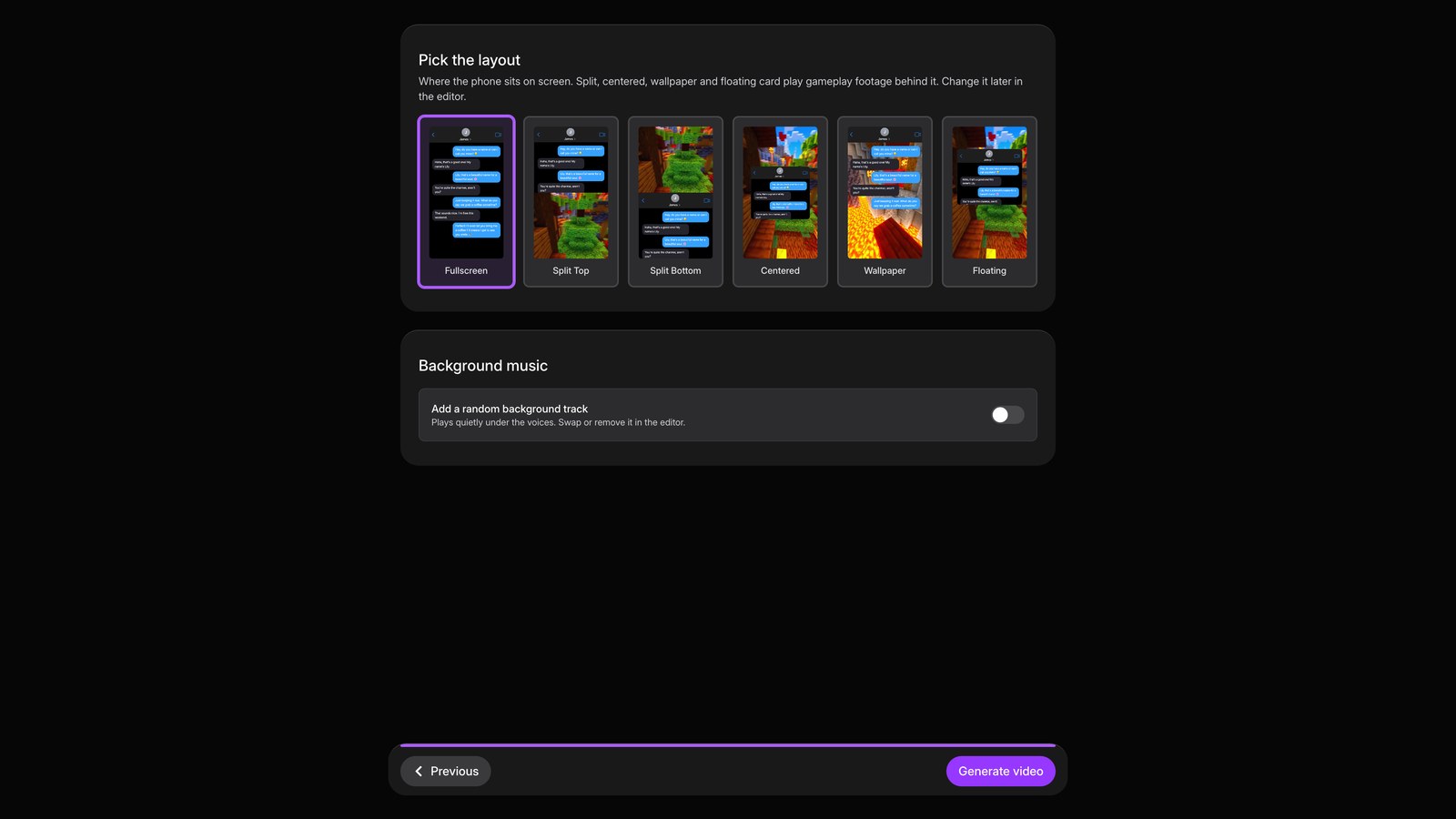
Pick layout
Continue, pick the phone layout and background, then generate the video.
08
Review editor
When the editor opens, revise any message. Change its sender, text, or voice to make the chat feel natural.