Editor Deep Dive
Master the editor: audio, morphs, brand, presets, AI density, timeline tools, and Pixel.
Open editor
Open a finished video and wait for the editor, where you control every layer.
Sound effects
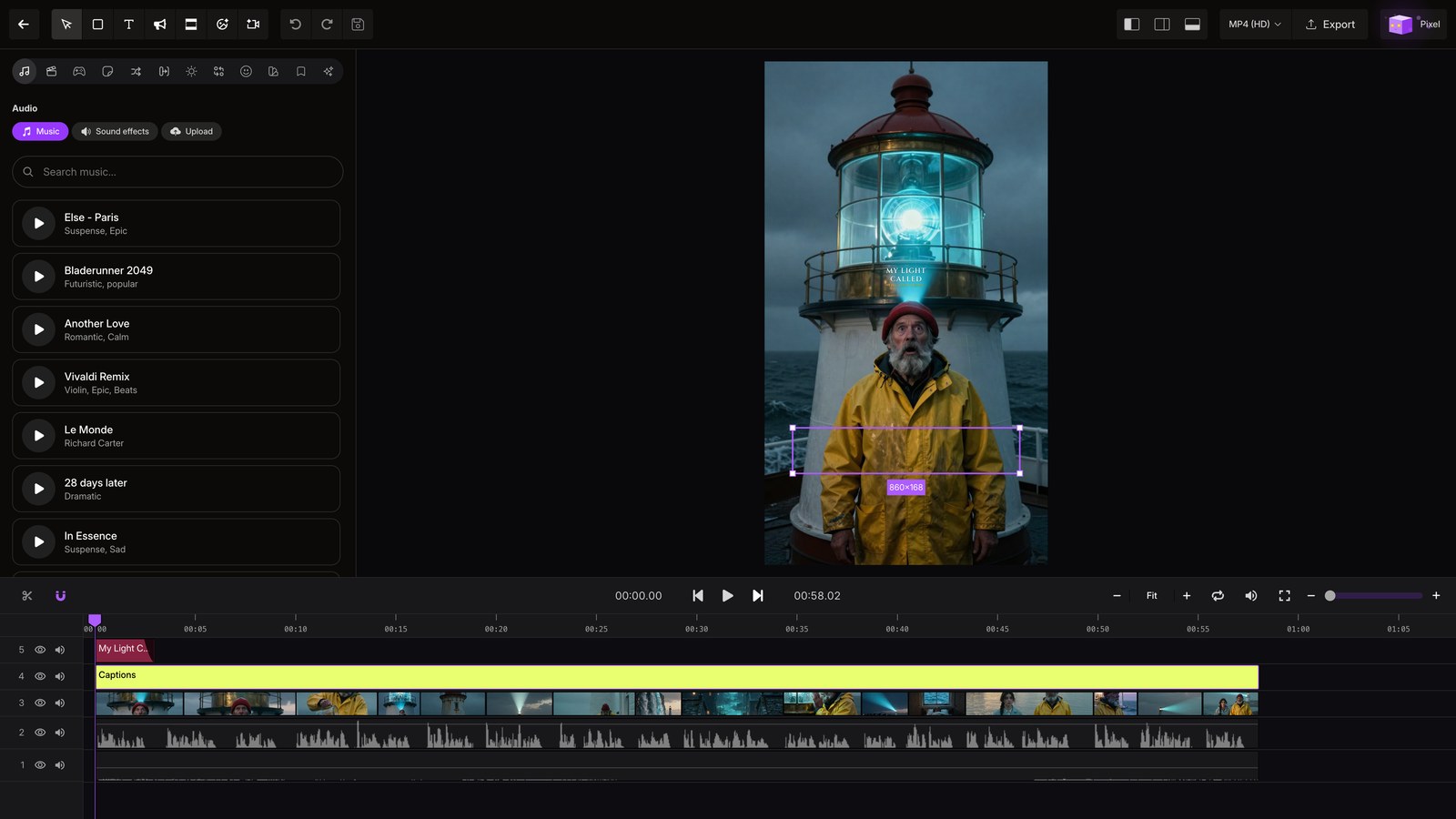
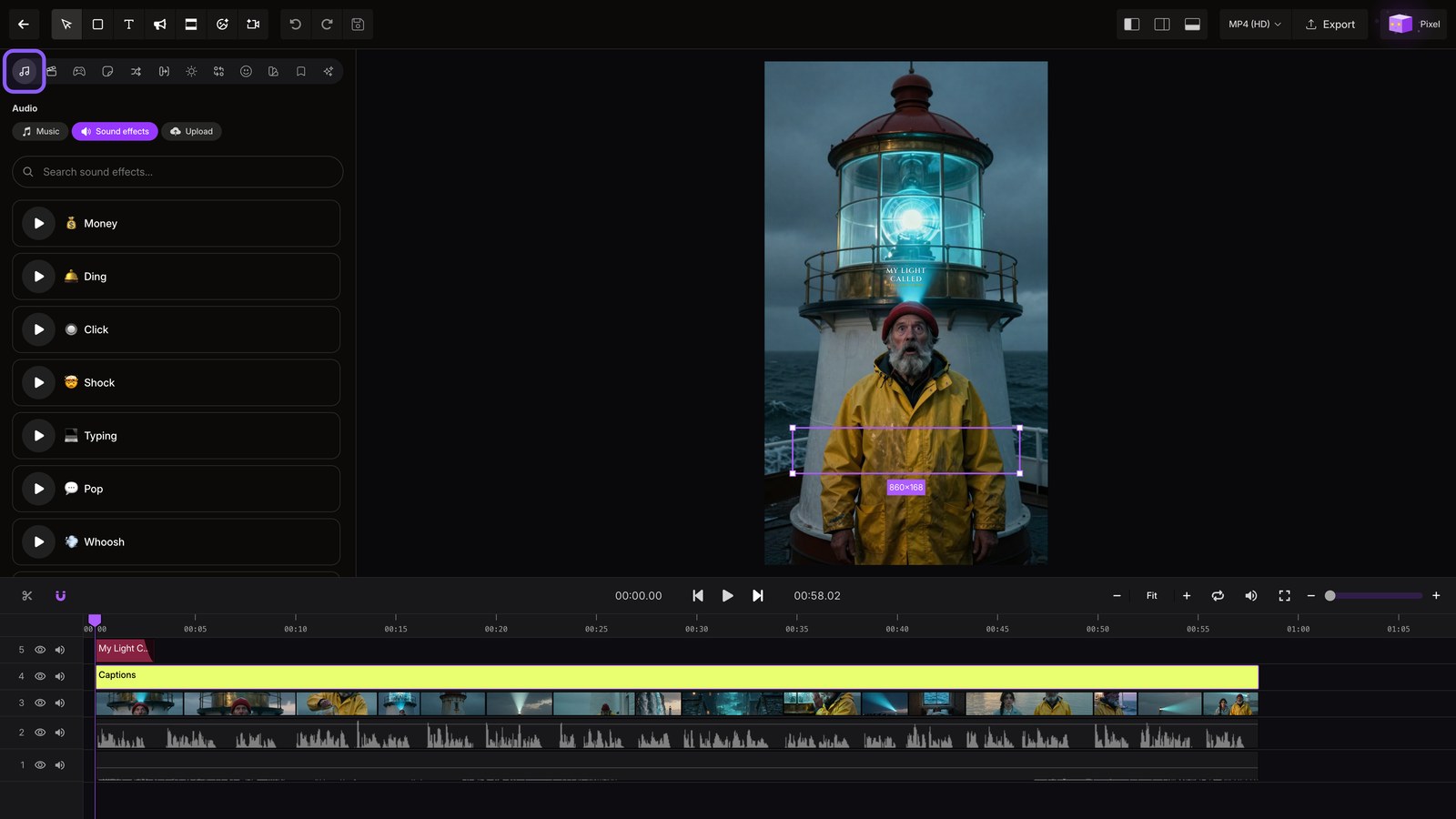
Open Audio, then choose sound effects to place a sound on any beat. You can also browse the music library.
Morphs
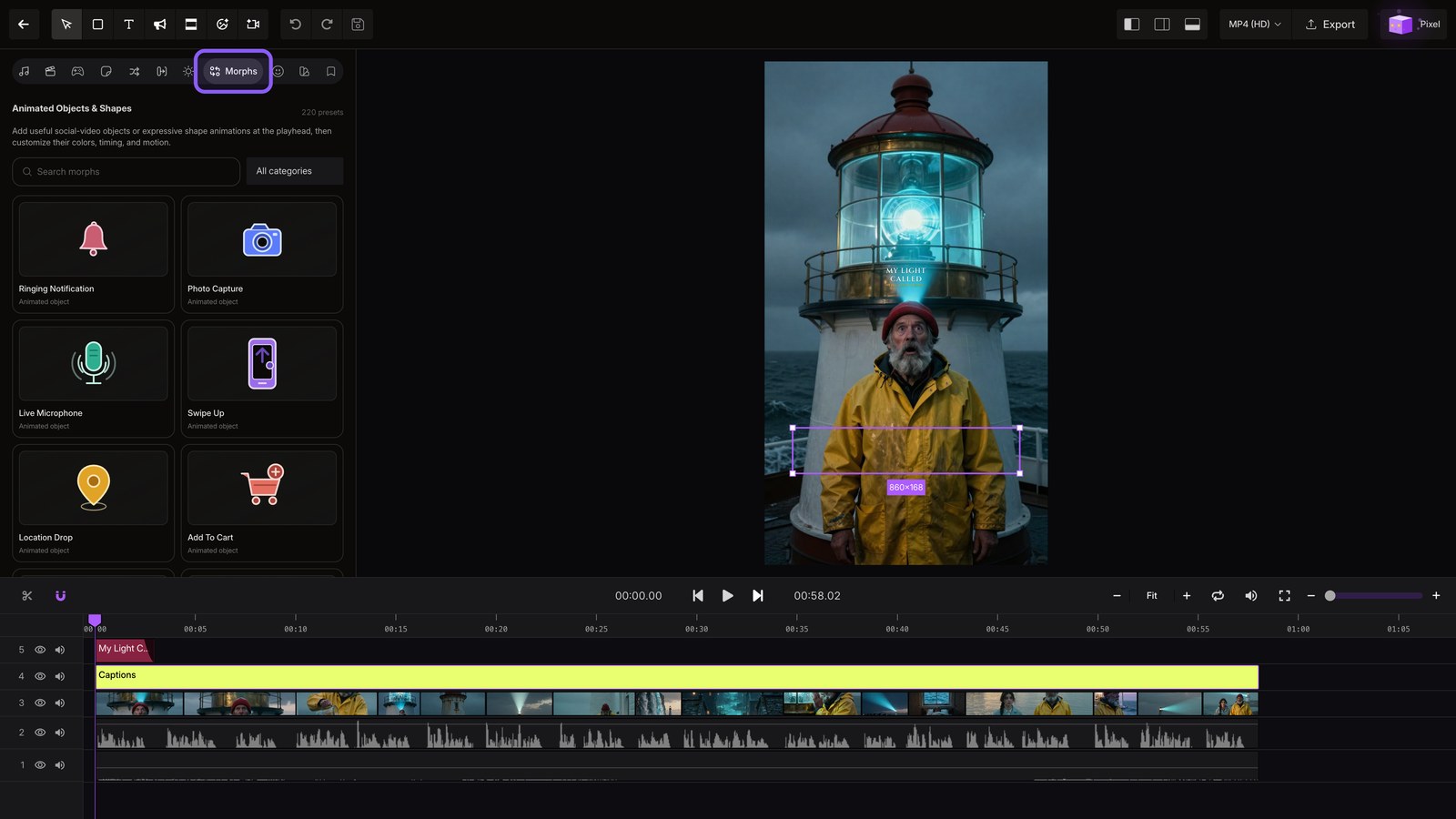
Choose Morphs to blend scenes together with generated motion.
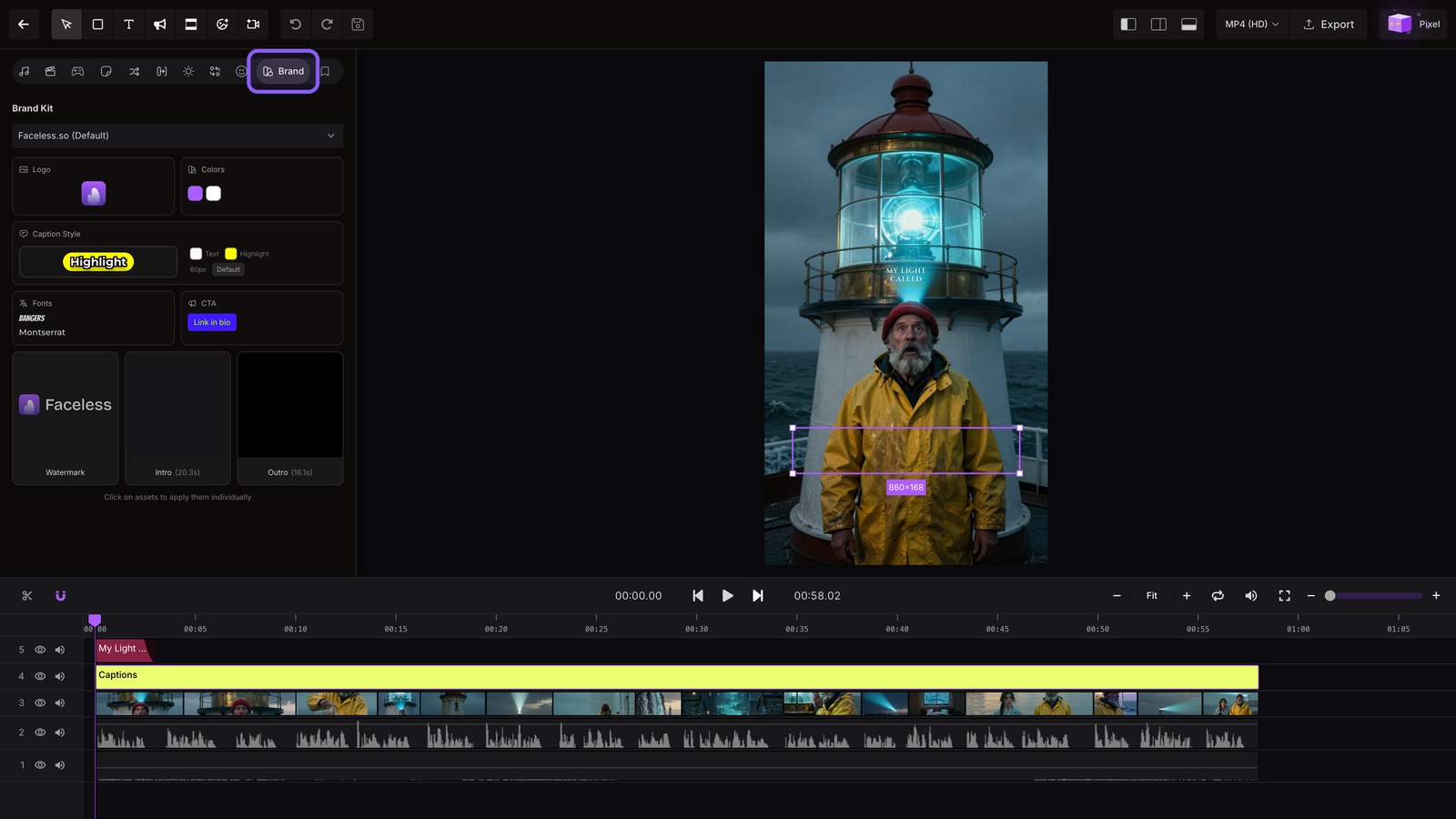
Brand
Open Brand to apply your saved fonts, colors, logo, and full brand kit across the edit.
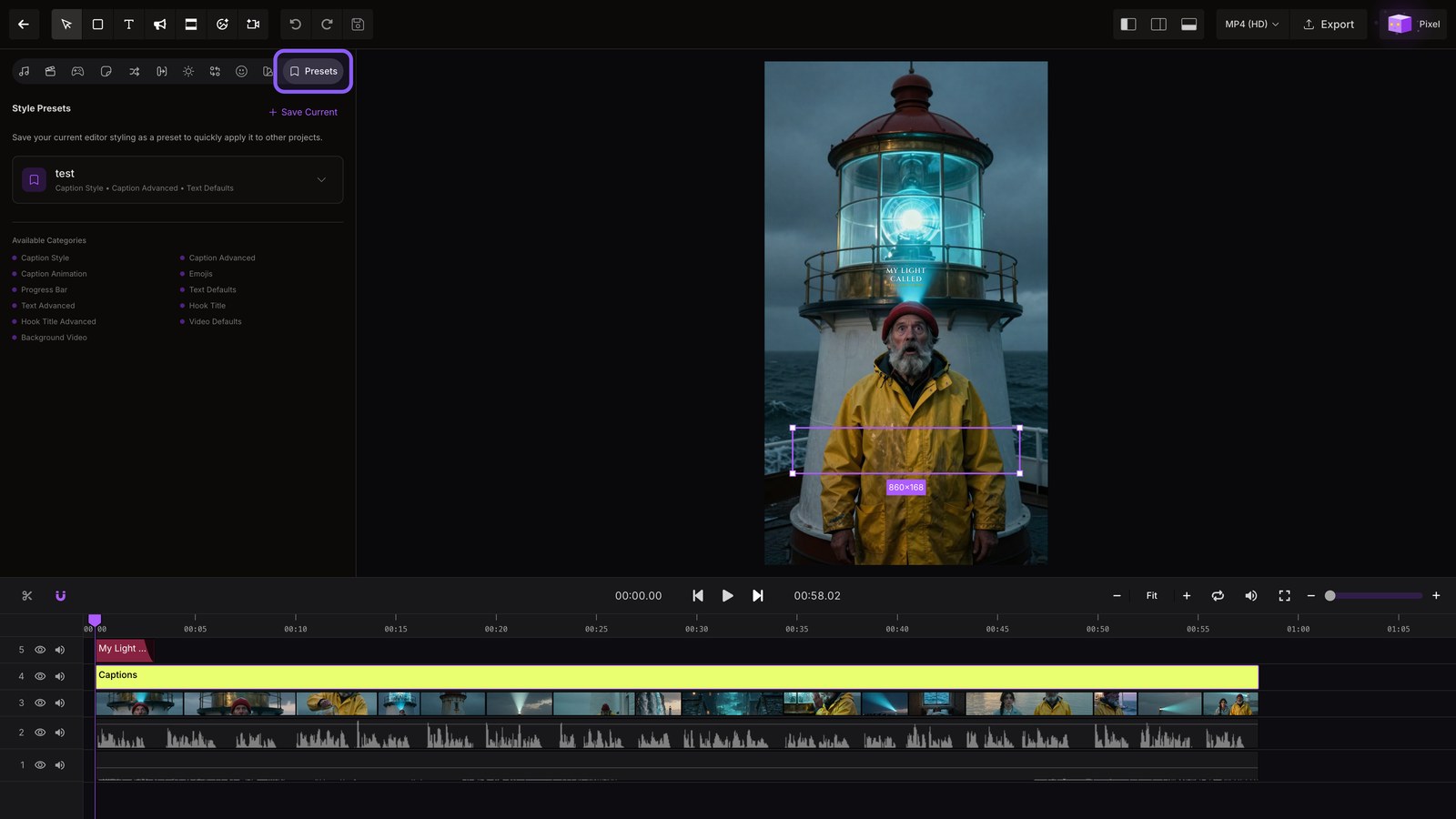
Presets
Open Presets to save this styling and reuse the same look in your next project.
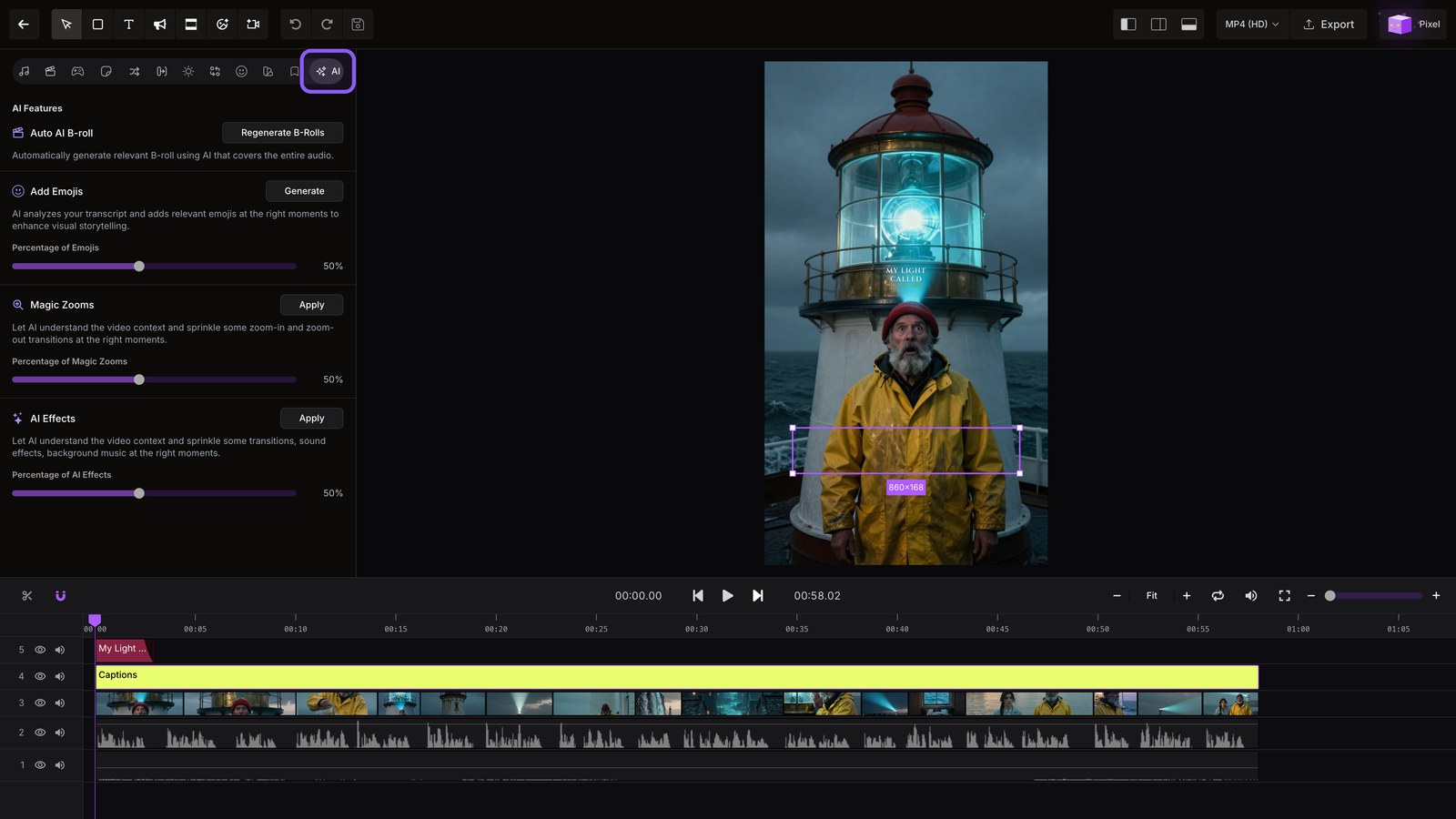
Ai density
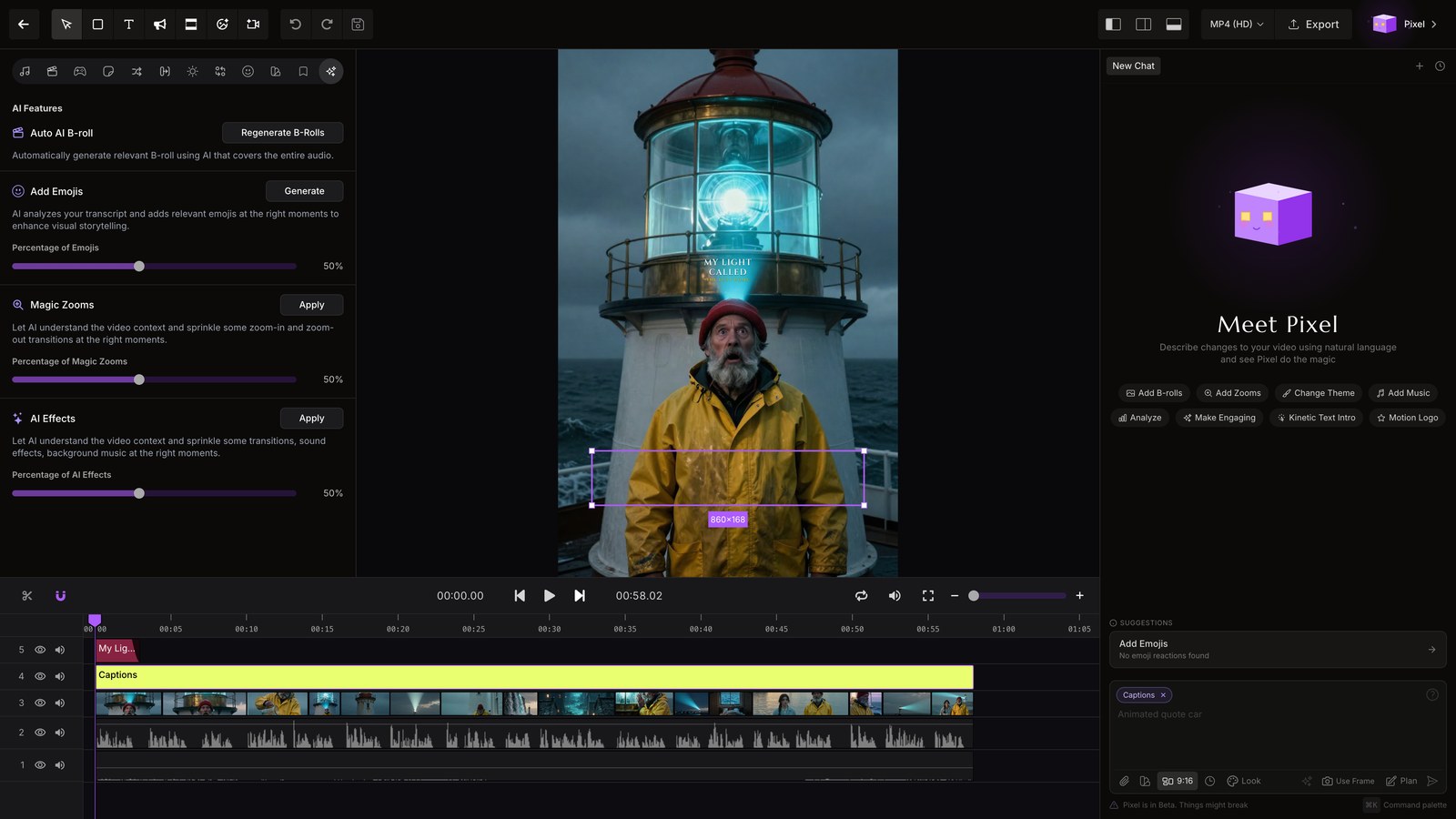
Open AI, then set the density of B roll, emojis, zooms, and effects.
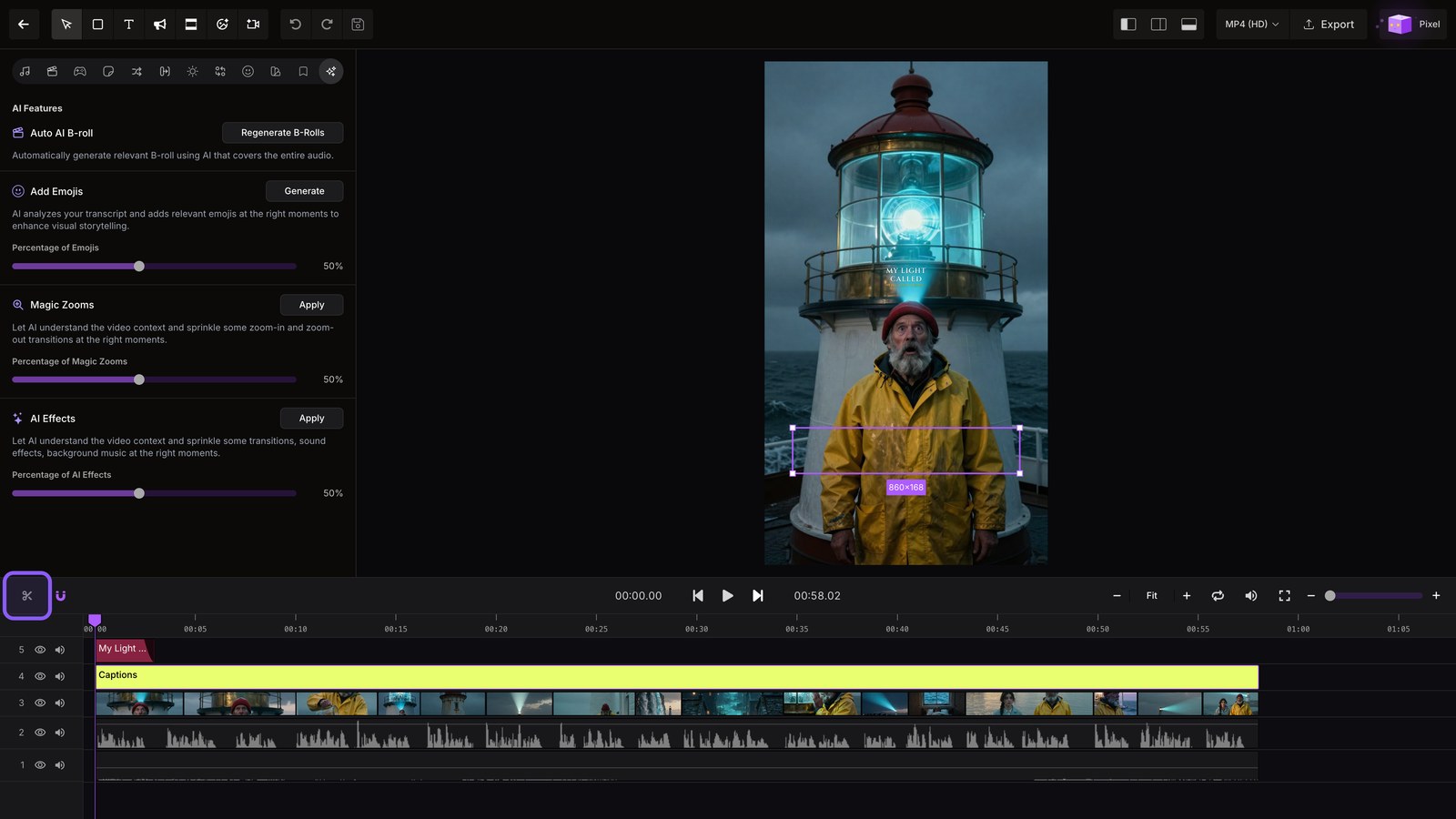
Split clip
Split the clip at the playhead, then undo to restore it.
Timeline zoom
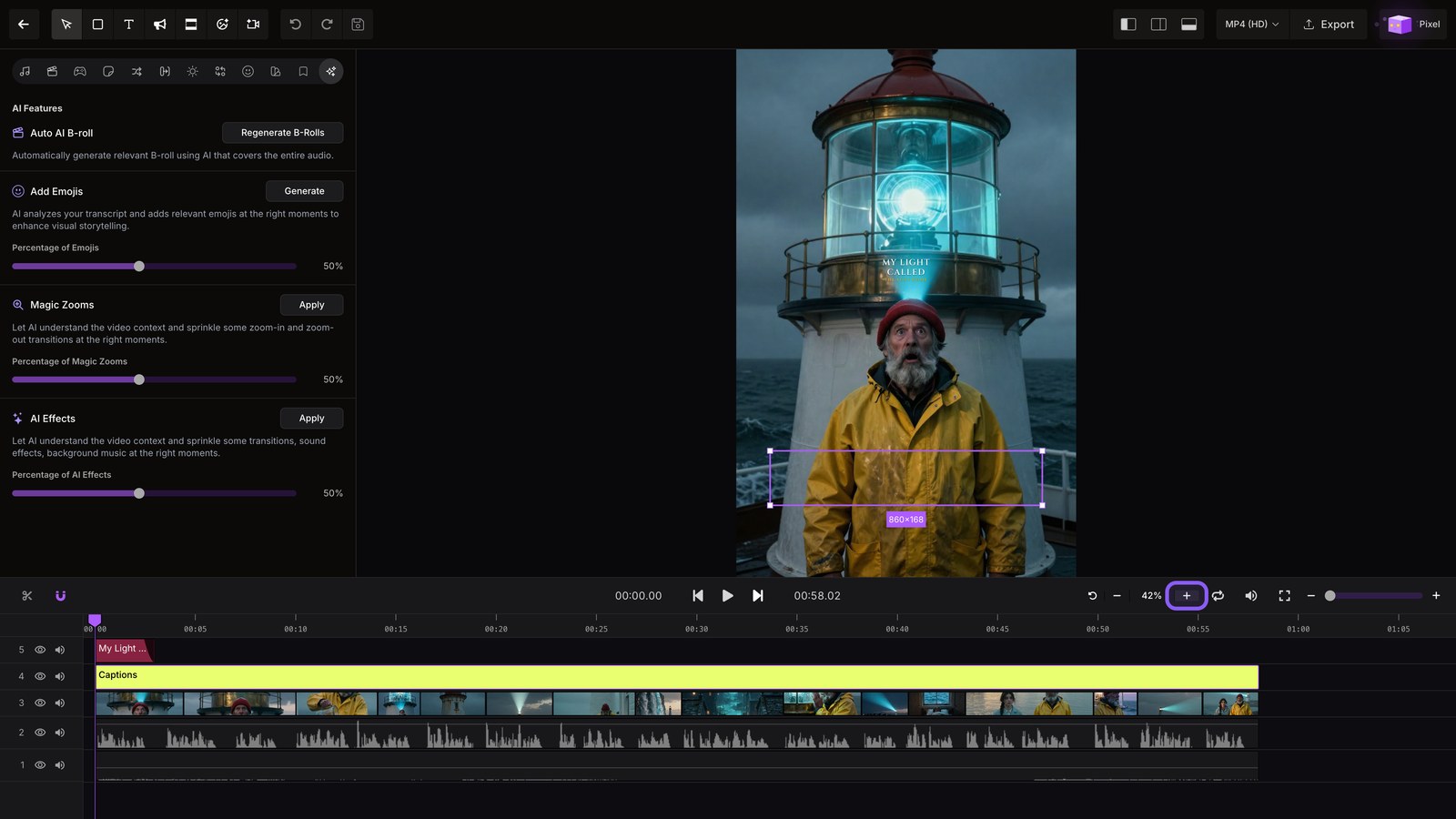
Zoom in for precise trims, with snapping, looping, and mute.
Export formats
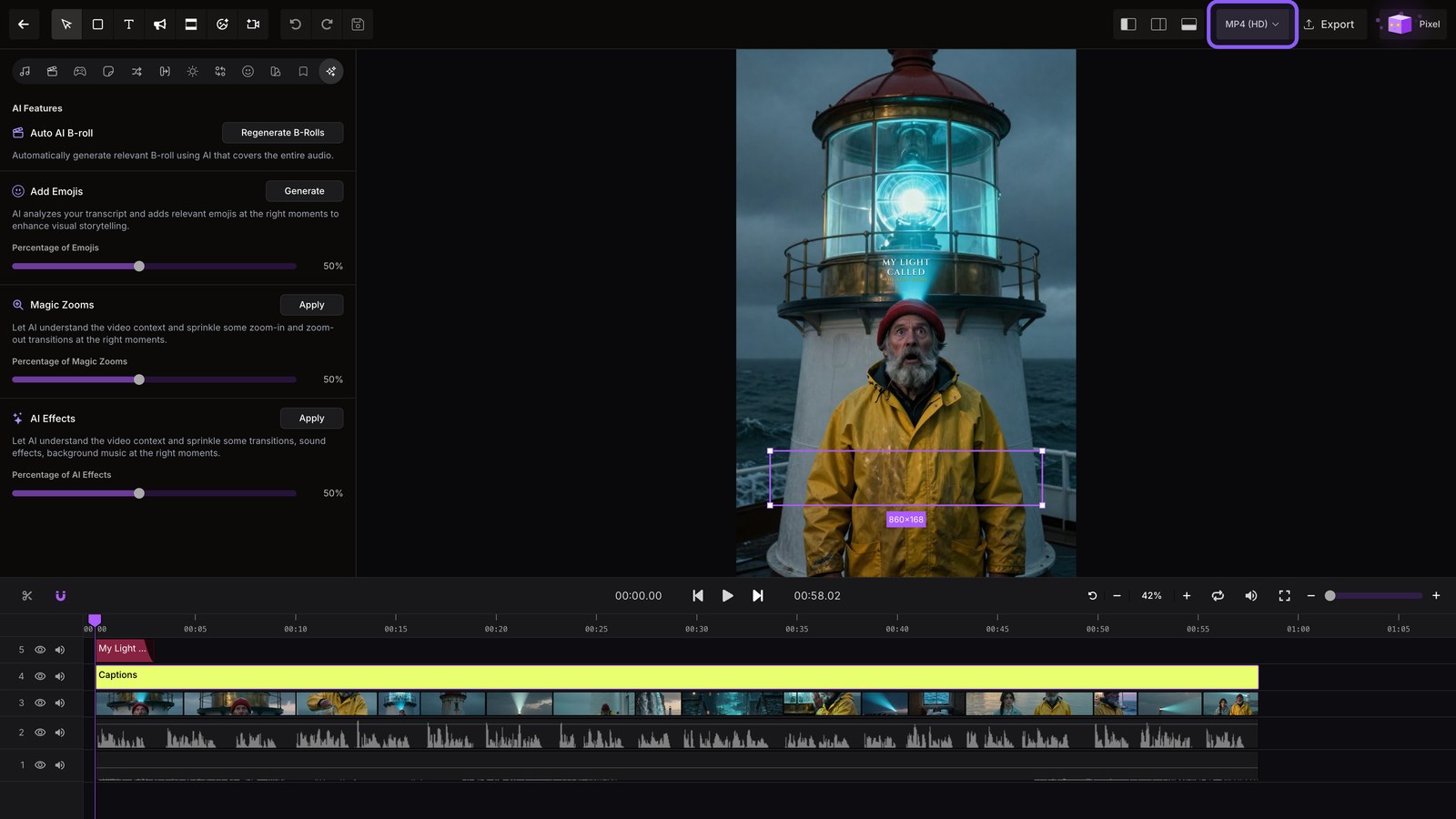
Pick HD for speed, or 4K for the sharpest picture, then close the menu.
Pixel
Open Pixel to retouch any single video frame with the AI image editor.