Getting Around Faceless
A tour of every part of Faceless: creation, automation, publishing, and your account.
Open home
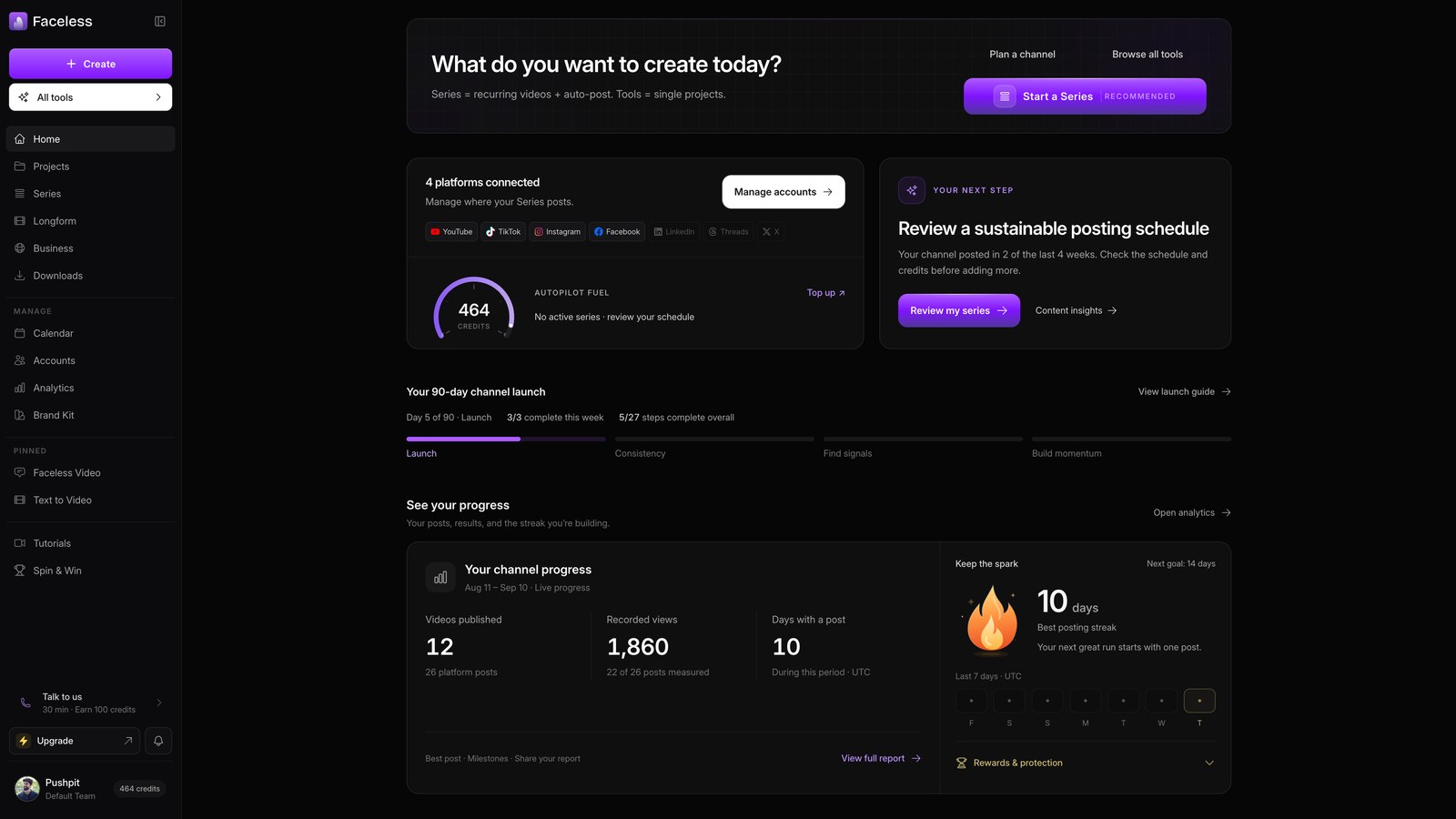
Use Home to start series, connect accounts, and choose formats.
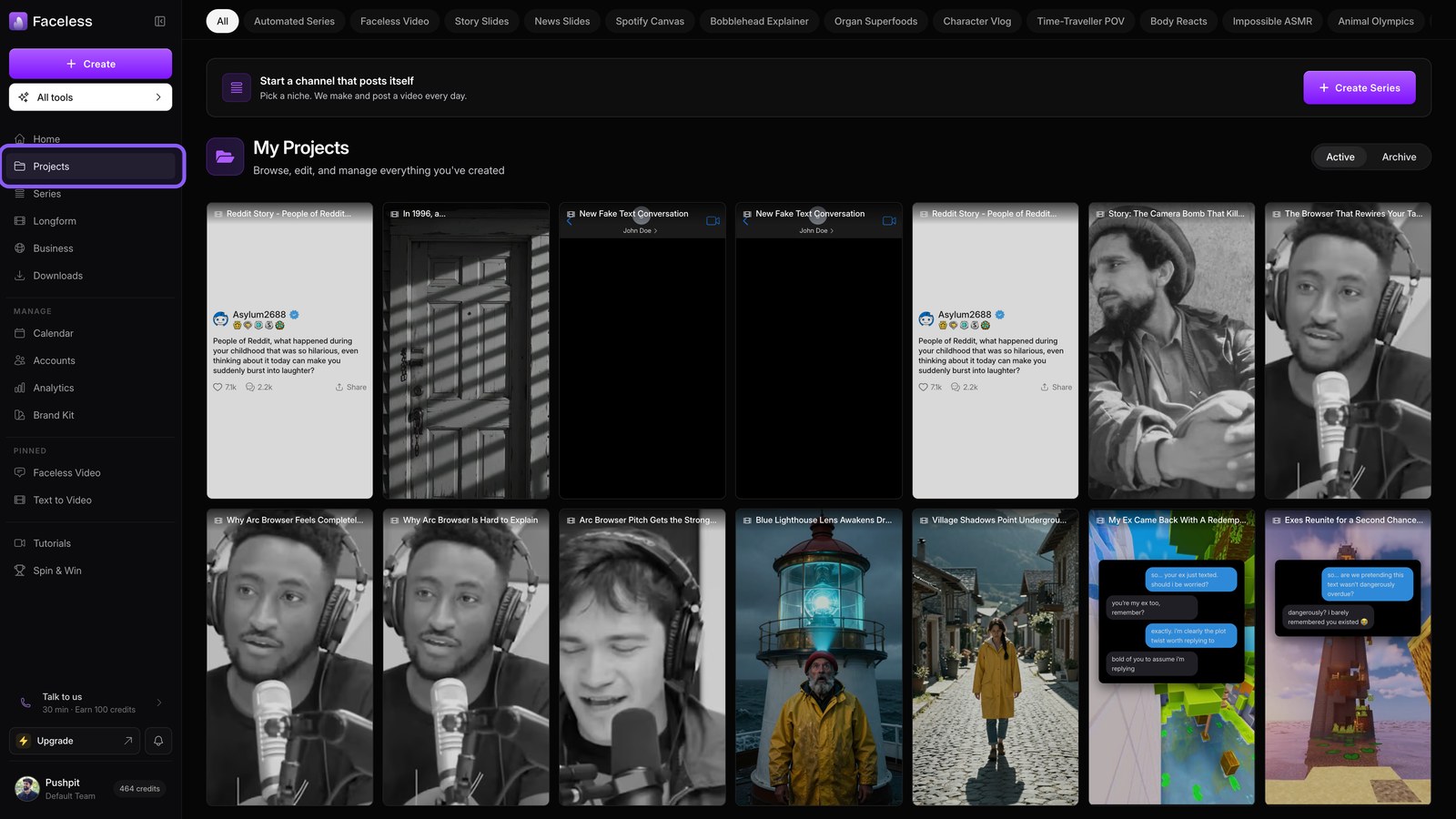
Open projects
Open Projects to edit, download, or revisit anything you create.
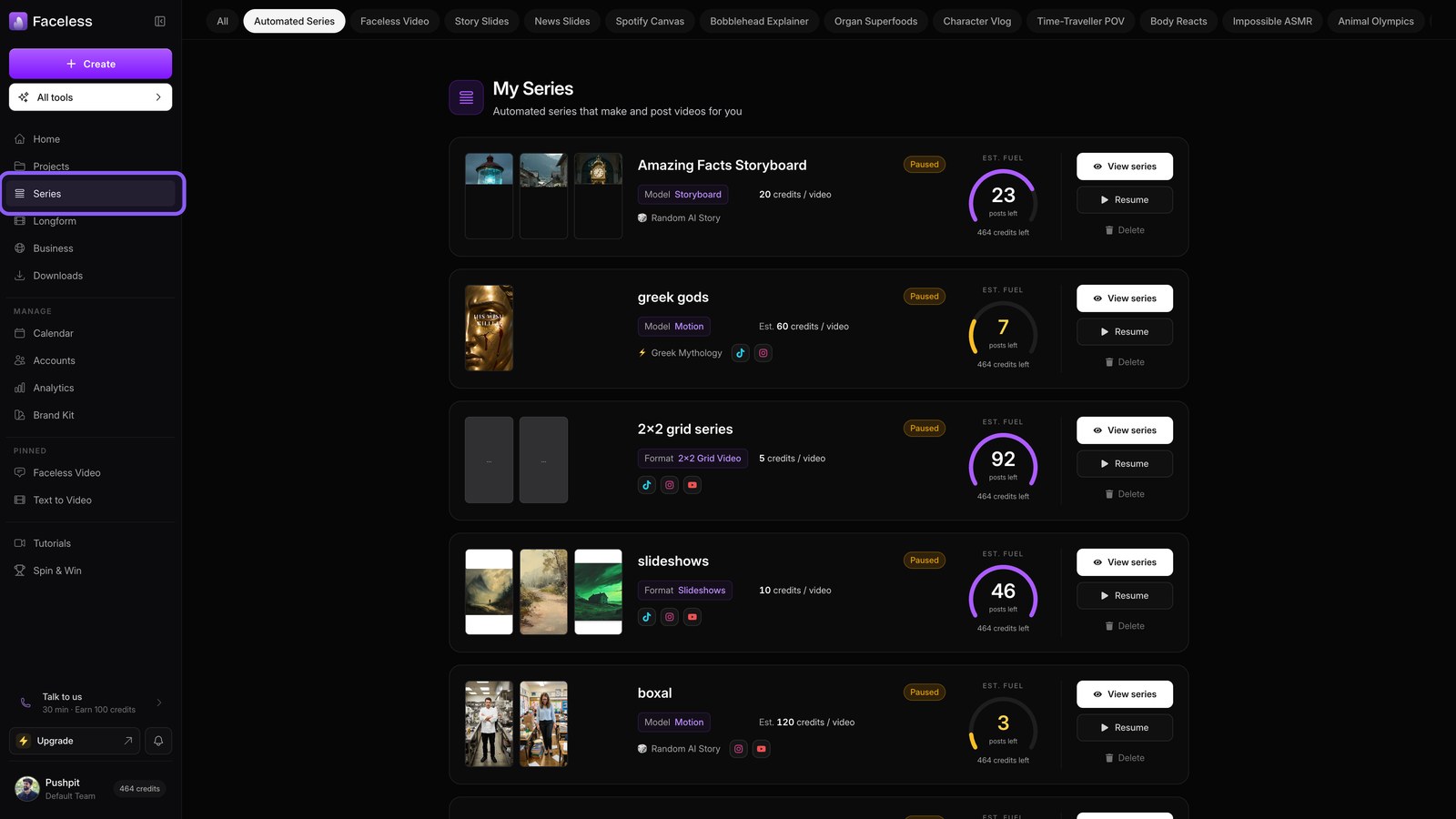
Open series
Open Series to automate recurring scripts, renders, and posts.
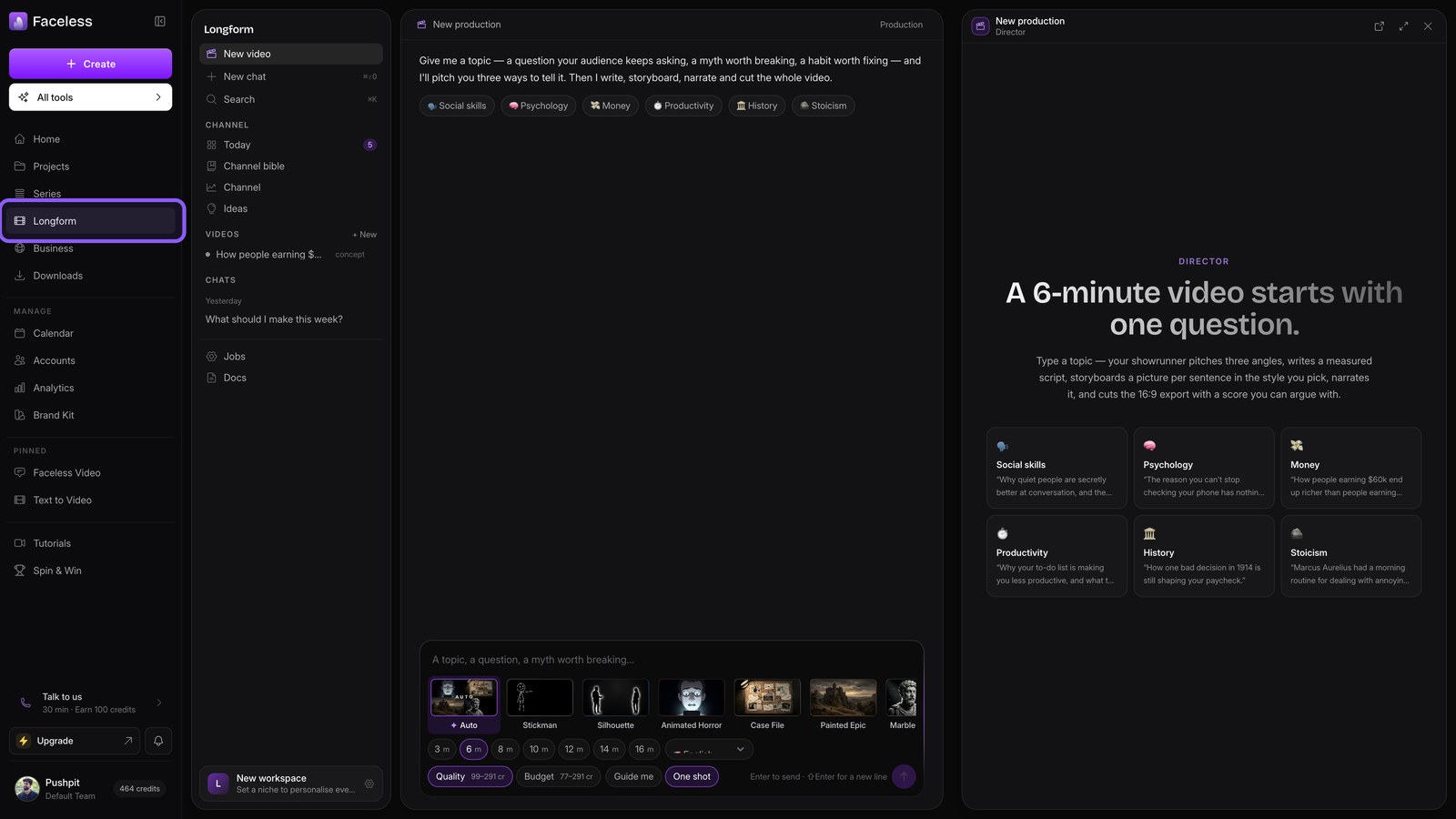
Open longform
Choose Longform to direct and build full length YouTube videos.
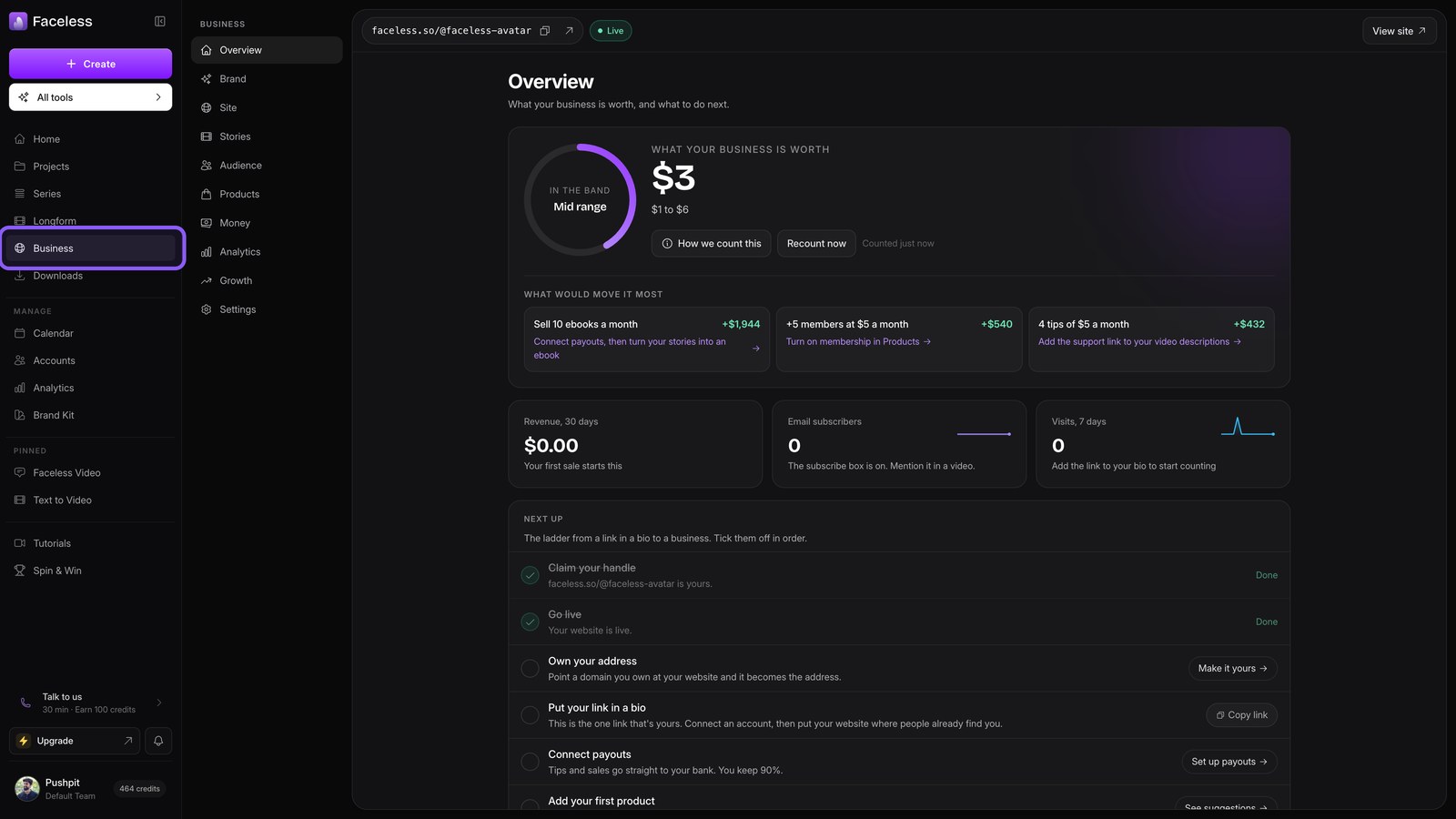
Open business
Open Business to build story pages, shops, and audiences.
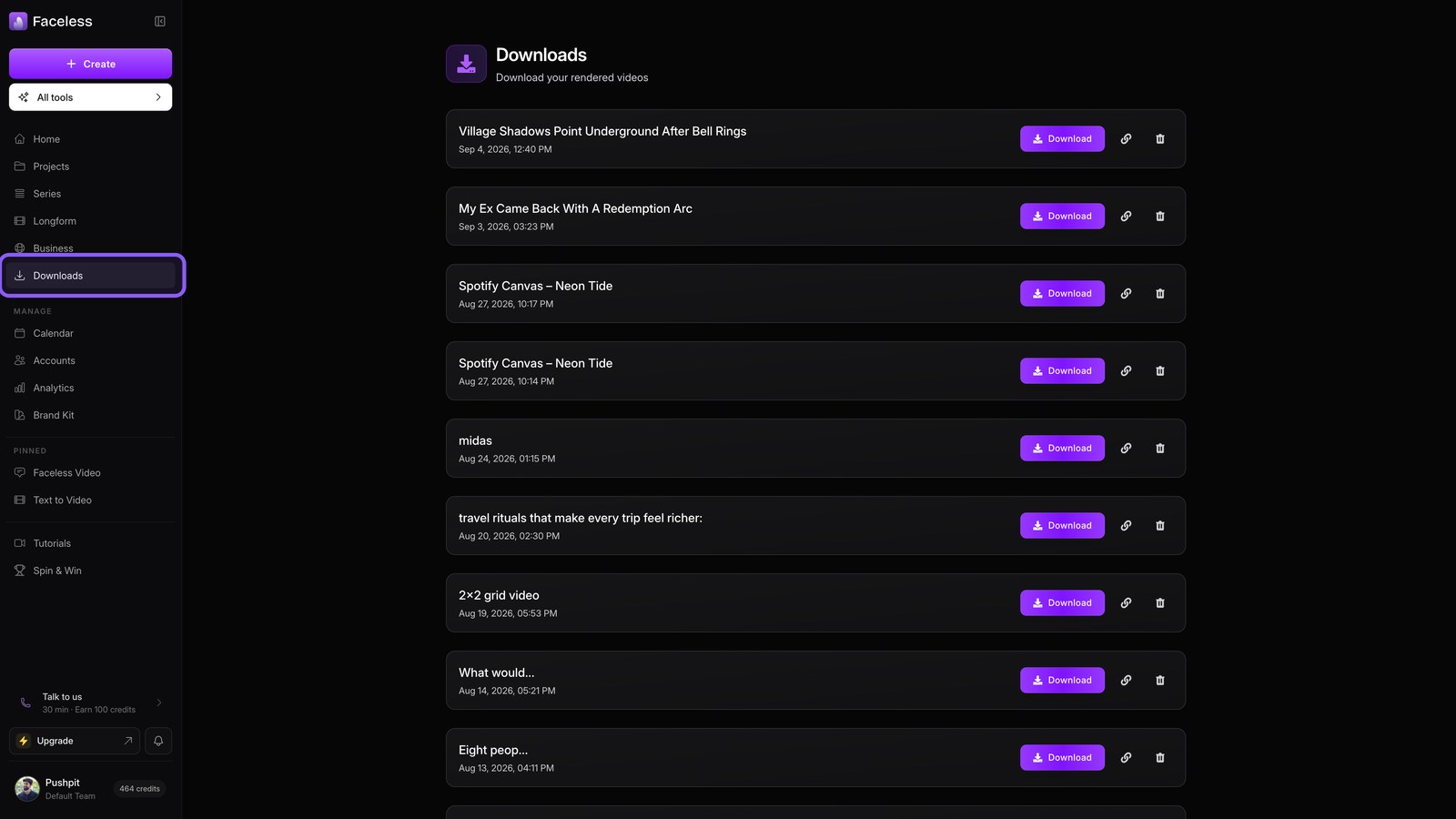
Open downloads
Open Downloads to save or reuse your rendered files.
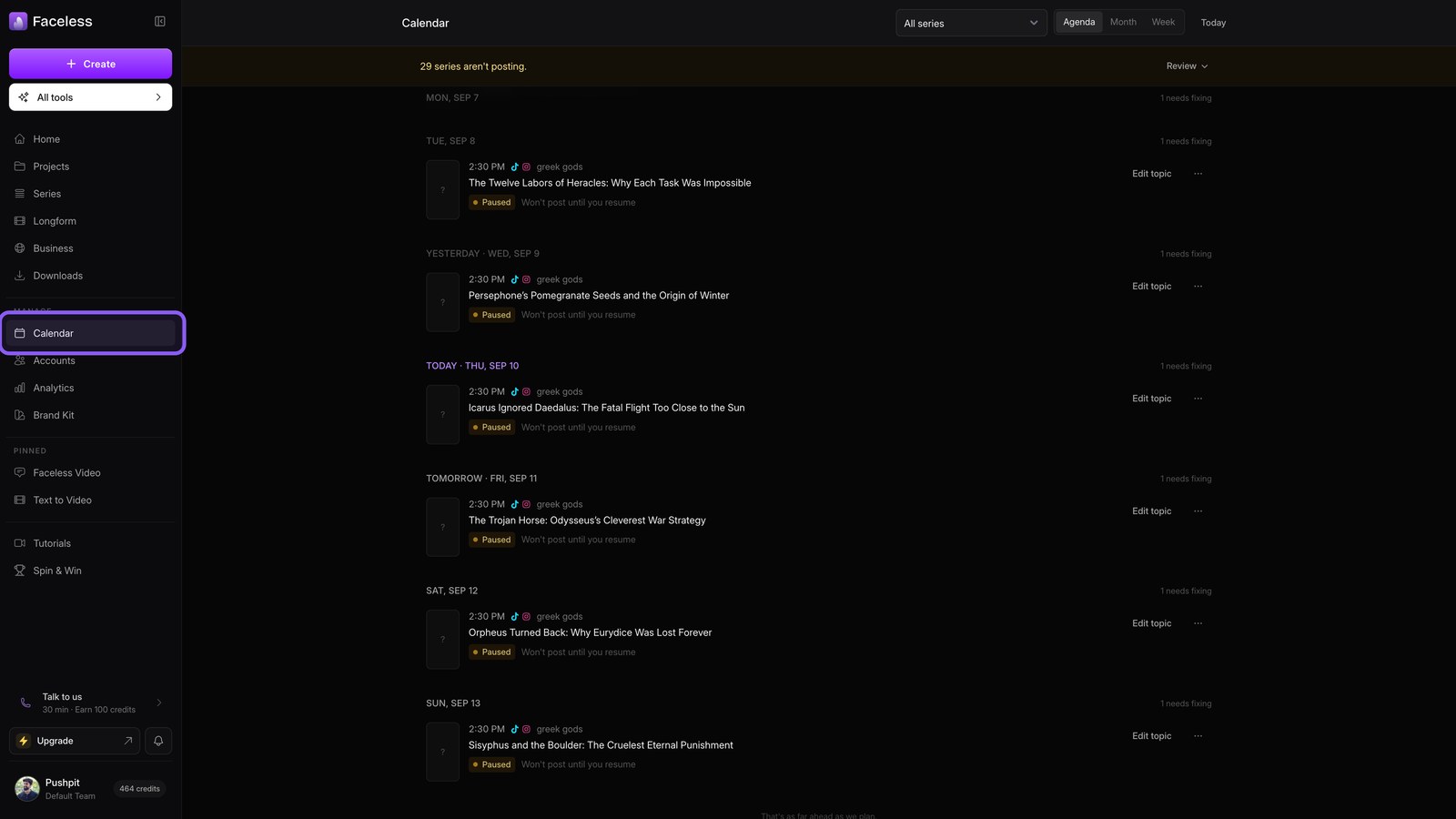
Open calendar
Check Calendar to see scheduled posts across every account.
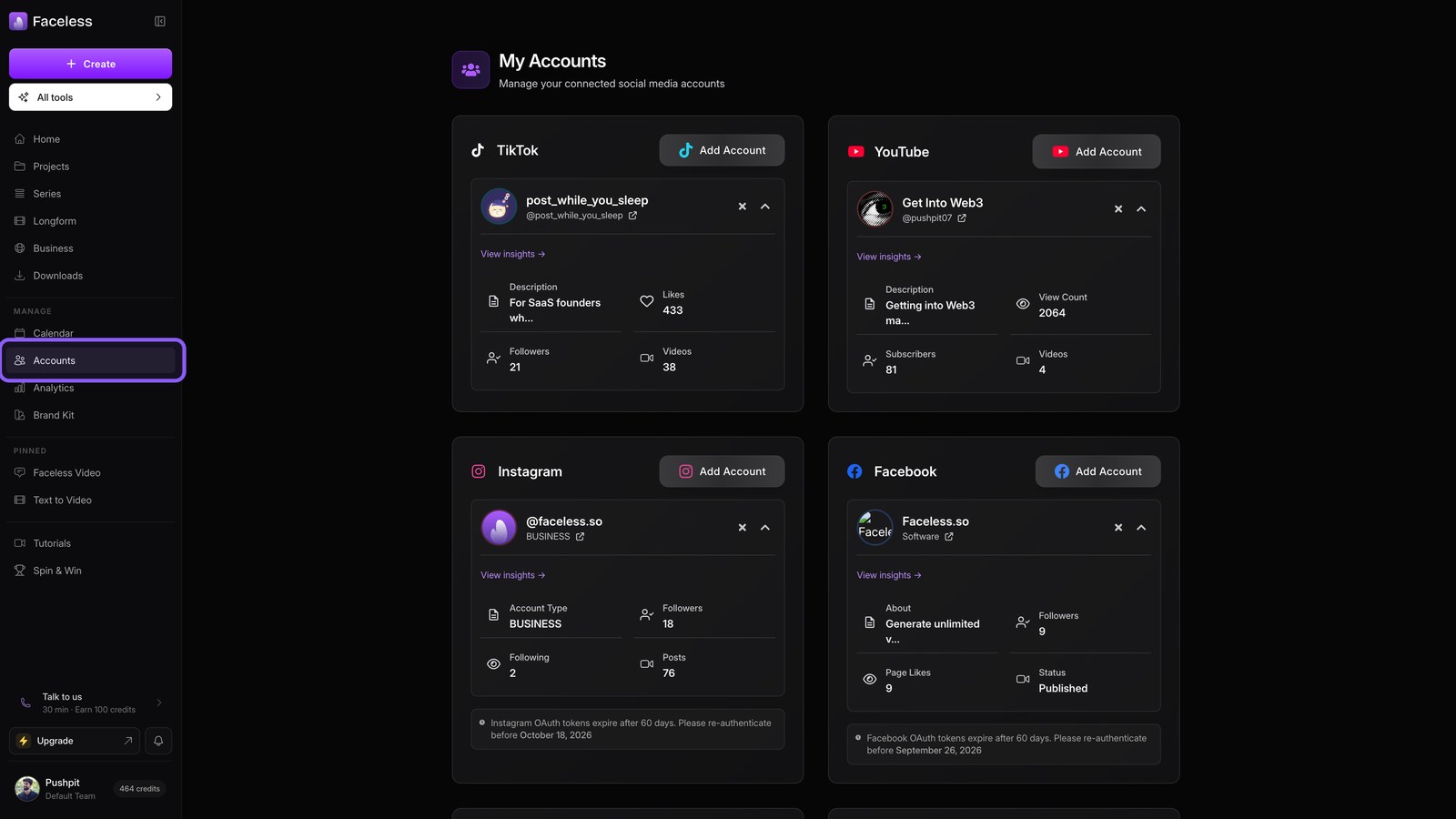
Open accounts
Open Accounts to connect platforms for automatic series publishing.
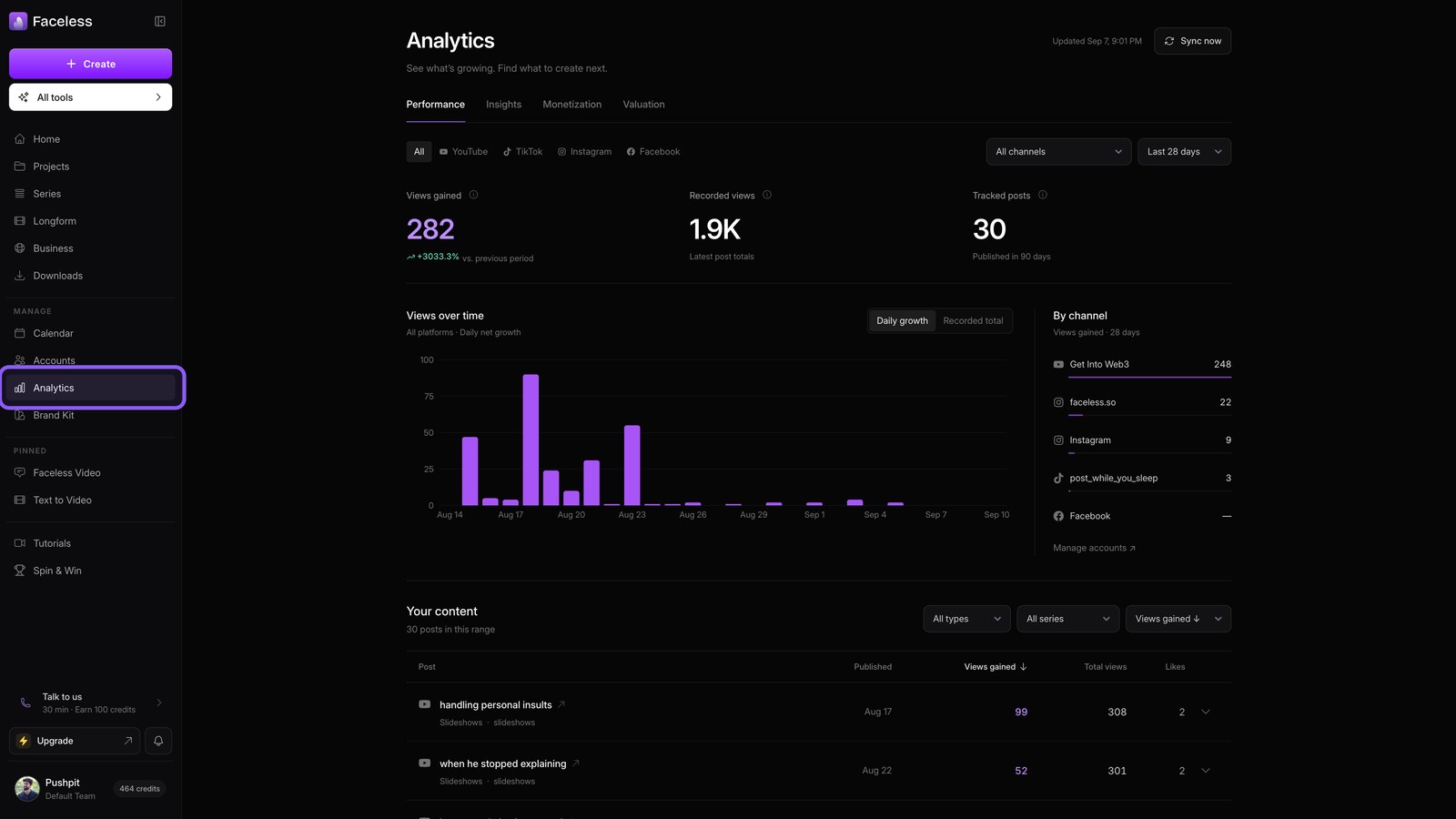
Open analytics
Use Analytics to track results and guide future posts.
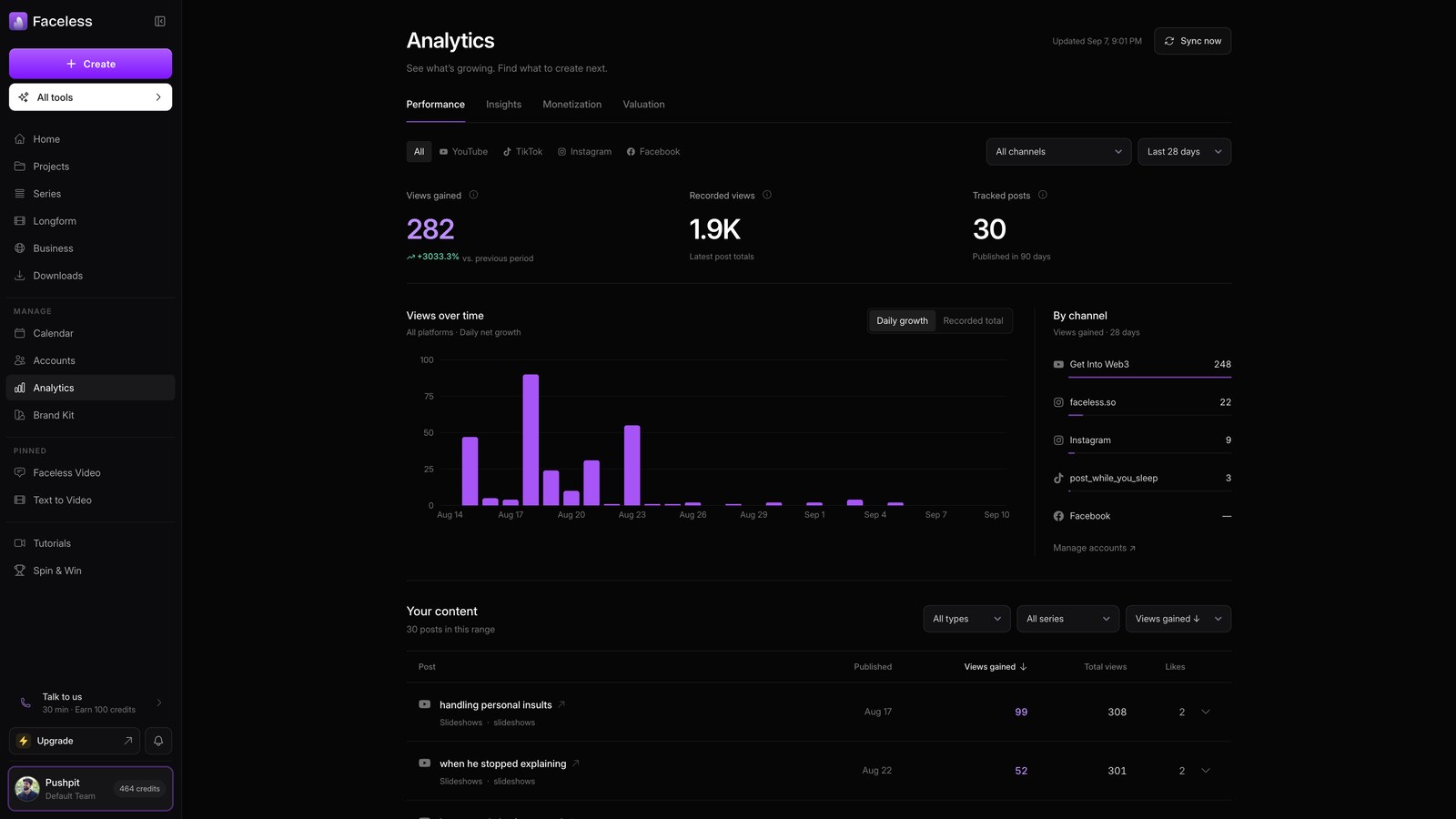
Open account menu
Open your account menu for team settings, billing, credits, and voices, then close it.
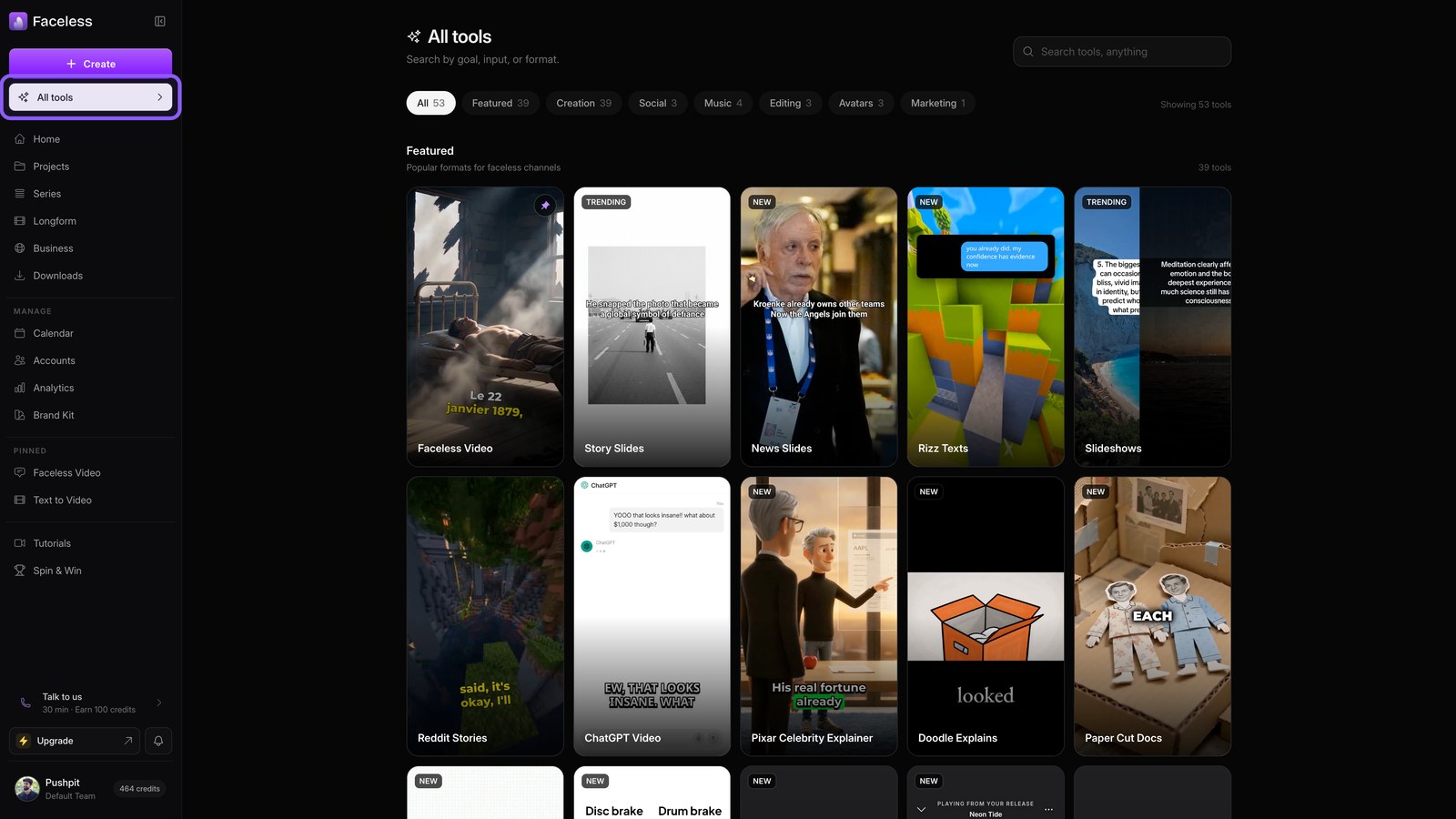
Open all tools
Open All tools to browse every Faceless format. Pick one when you are ready to create.