Faceless Tutorials
Tutorial 13 / 36Automation & publishing
Manage Your Content Calendar
See everything your series will post, move dates, and keep posting healthy.
31s4 steps
0/4 done
01
Open calendar
Open the calendar to see every scheduled, generating, and posted video.
02
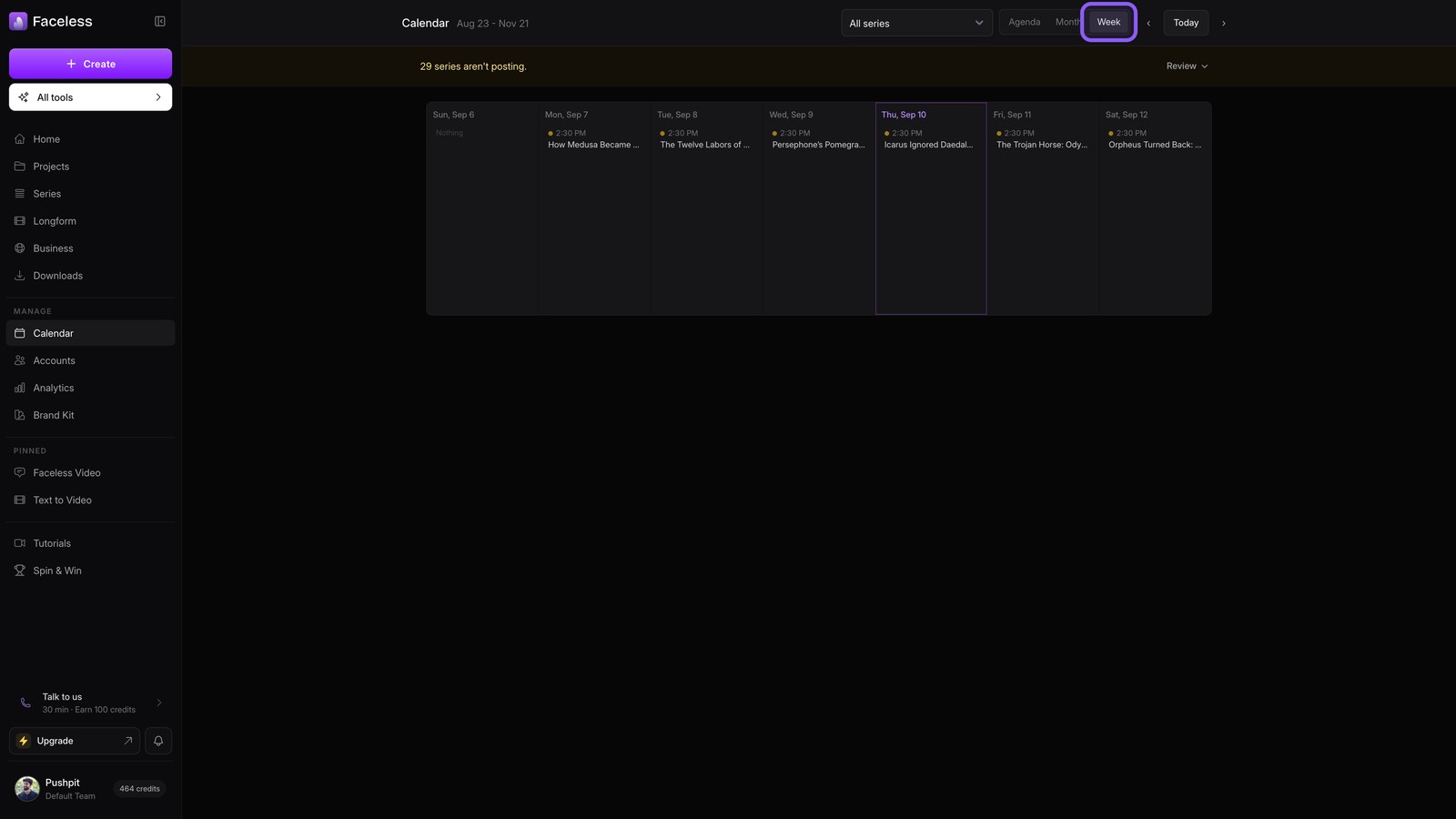
Week view
Switch to Week to scan the next few days and spot what is coming.
03
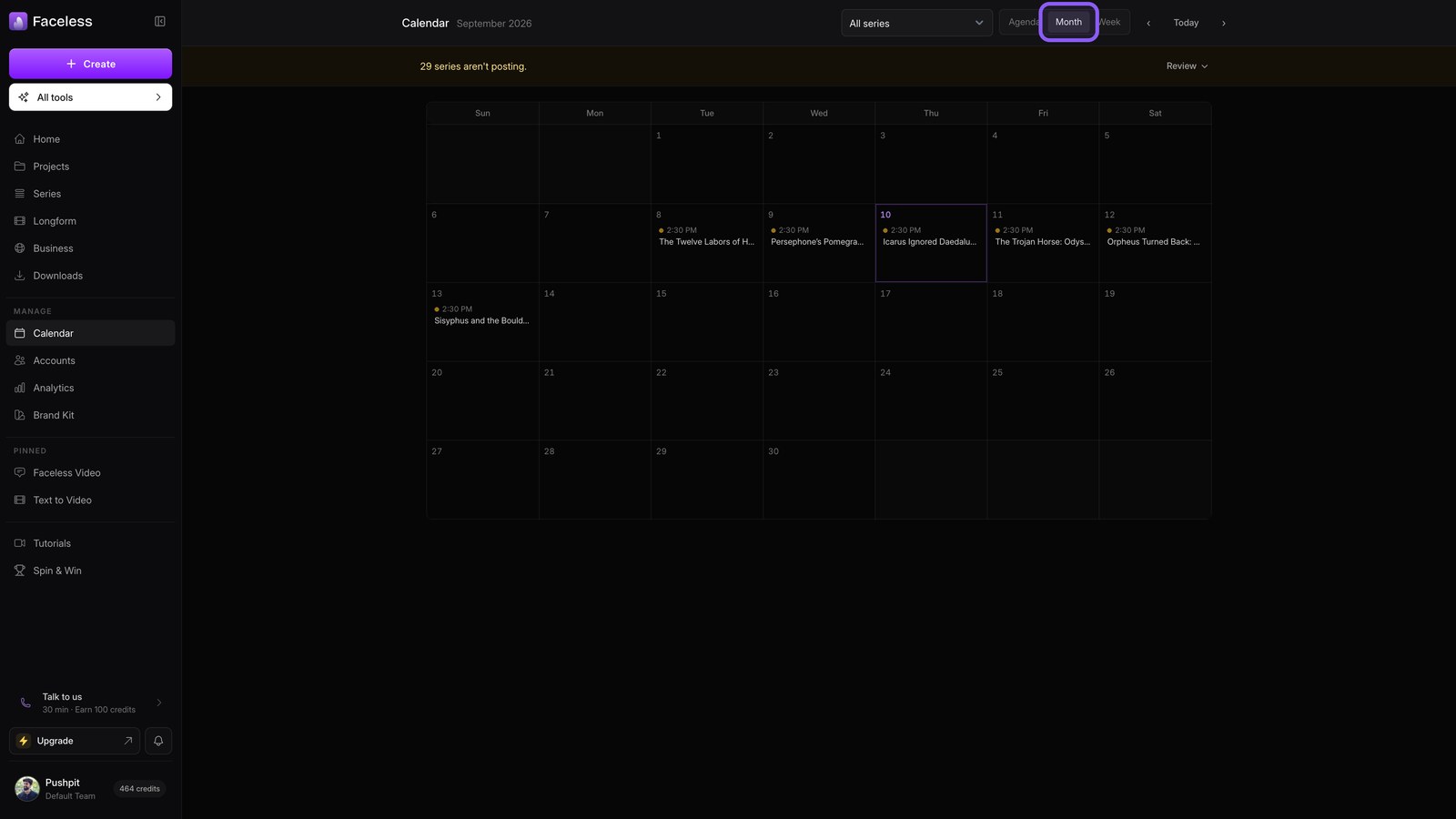
Month view
Choose Month to see your full posting rhythm, including gaps and streaks.
04
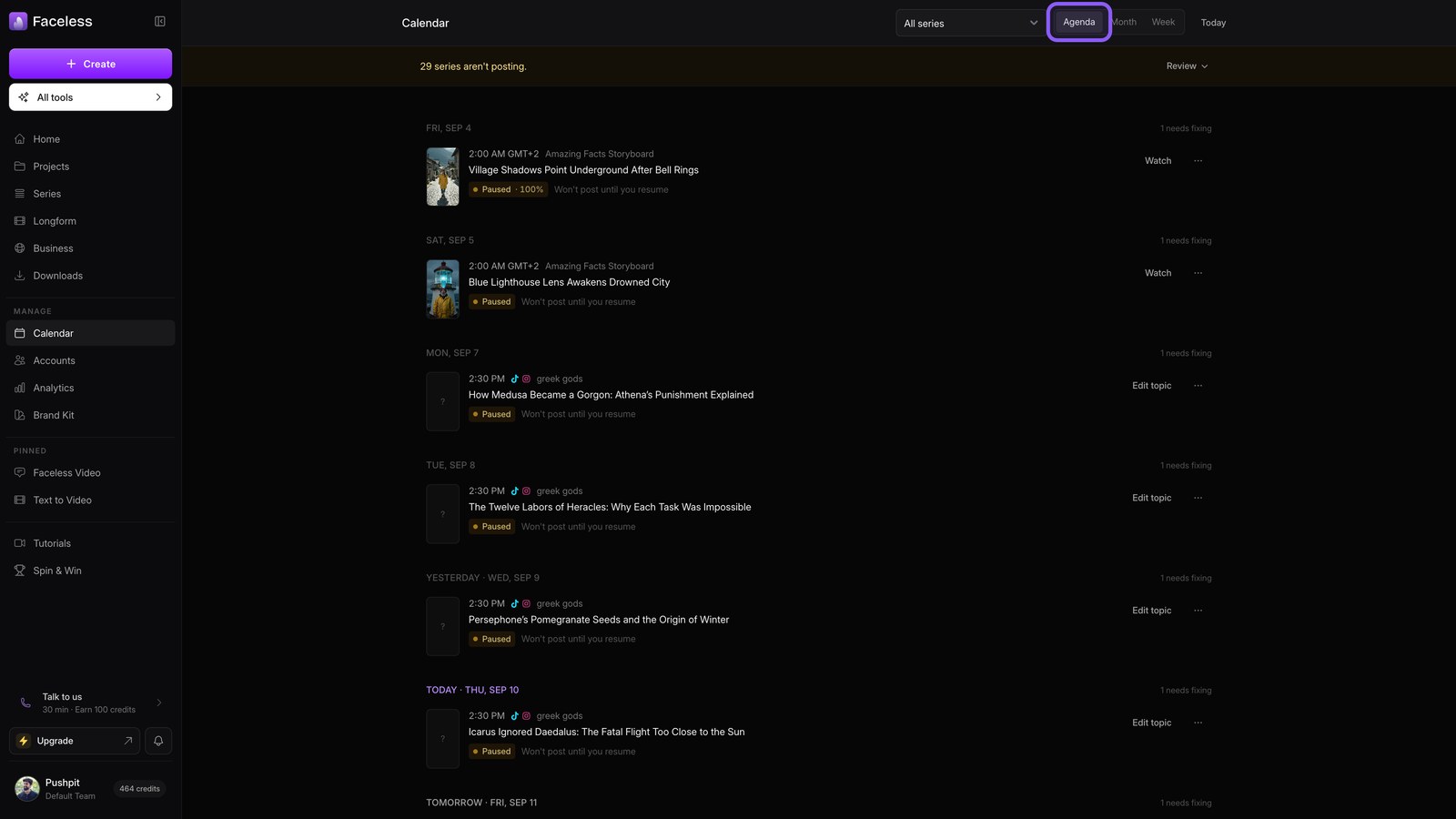
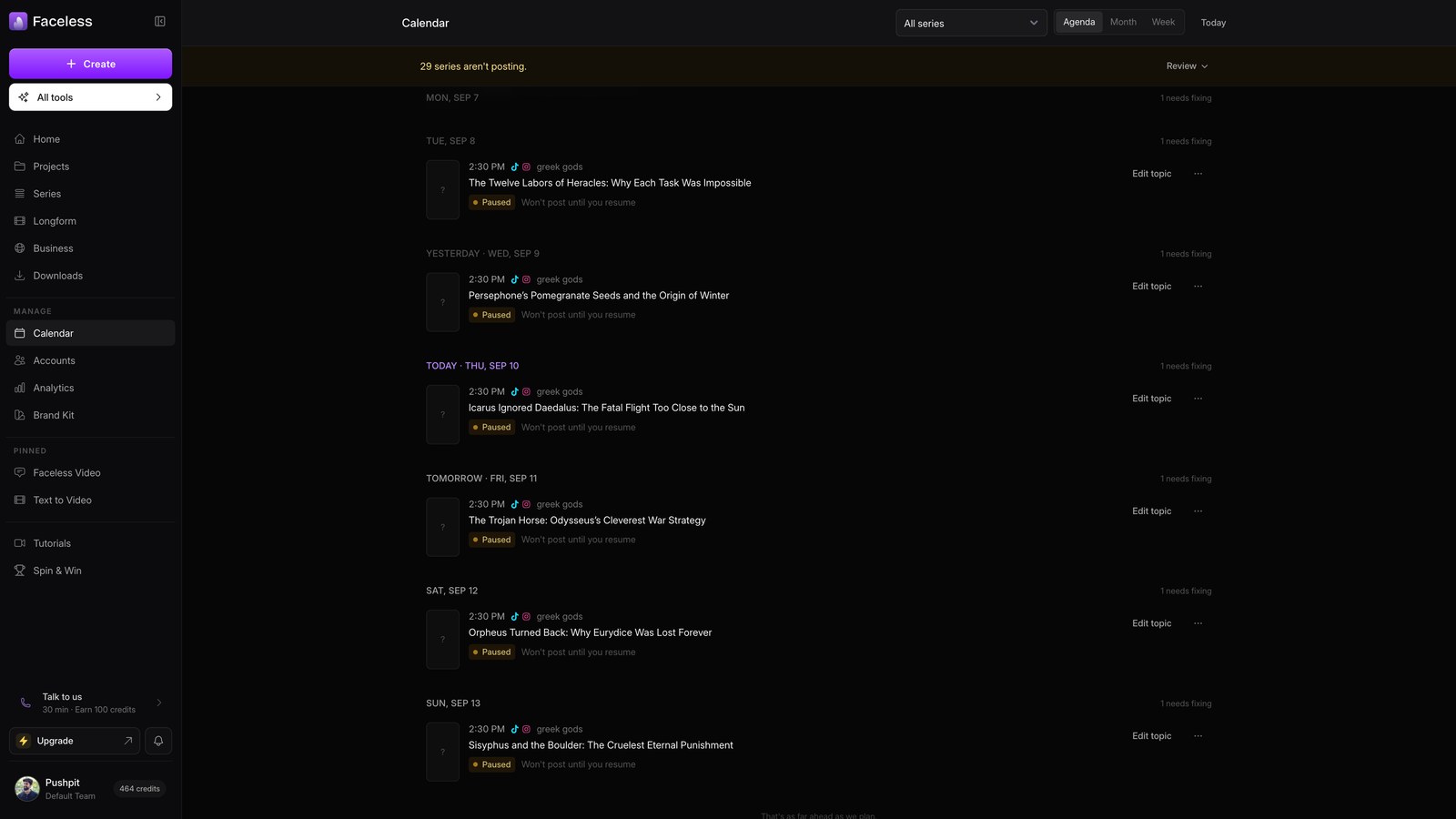
Entry actions
Open Agenda, then use any entry to reschedule, edit its topic, or generate it now.