Plan a Channel
Turn your interests into a full channel plan: idea, format, look, voice, and schedule.
From home
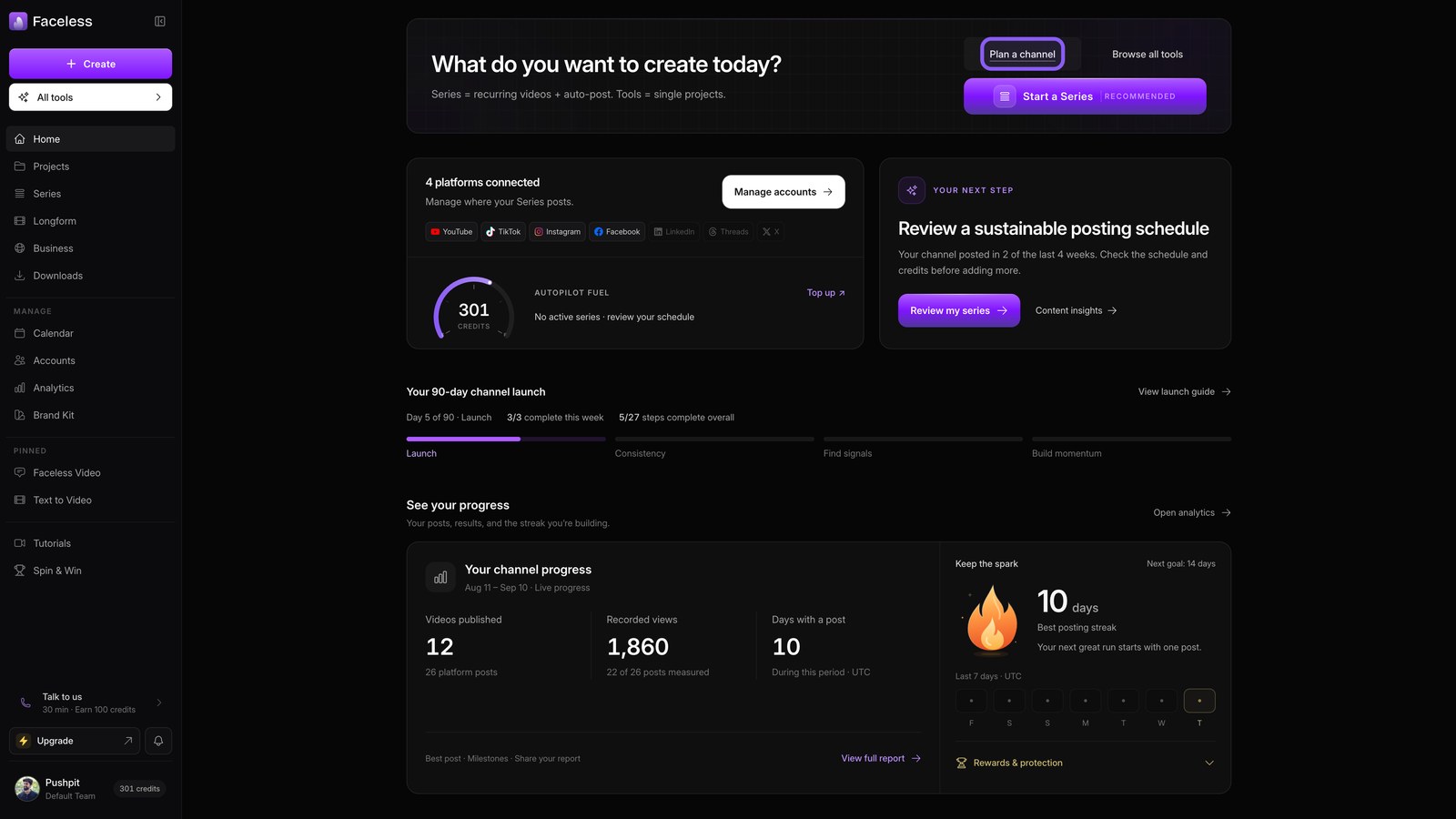
From your dashboard, choose Plan a channel to shape your idea before you start a series.
Pick path
Choose Find my direction to build from your interests and start fresh.
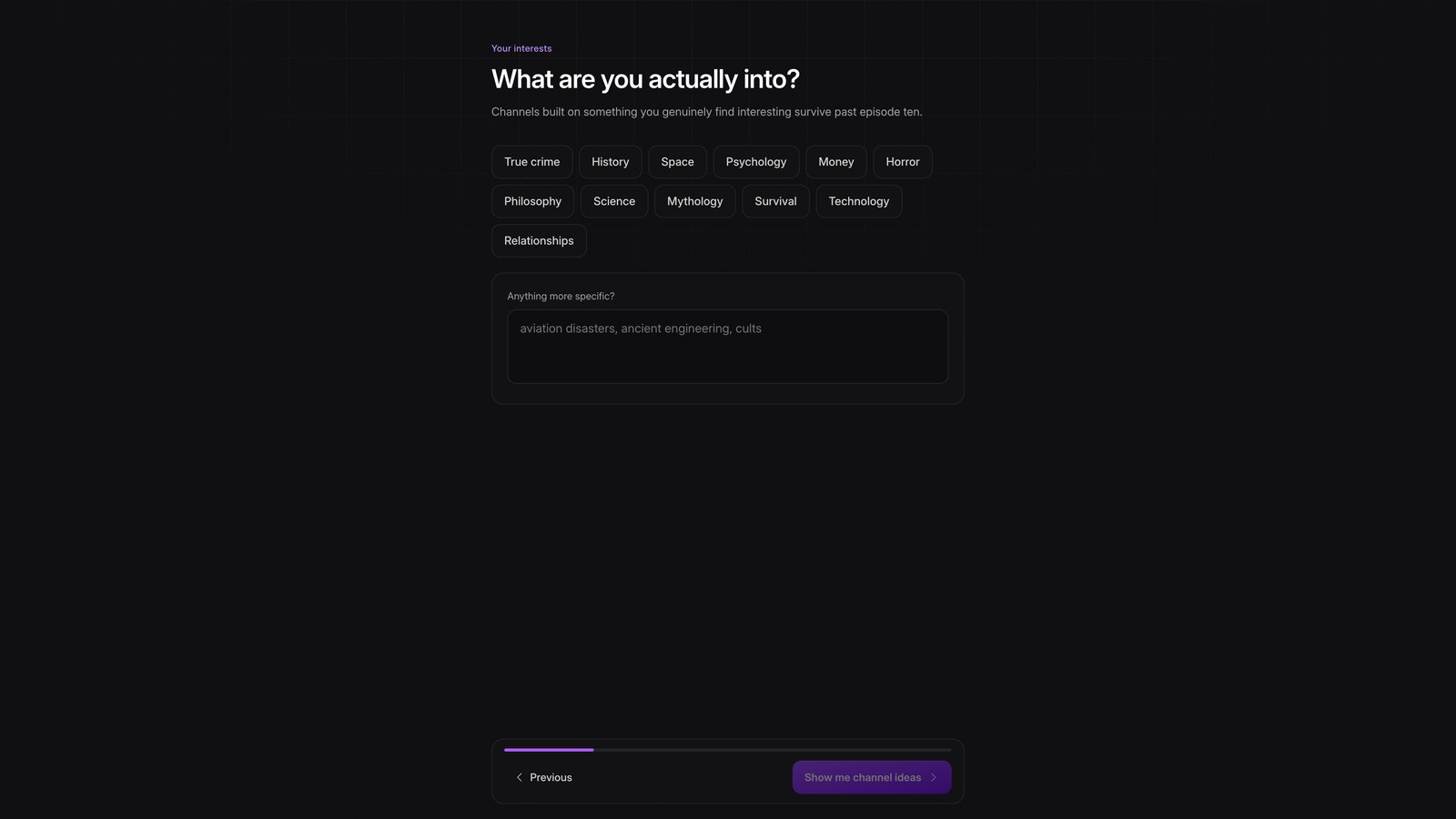
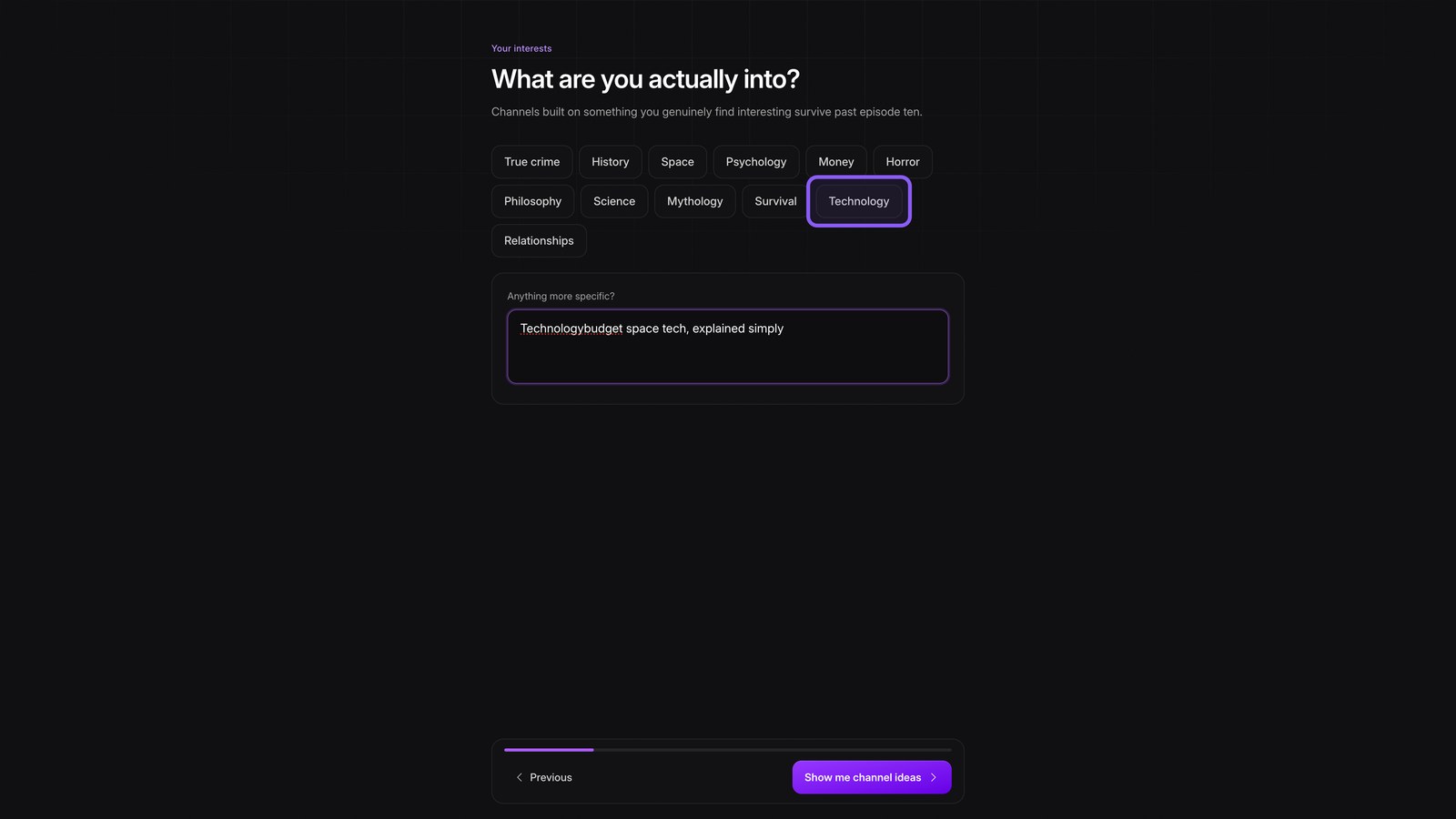
Your interests
Pick Technology, then add budget space tech, explained simply, to narrow the ideas.
Channel ideas
Show your channel ideas, wait for six options, then scroll through their sample episodes.
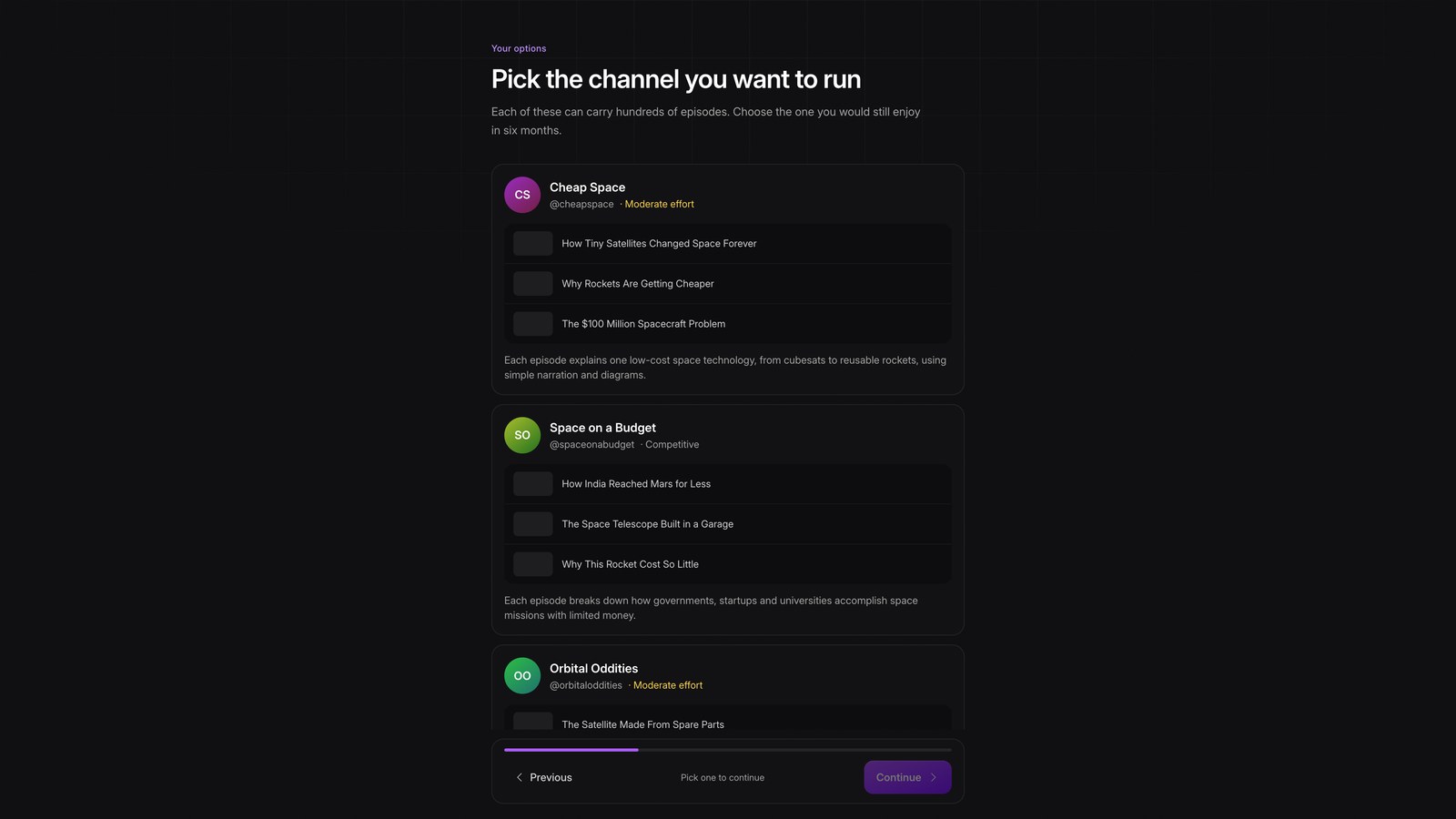
Pick idea
Choose the moderate effort idea you would still enjoy making in six months, then continue.
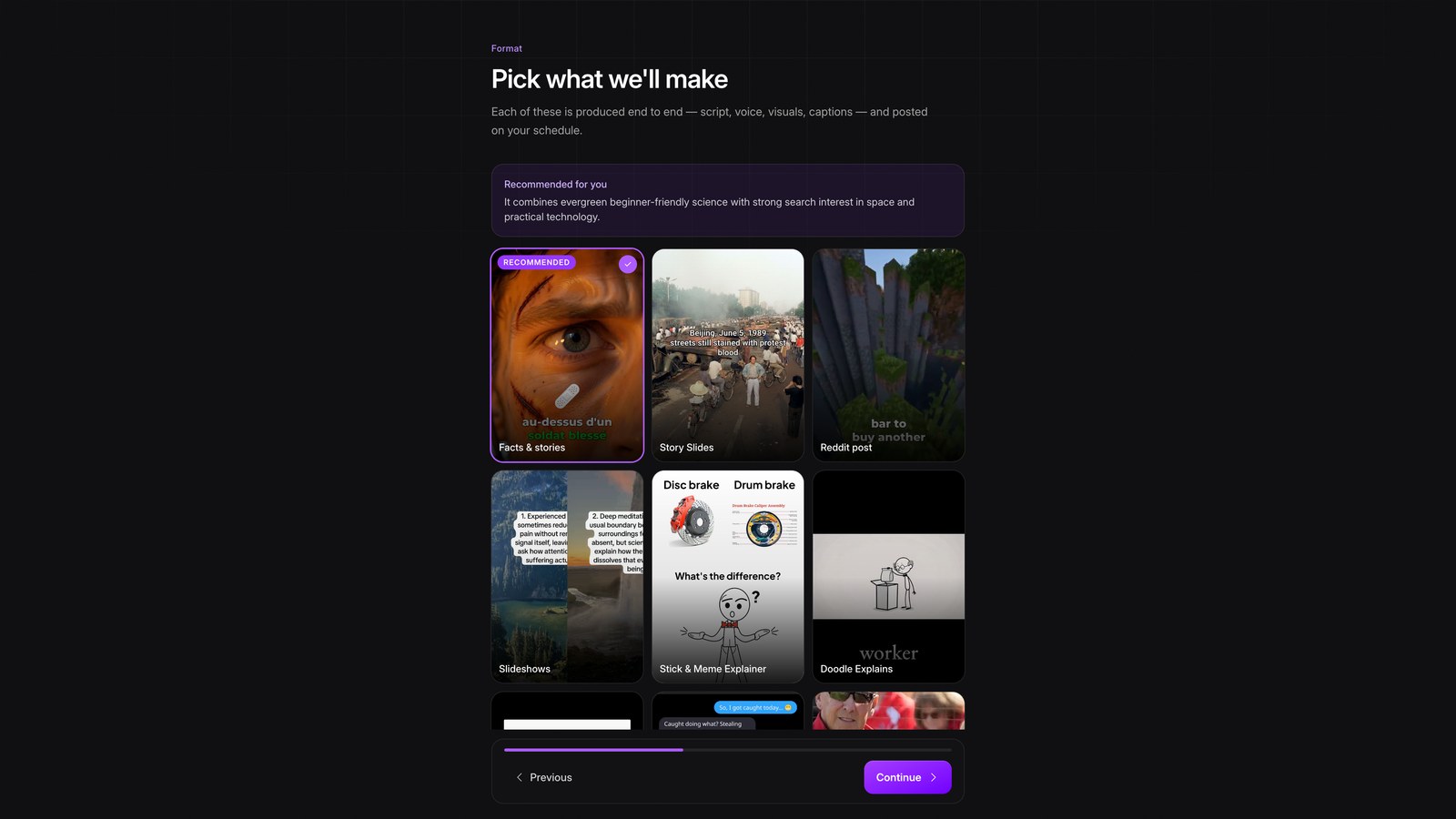
What well make
Choose a format for each episode, from music videos to montages, then continue.
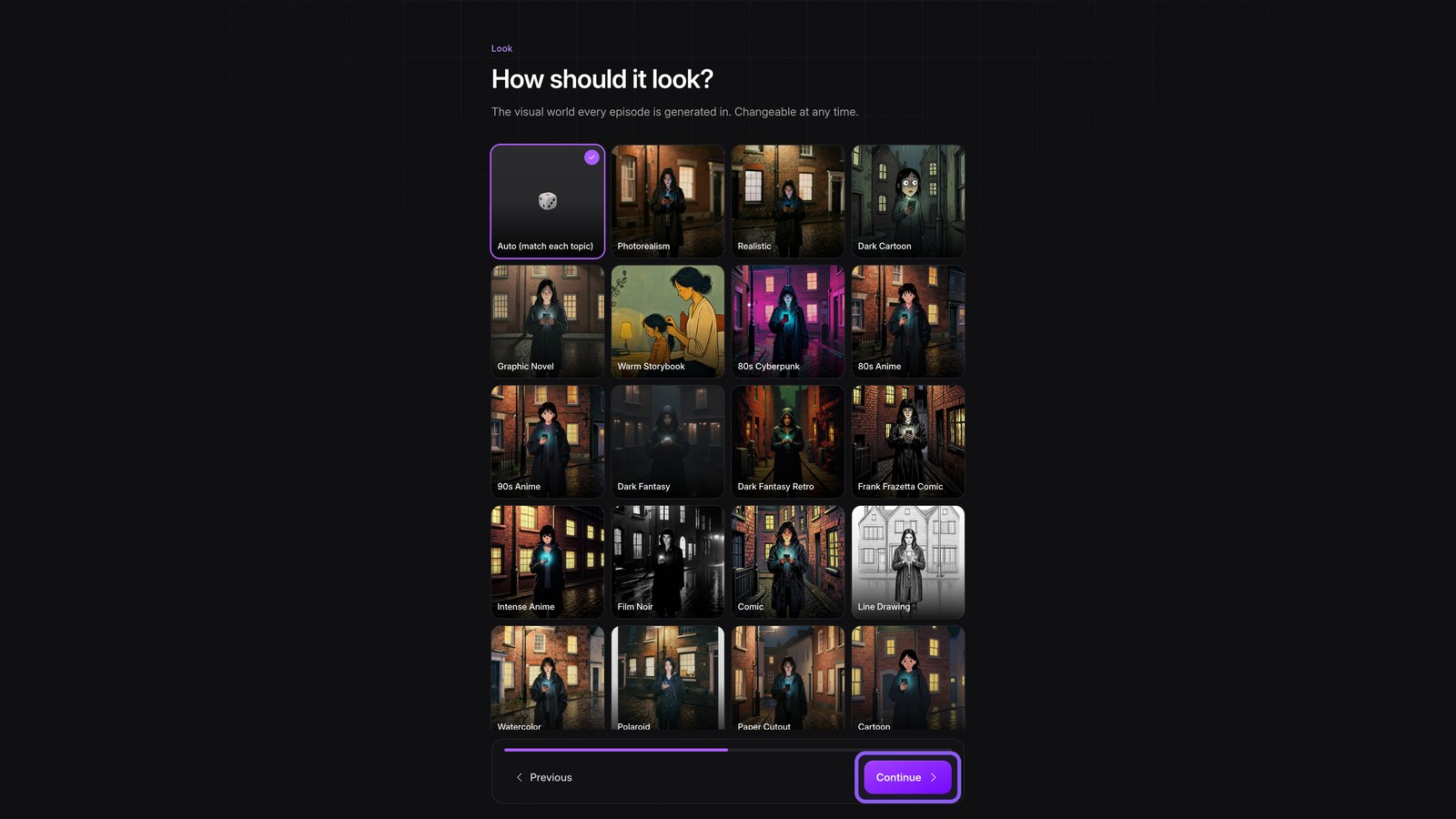
Look and captions
Choose one art style so every episode shares a look, then continue. Pick matching captions and continue again.
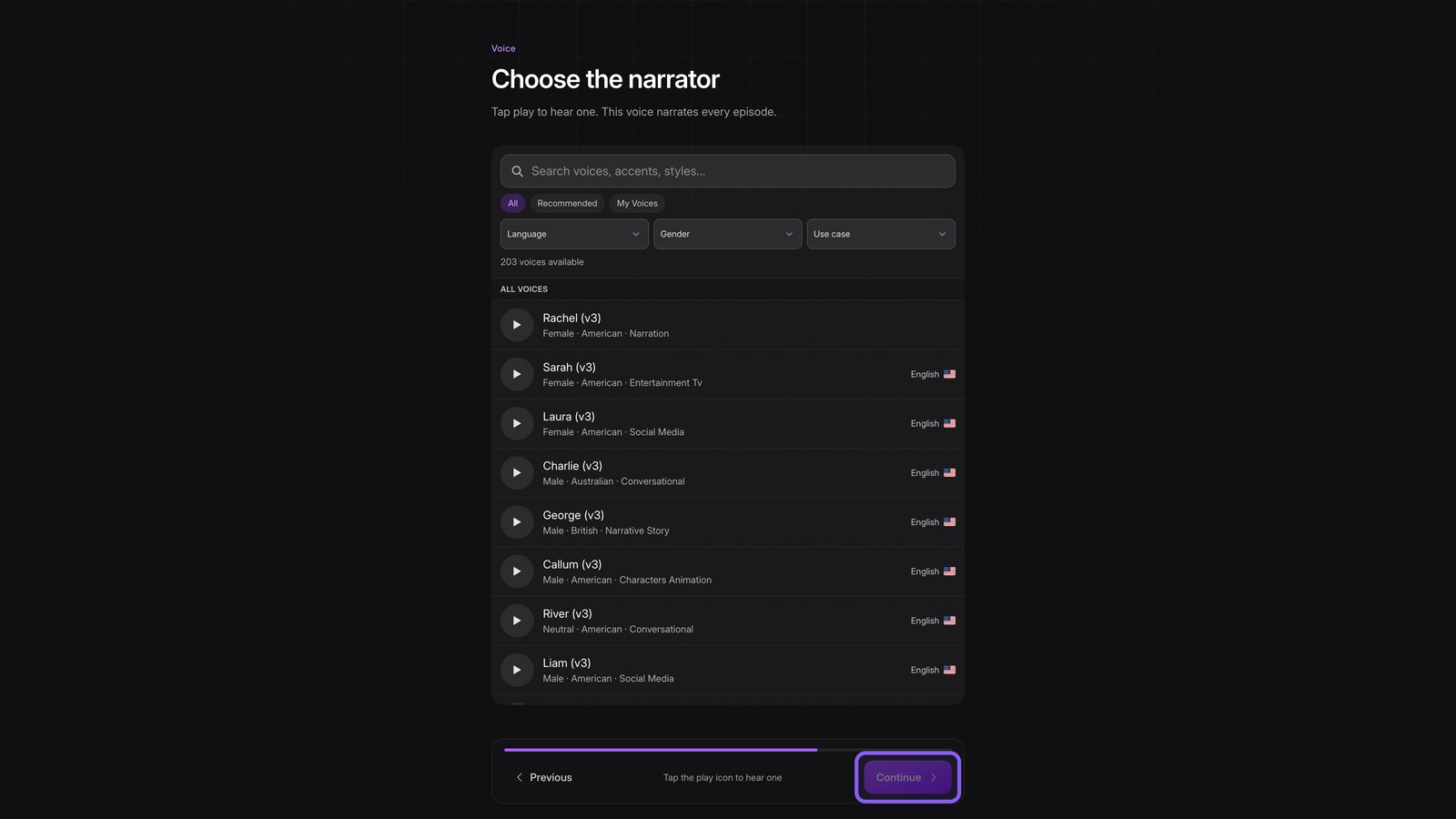
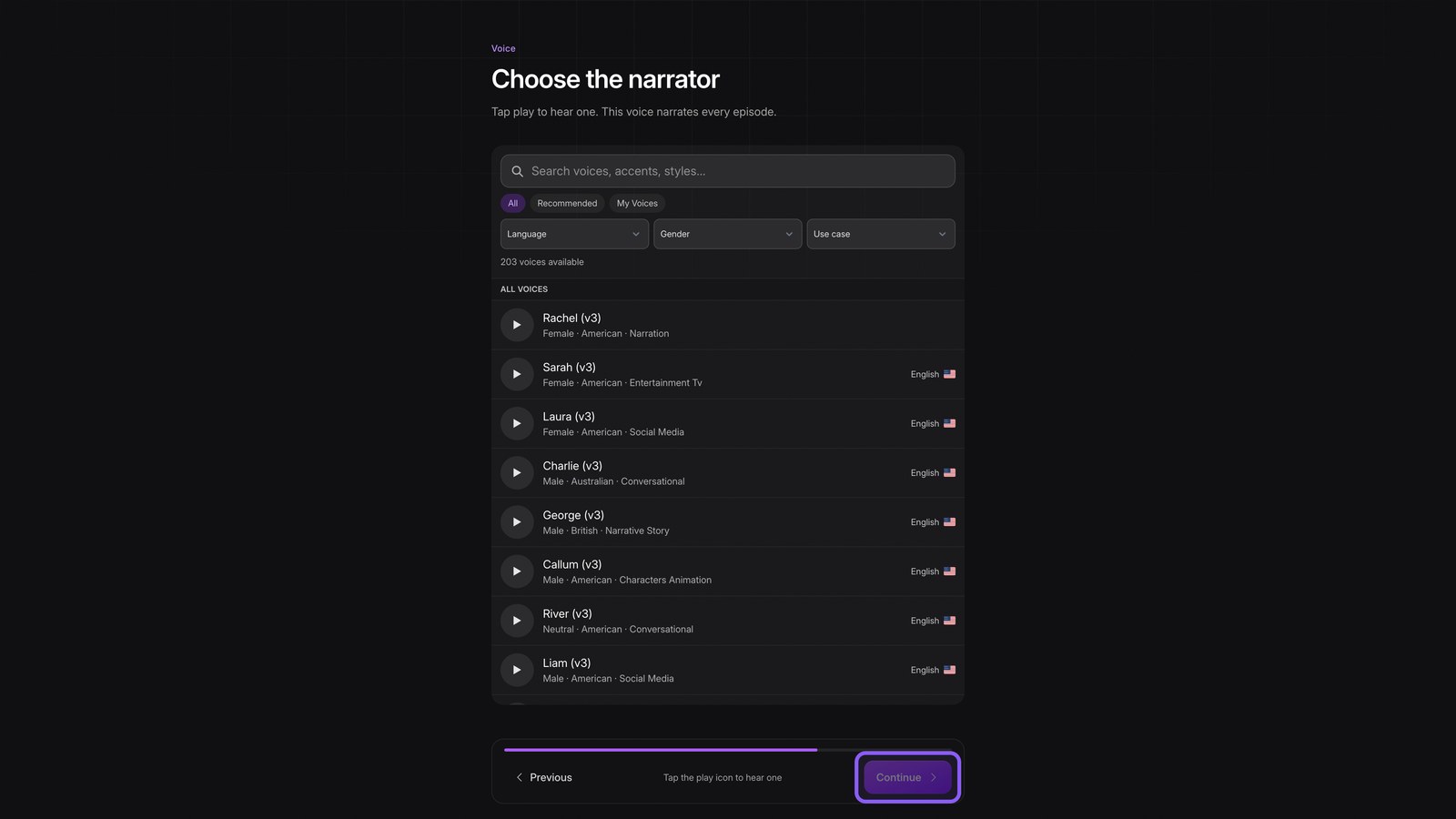
Narrator
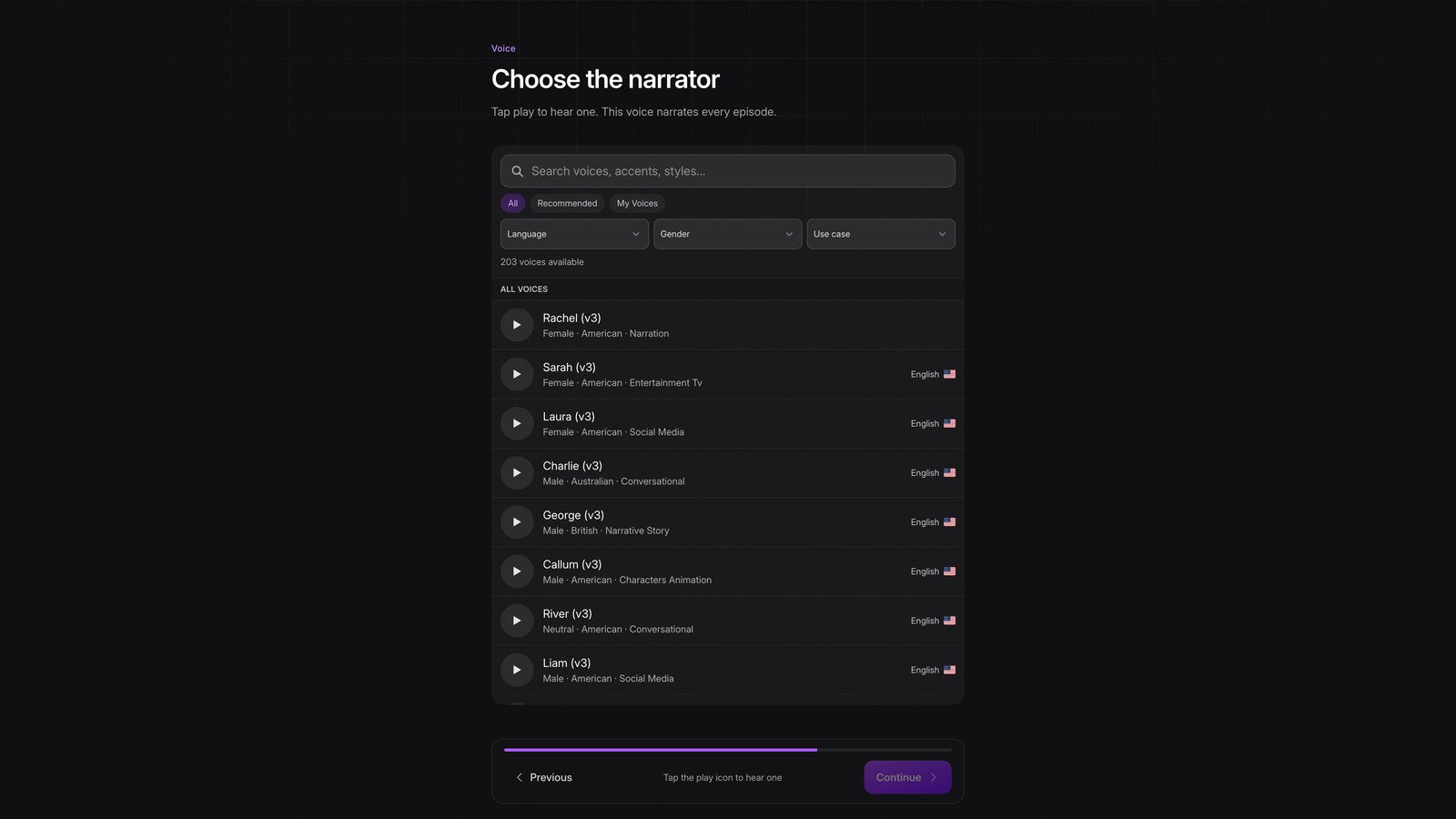
Preview the voices, choose a narrator that fits the channel, then continue.
Where to post
Set where it posts. Your plan can now become a series.