Faceless Tutorials
Tutorial 12 / 36Automation & publishing
Publish From the Editor
Post or schedule any single video to your connected platforms, right from the editor.
40s5 steps
0/5 done
01
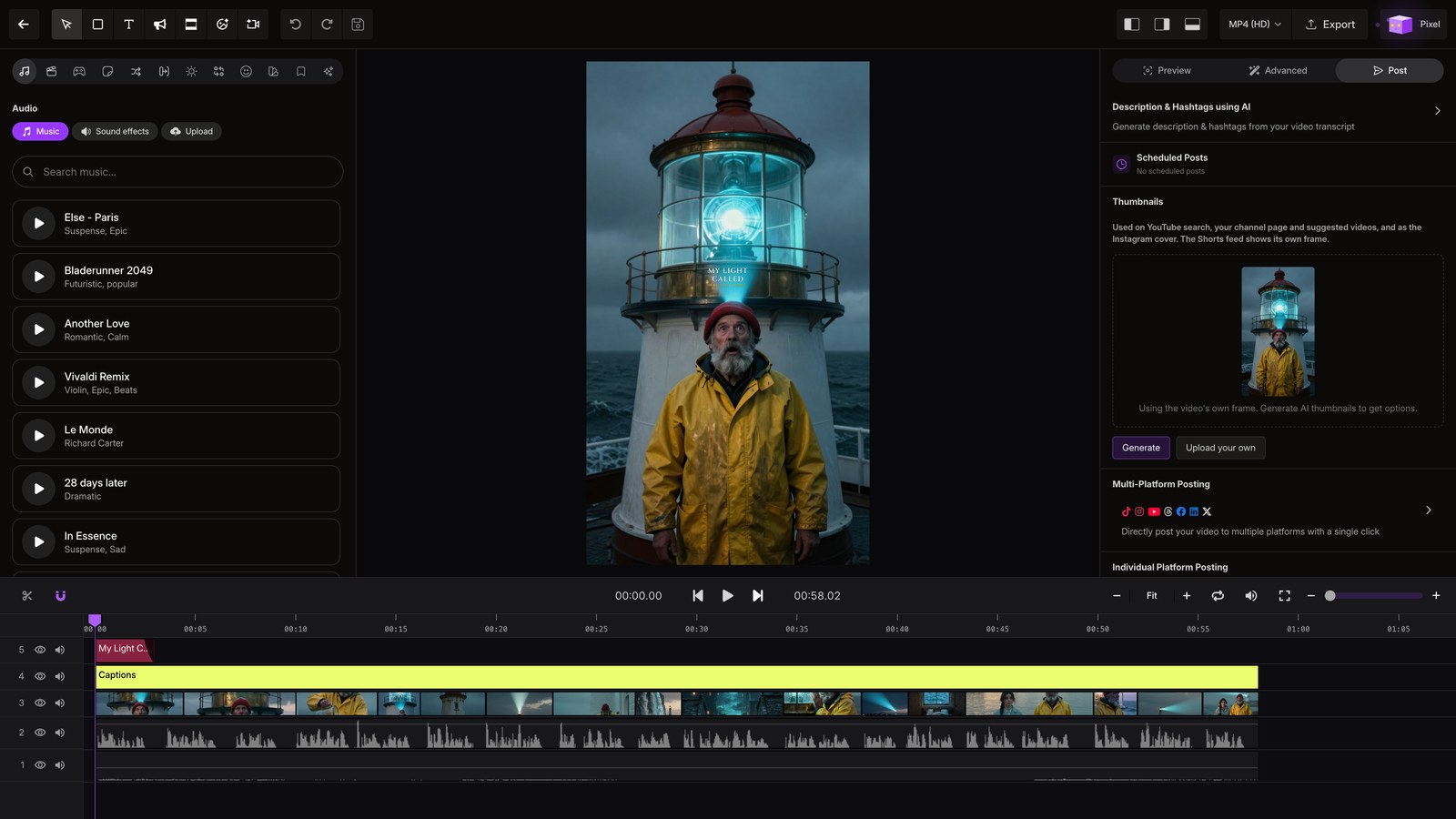
Open editor
Open a video in the editor, then click empty space to clear your selection.
02
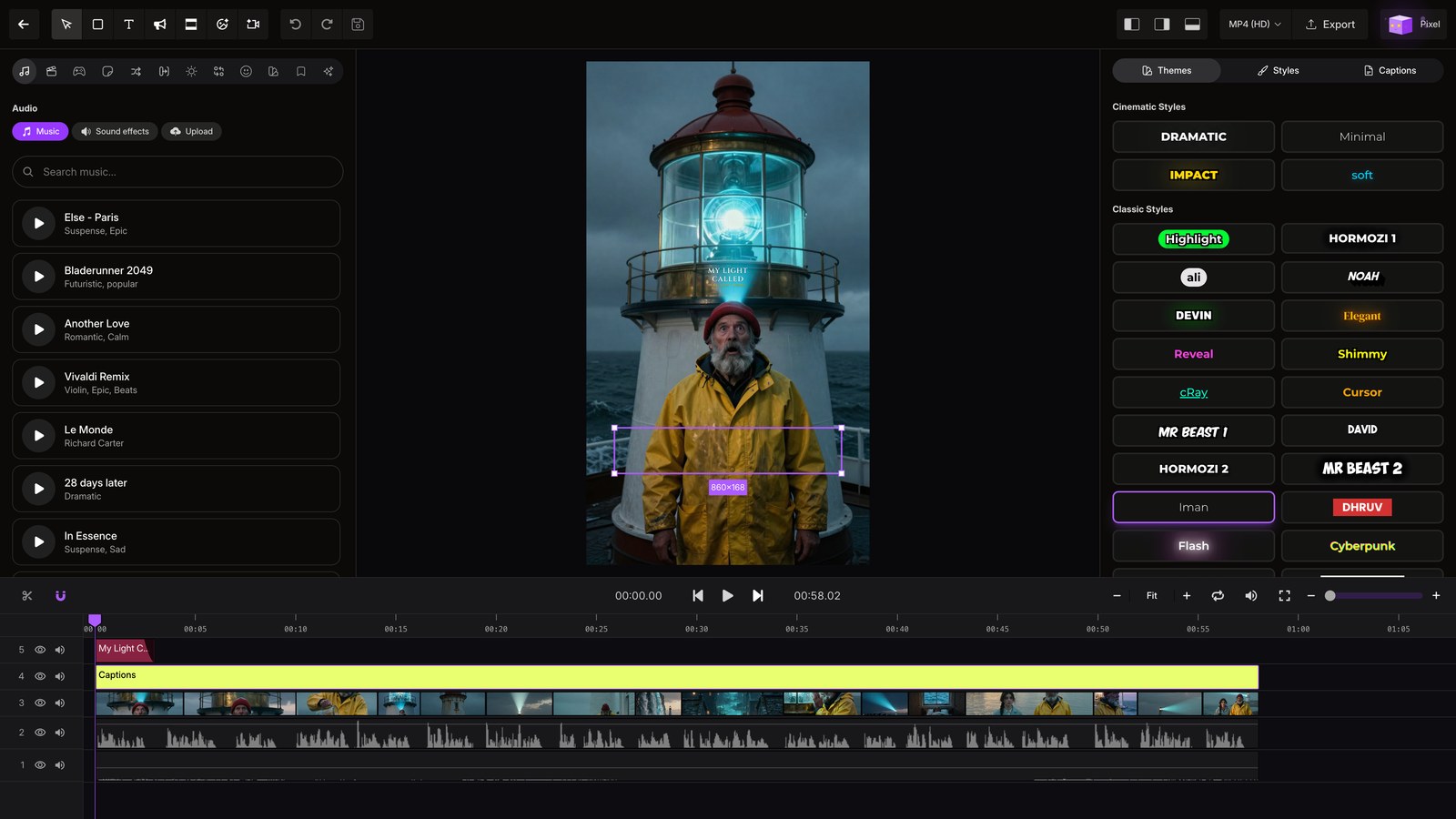
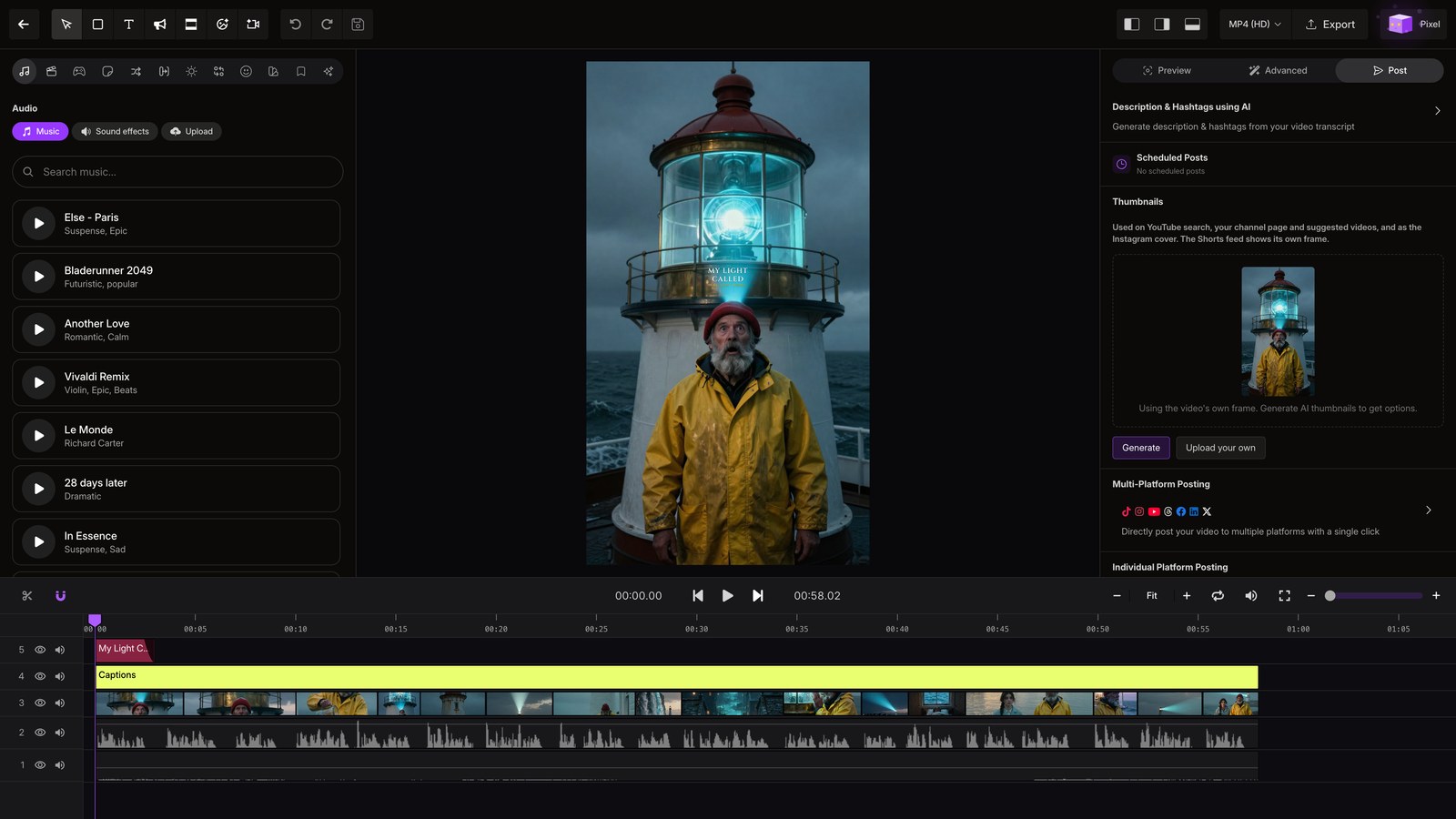
Open post tab
Open the Post tab on the right to choose where and when the video goes live.
03
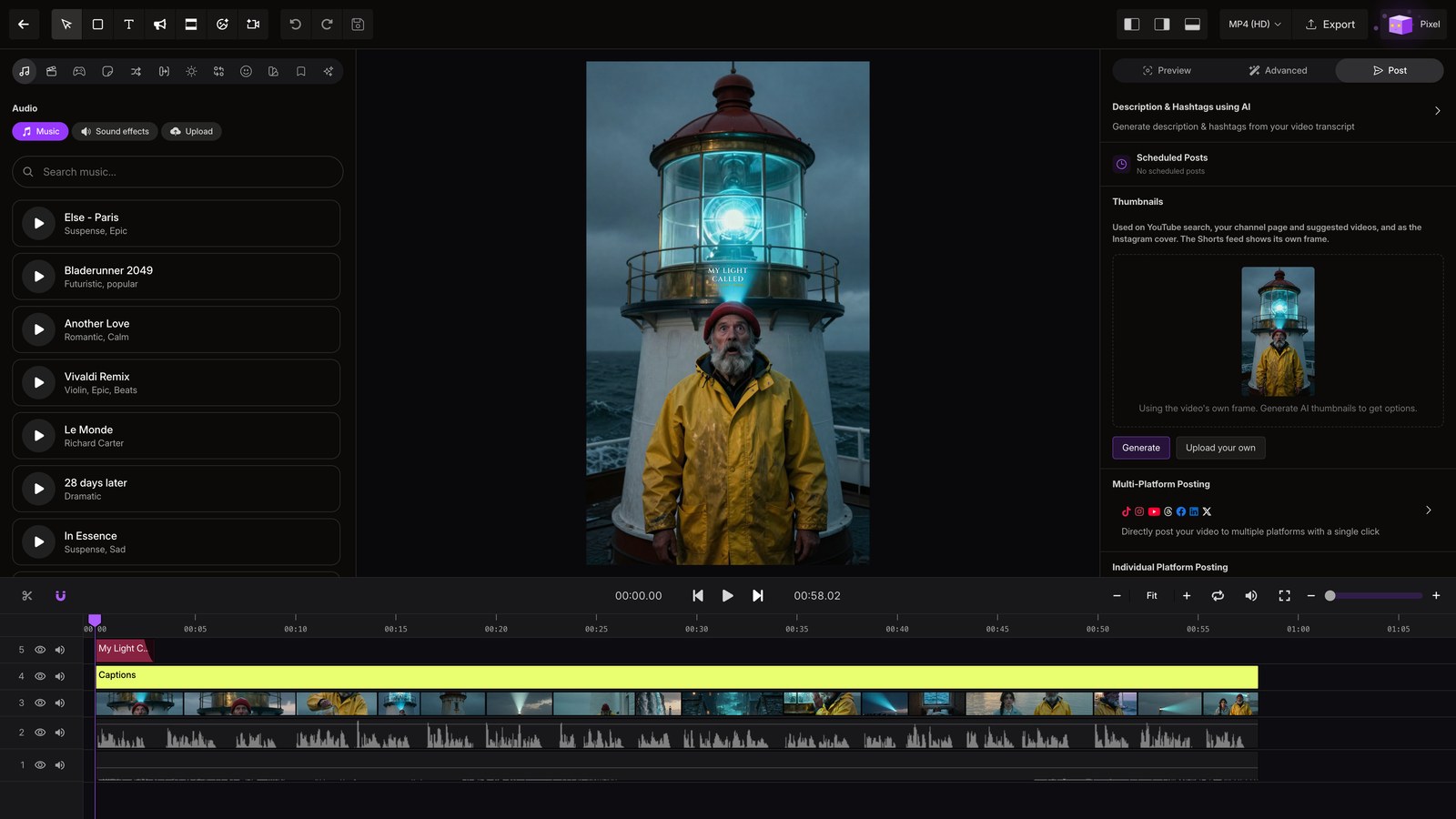
Ai copy
Use AI to create a description and hashtags from the video's transcript.
04
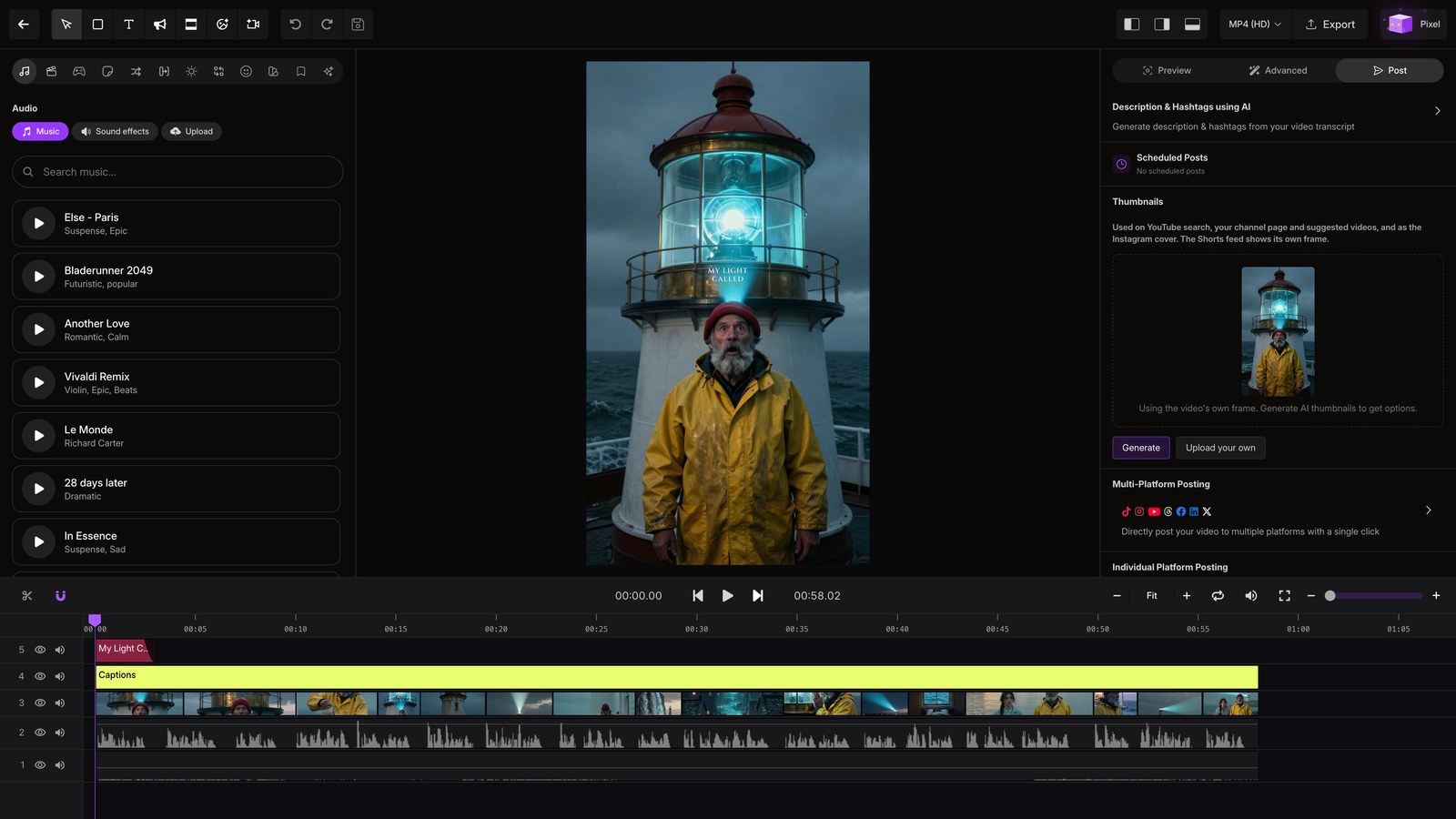
Multi platform
Choose multi-platform posting to send the video to all seven connected platforms.
05
Per platform schedule
Open one platform to post now or schedule the video for a specific date.