Start an Automated Video Series
Set up a series that writes, makes and posts a new video every day on its own.
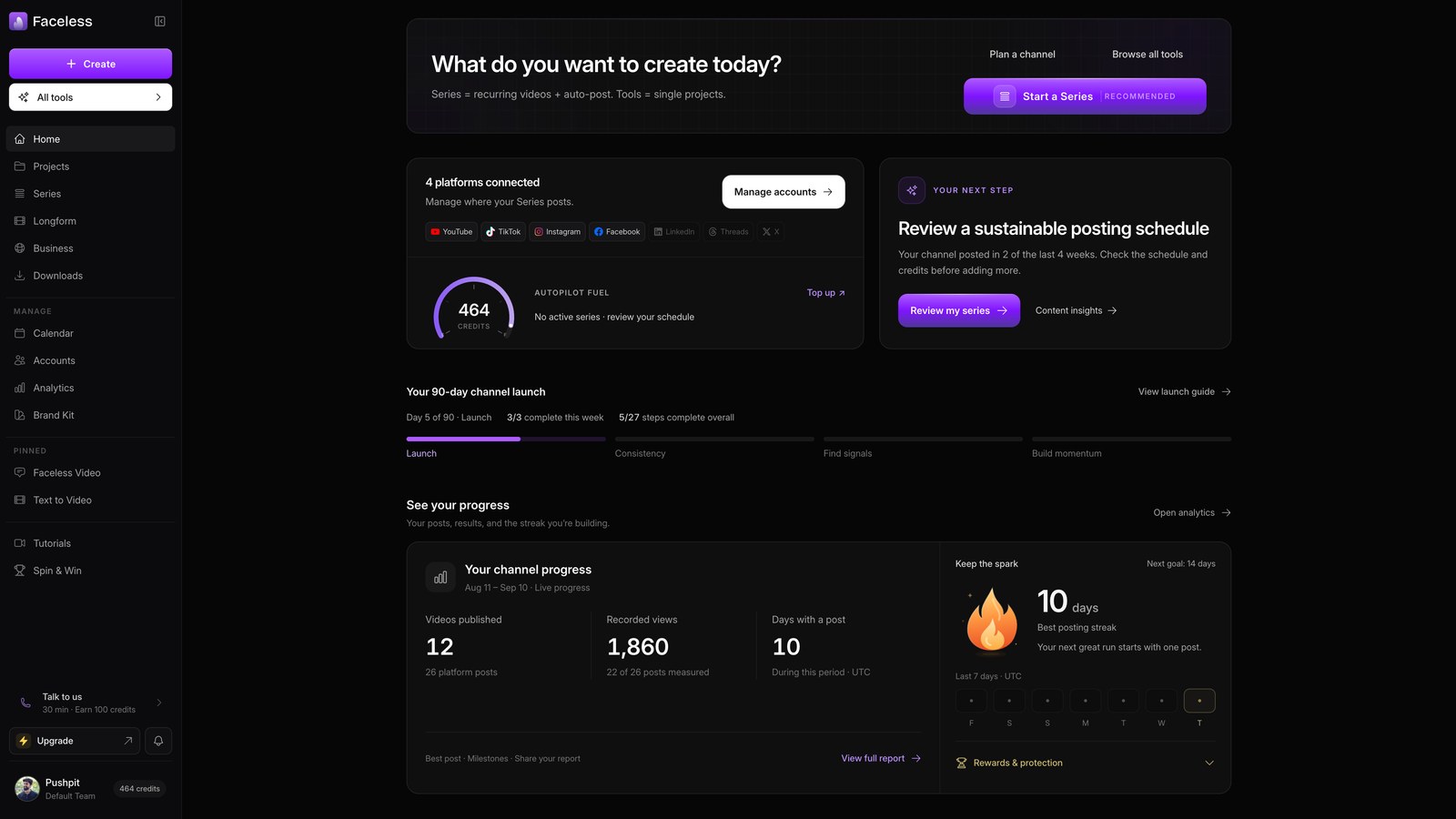
Open home
Open your dashboard to set up the series.
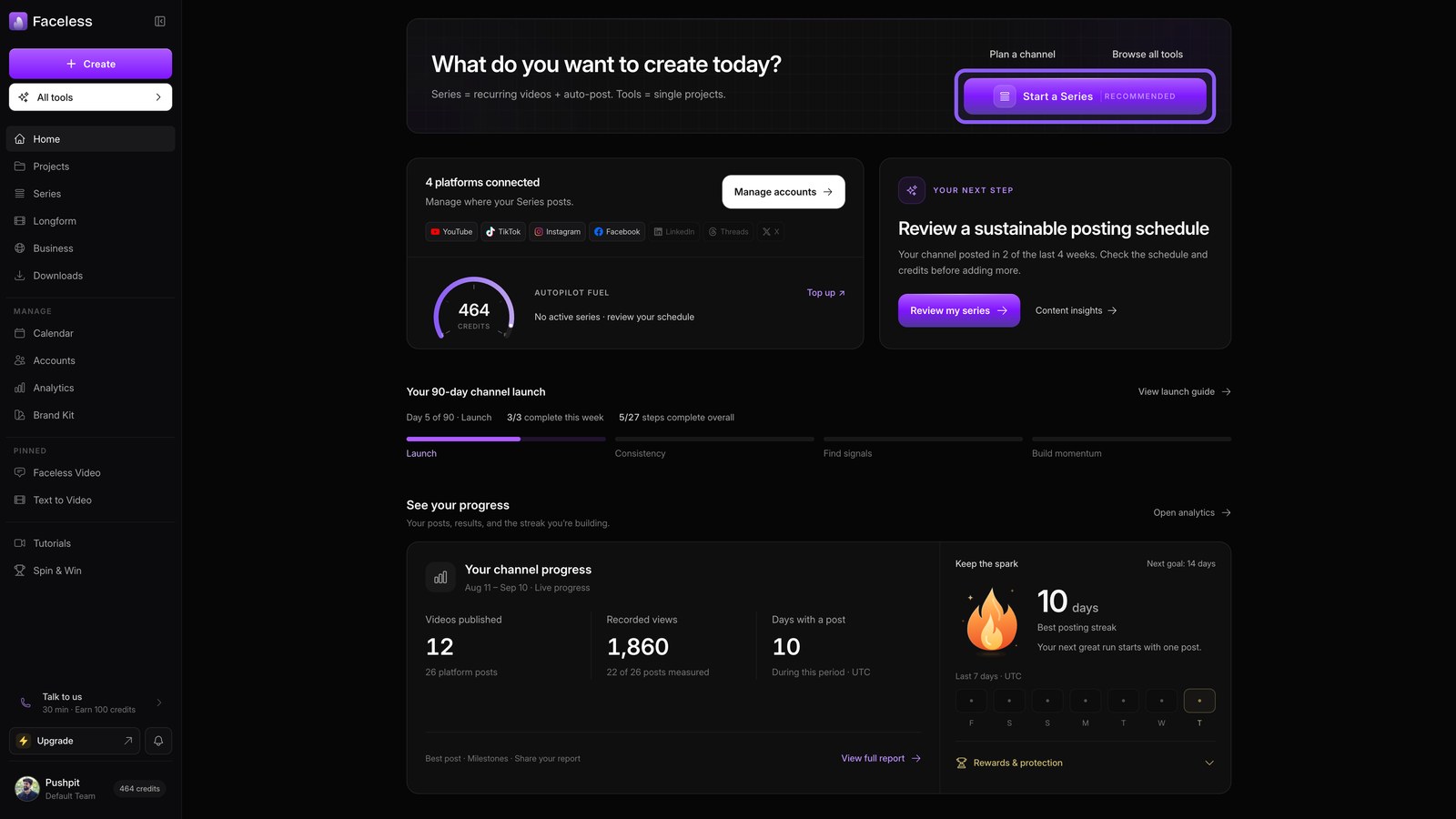
Start a series
Choose the series option to automate ongoing videos. The setup opens so you can define what each episode should cover.
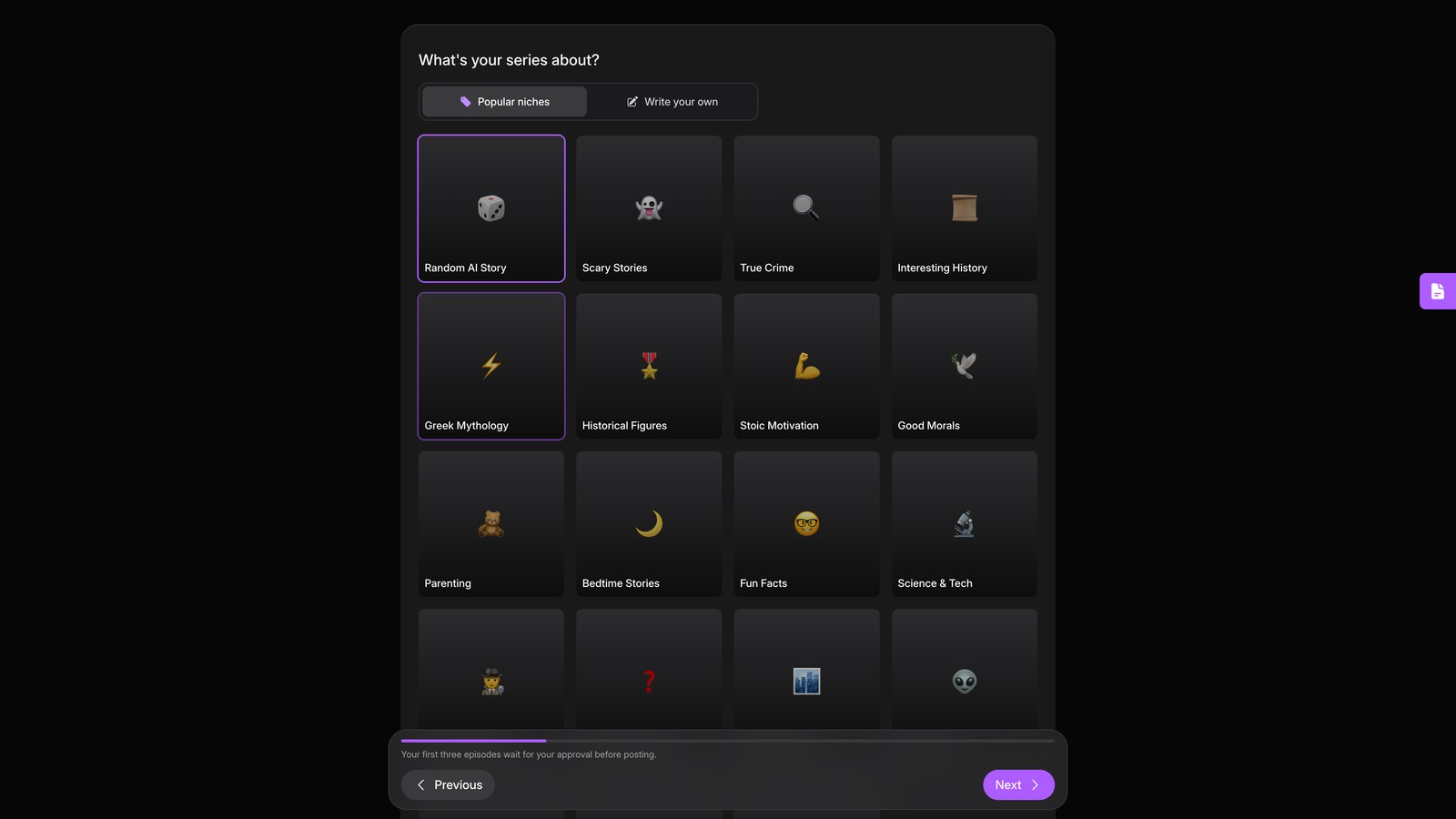
Choose niche
Pick facts and stories to set the niche for every episode.
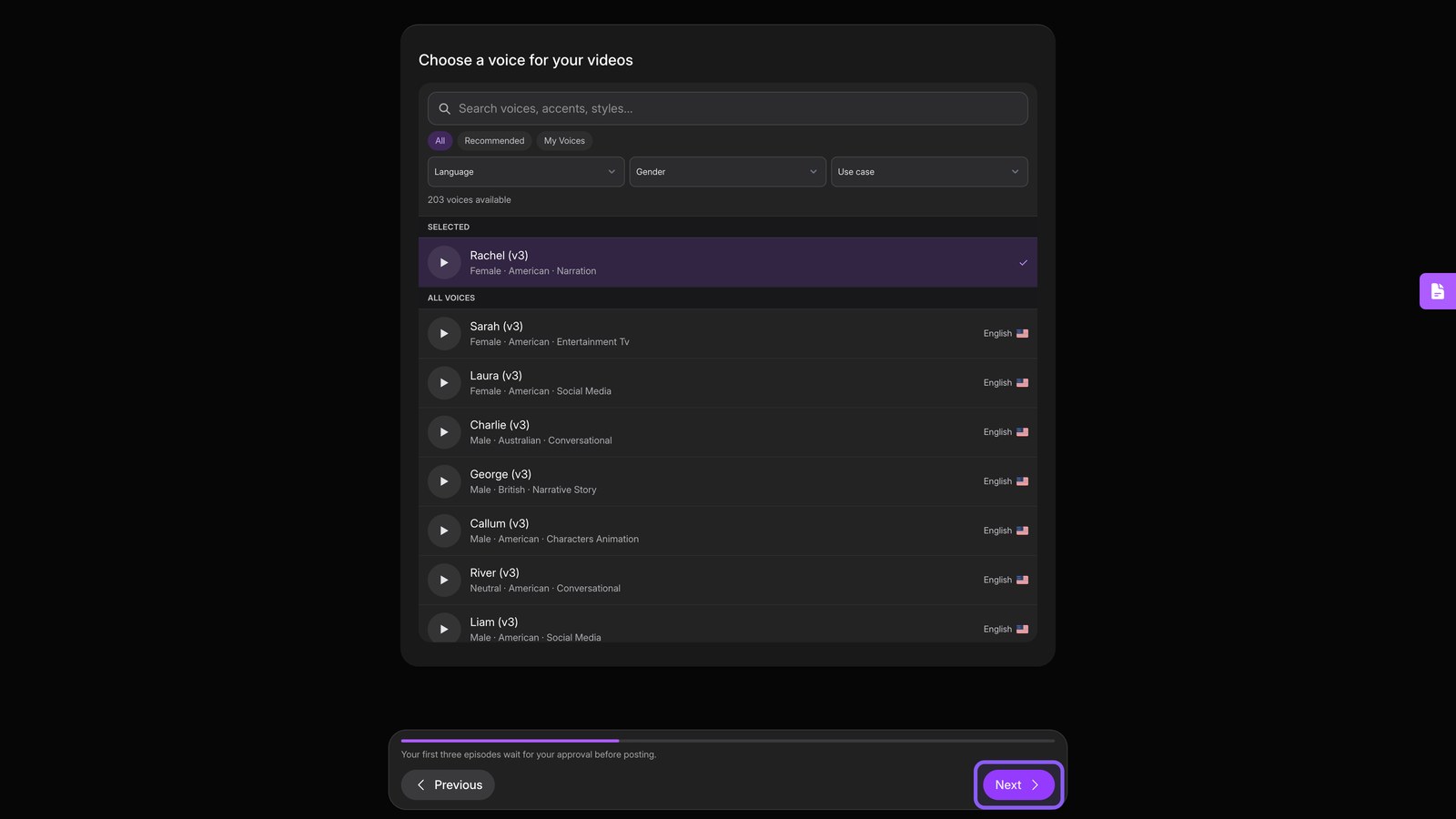
Choose voice
Choose the narrator voice that reads every episode, then continue.
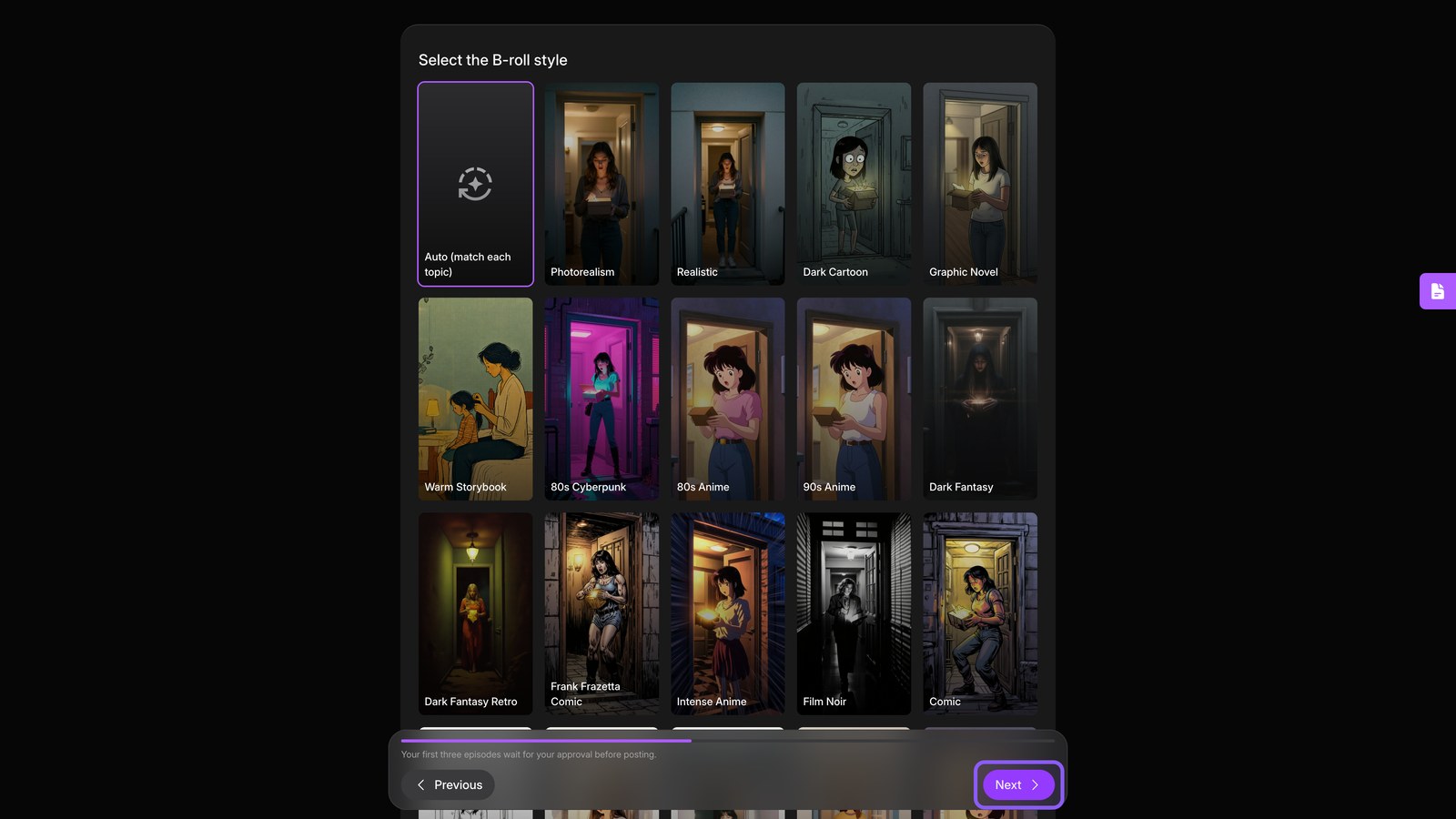
Choose visuals
Choose a visual style for the footage behind your narration. This keeps every episode consistent, then continue.
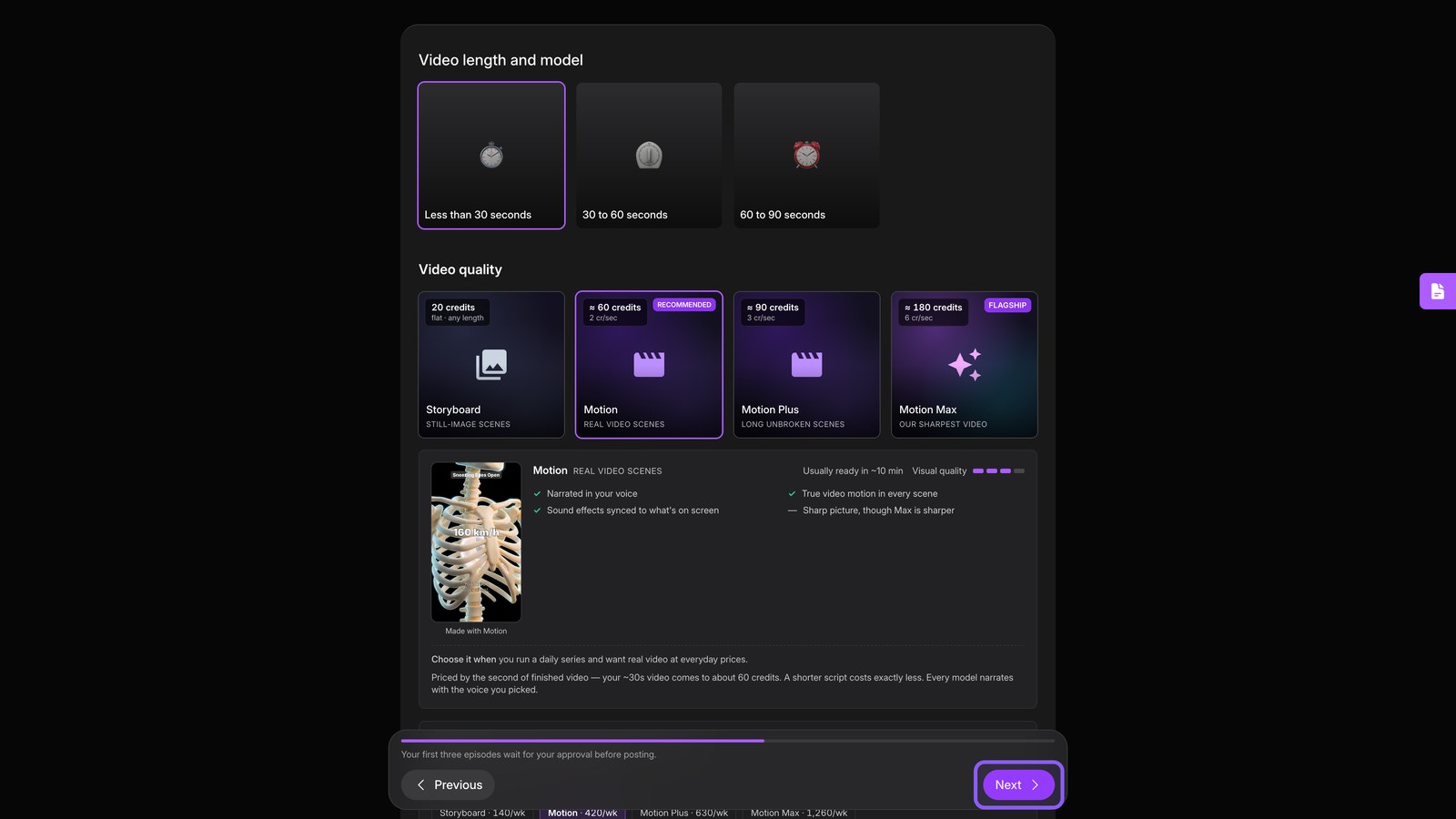
Choose length
Set each episode's length and video quality, then continue.
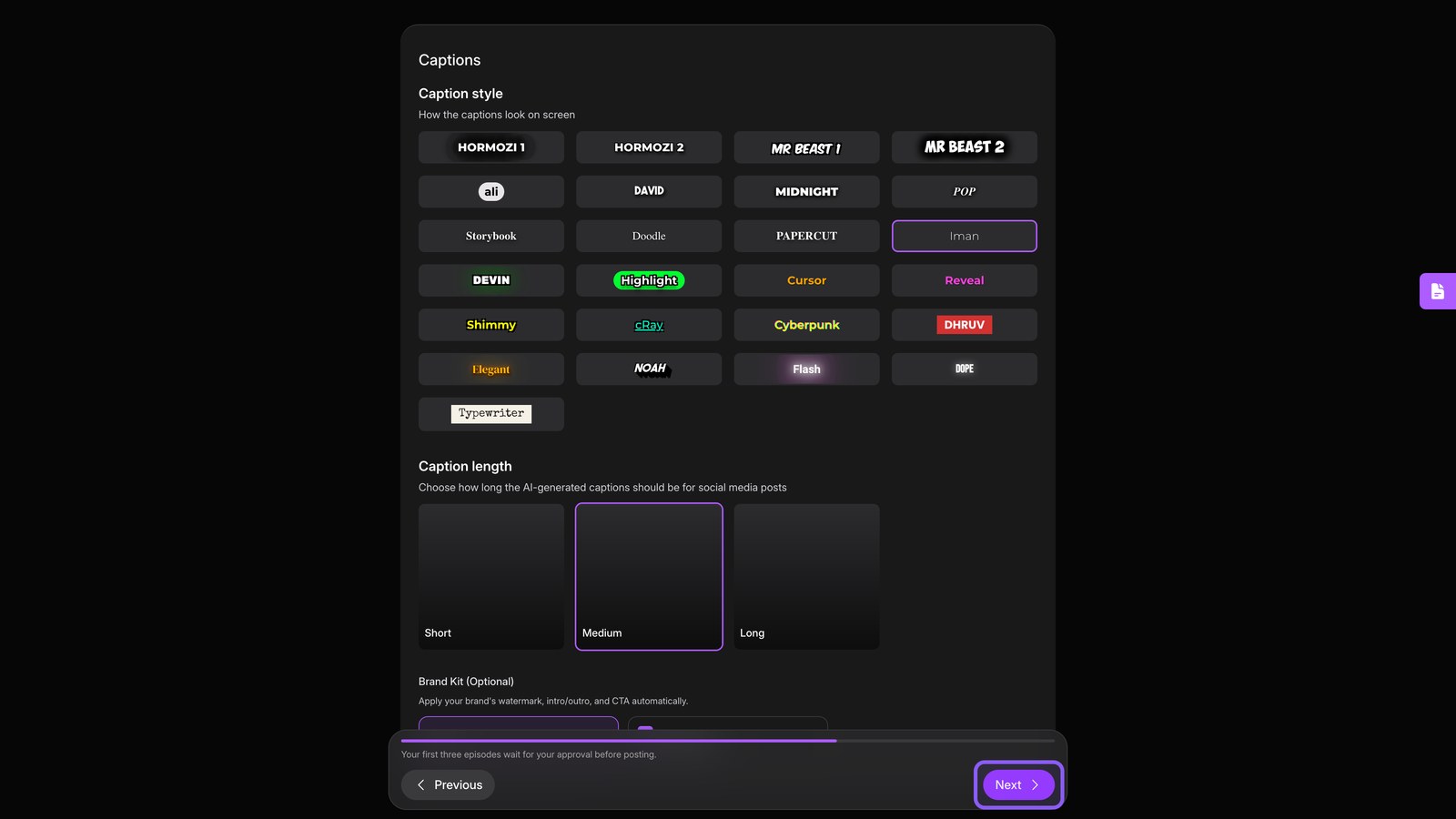
Choose captions
Pick a caption style and set how much text appears at once, then continue.
Choose audio
Choose background music and any effects, such as a hook title, then continue.
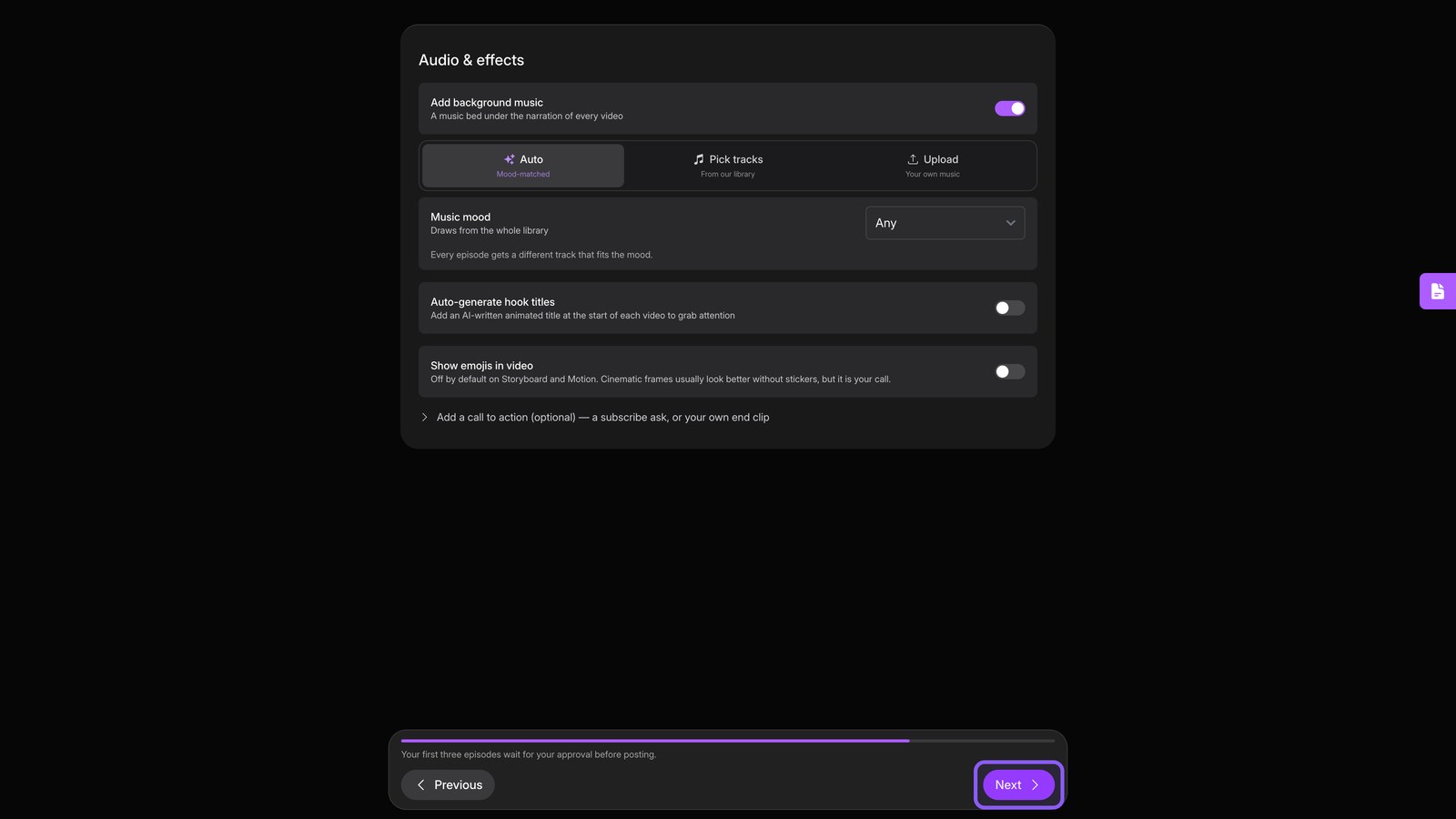
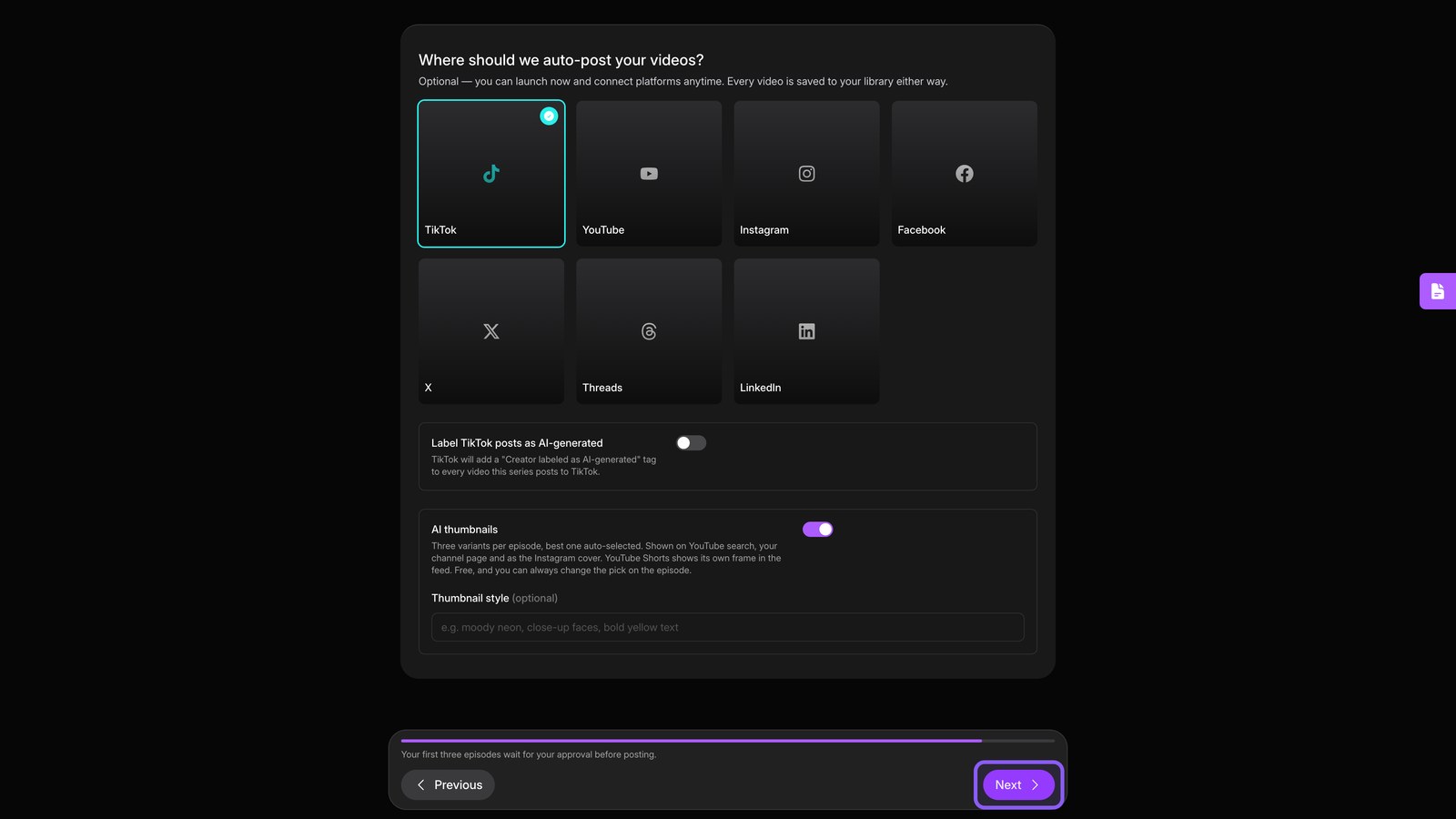
Choose posting
Connect channels for automatic posting, or leave them disconnected to save each episode as a draft.
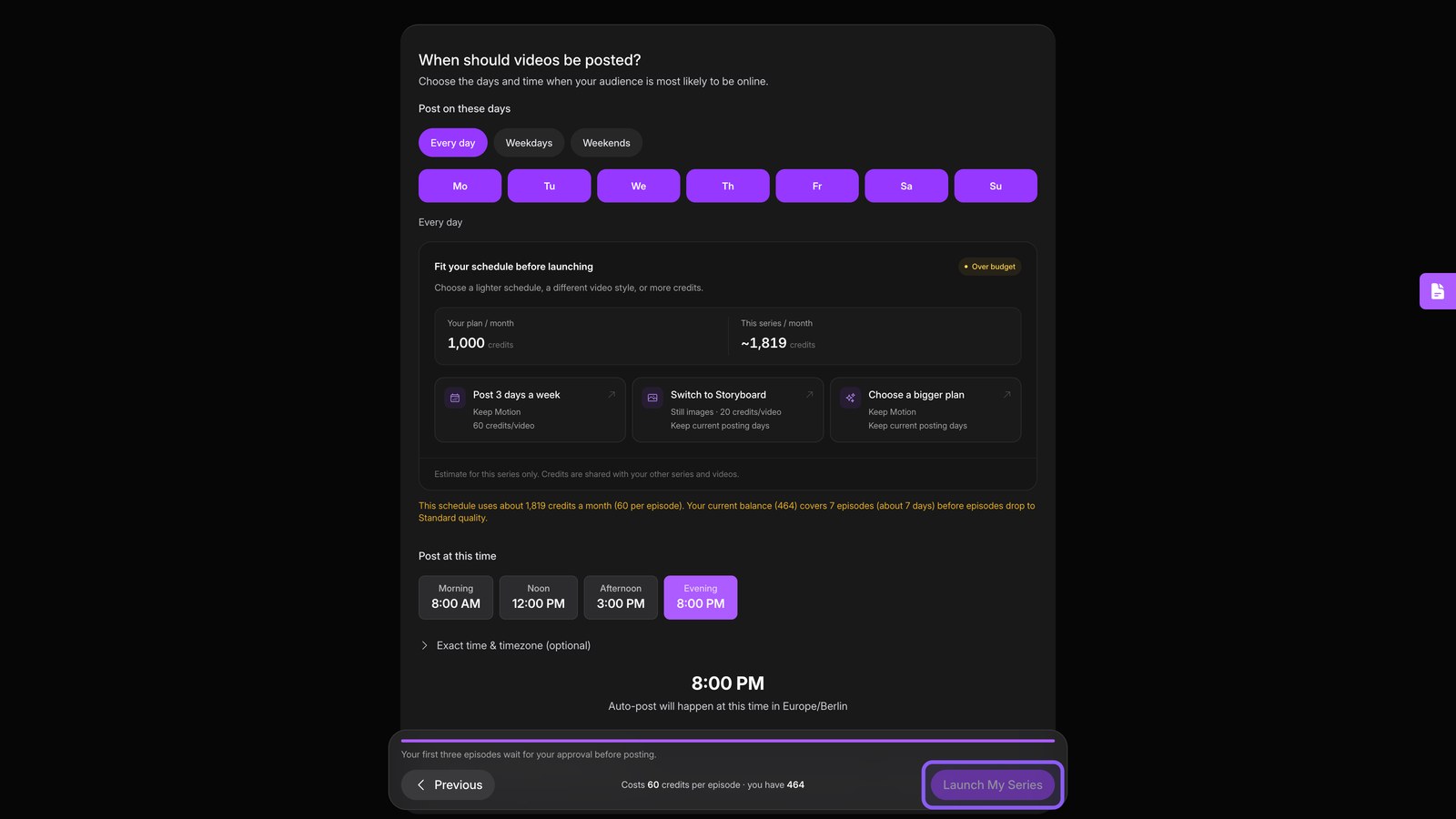
Set schedule
Pick the posting days and time. This schedule triggers a new episode automatically.
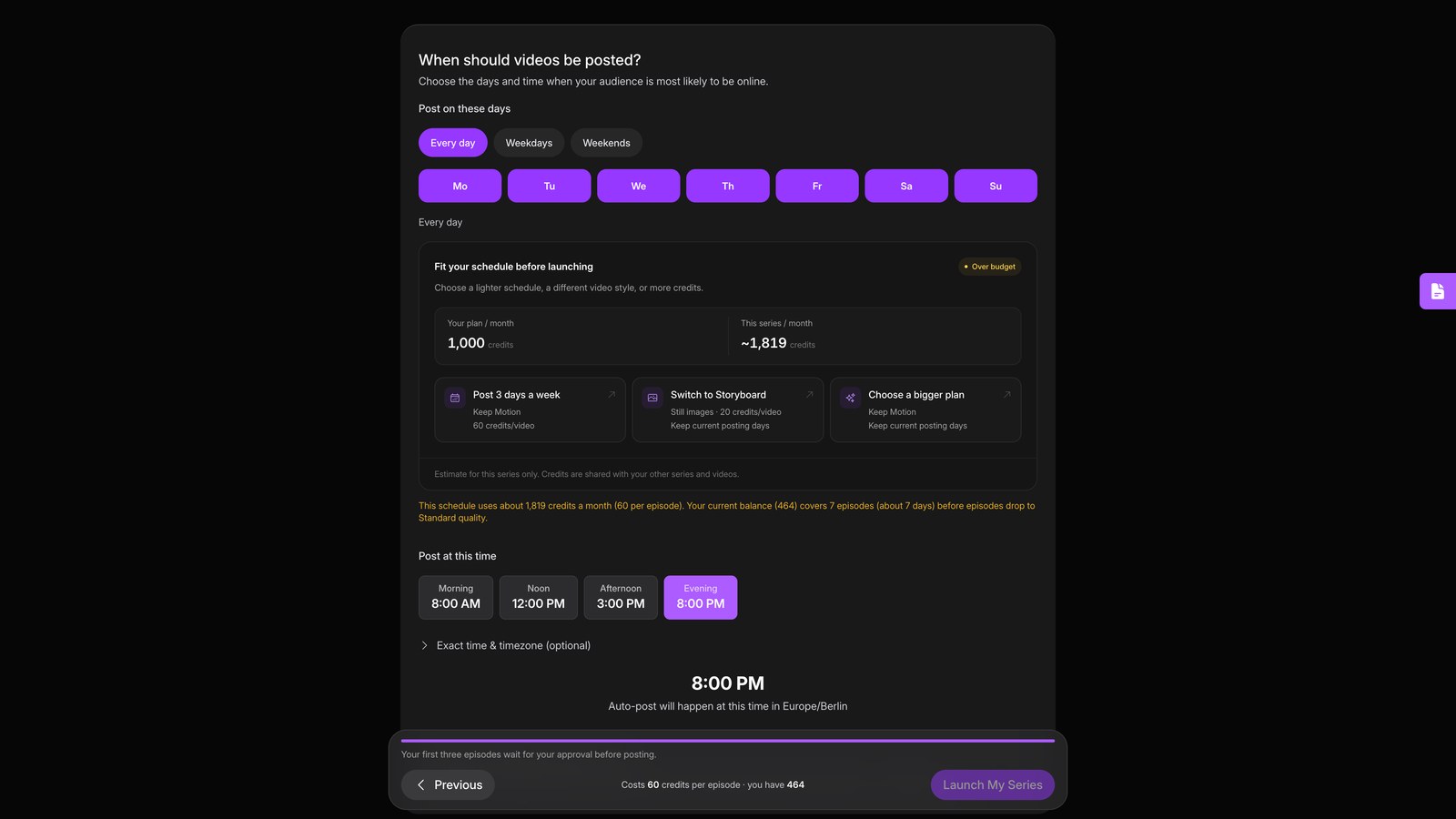
Launch series
Launch the series. It now writes, makes, and posts each scheduled episode without your help.