Faceless Tutorials
Tutorial 18 / 36Creation formats
Create Story Slides & News Slides
Make trending photo-and-text Shorts with music, no voiceover needed.
37s4 steps
0/4 done
01
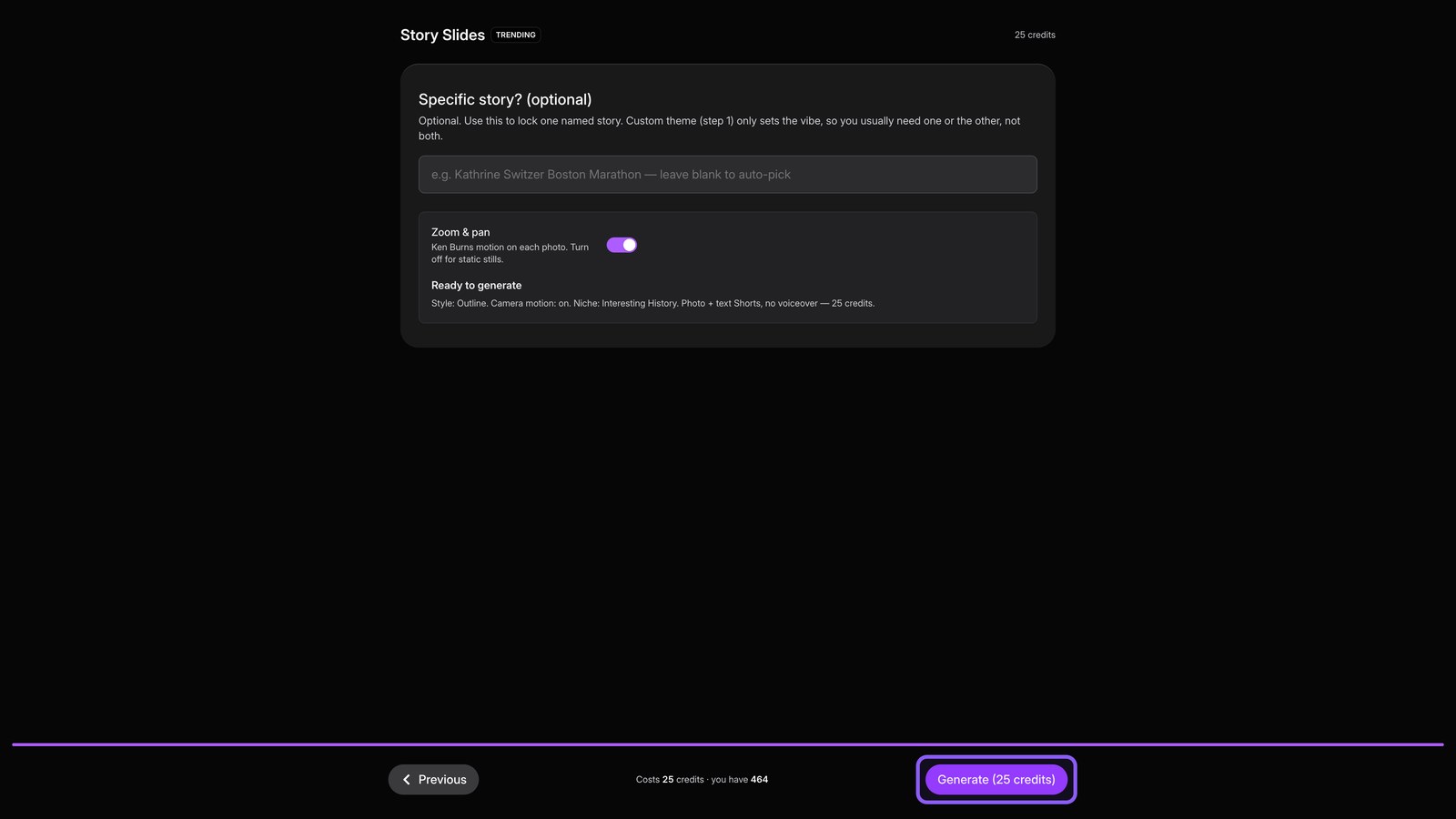
Open story slides
Open Story Slides to turn one topic into a photo and text Short with music.
02
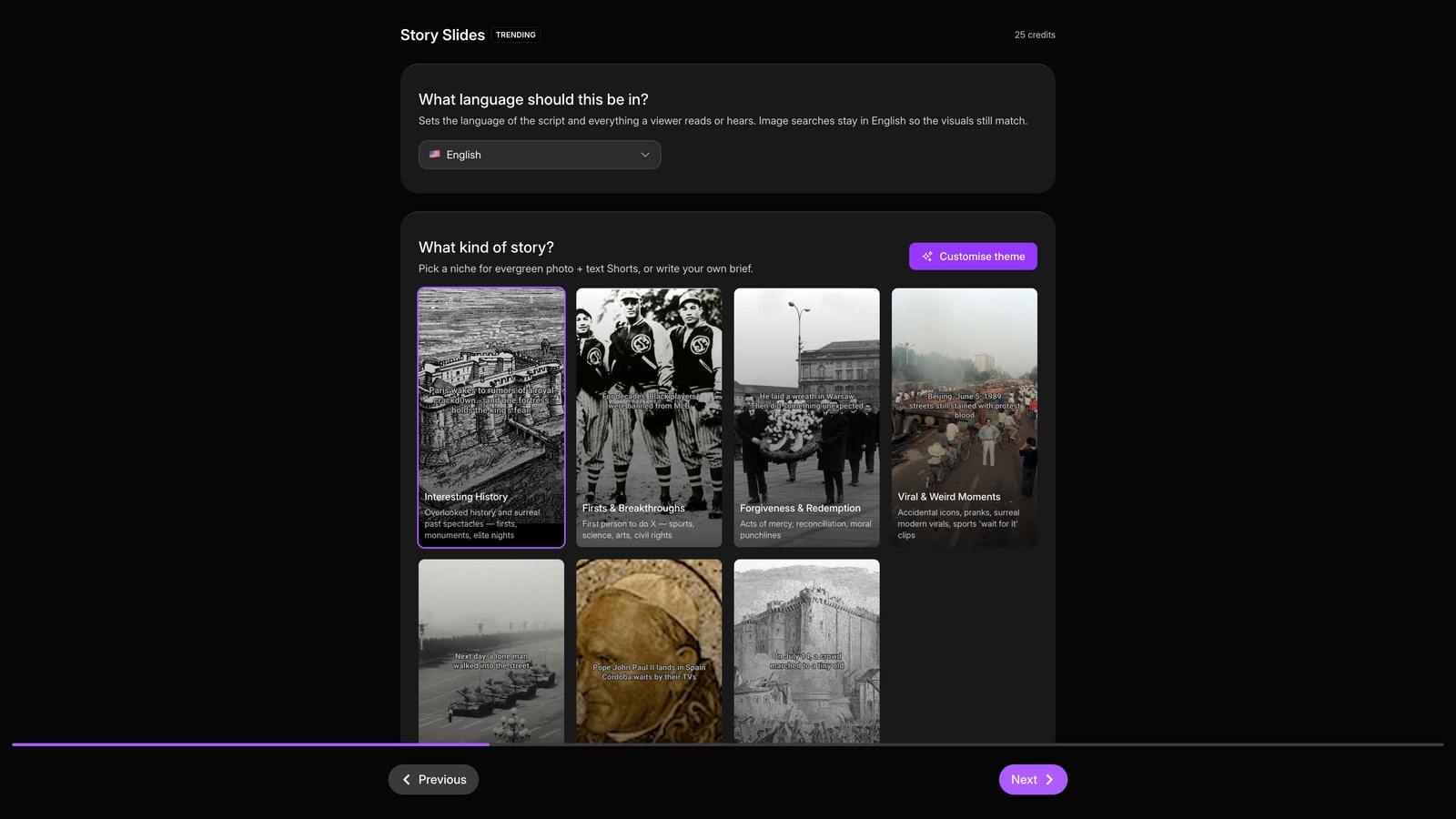
Pick style
Choose your topic, then hit Next and pick the visual style for your slides.
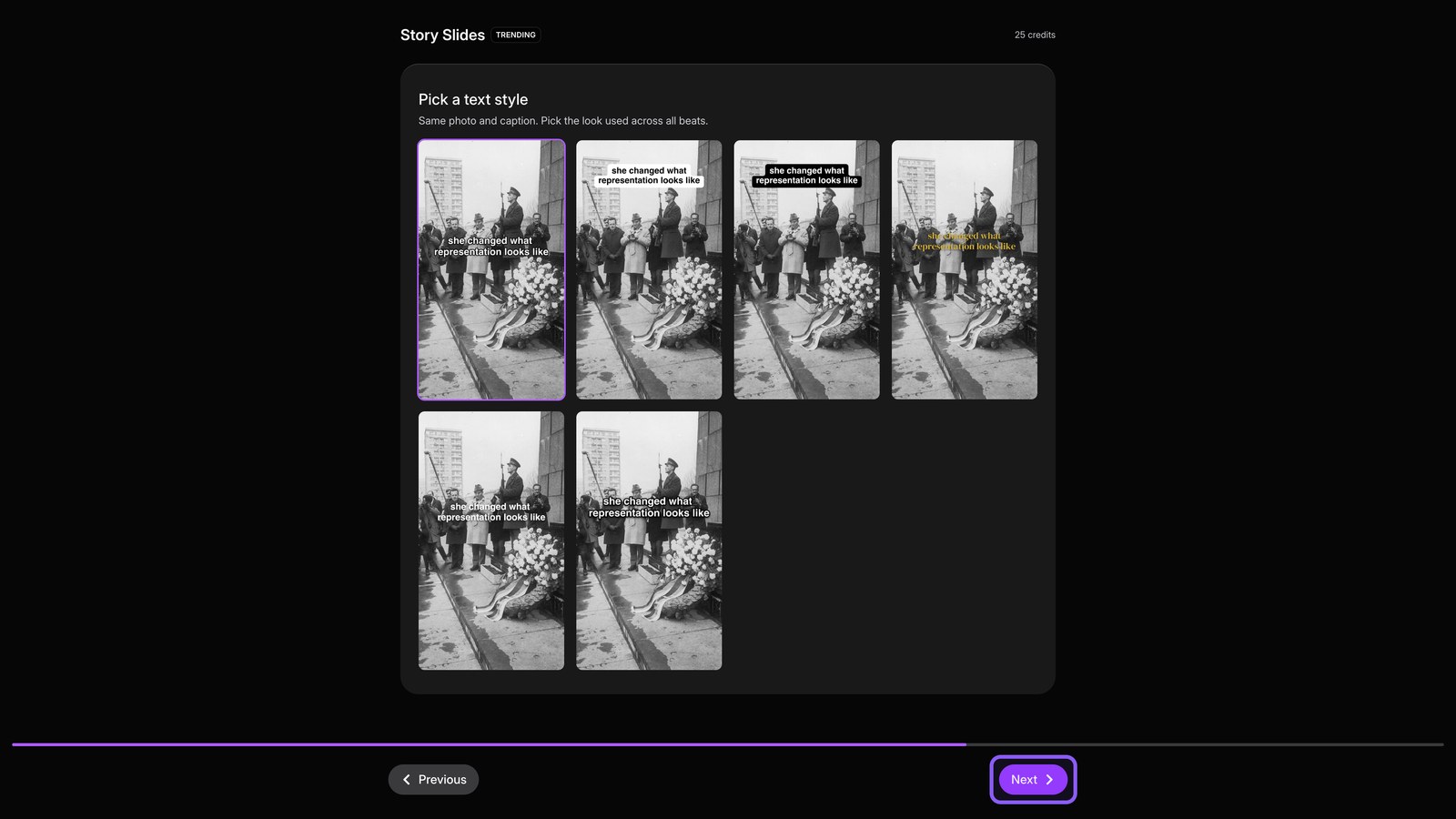
03
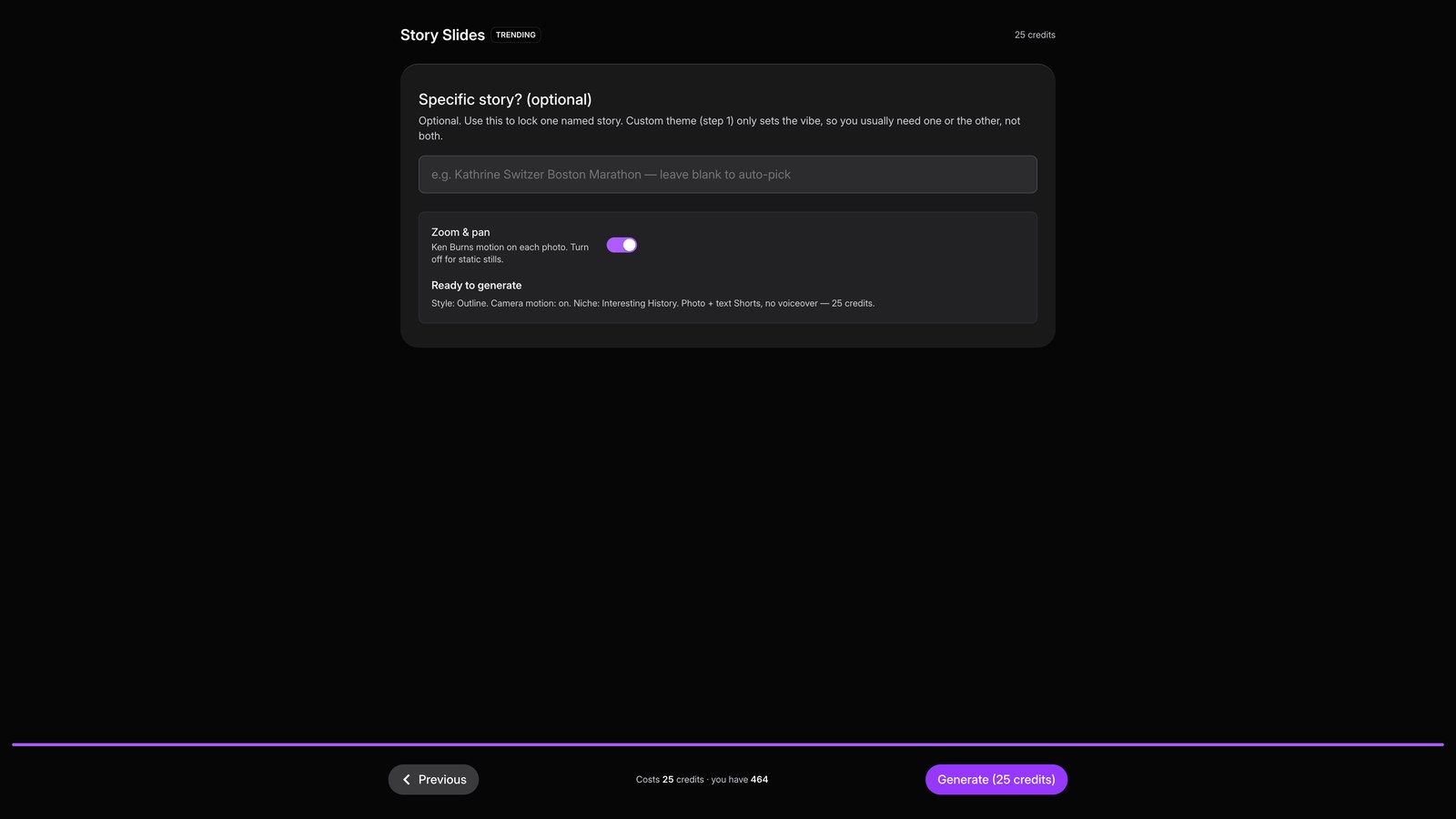
Review settings
Hit Next to review your choices and see the credit cost before rendering.
04
Generate
Click Generate to start rendering your slides in the background. For current topics, use News Slides the same way to build from today's headlines.