Faceless Tutorials
Tutorial 31 / 36Power features
Team & Members
Open the team access and API key settings needed to manage collaborators and integrations.
33s6 steps
0/6 done
01
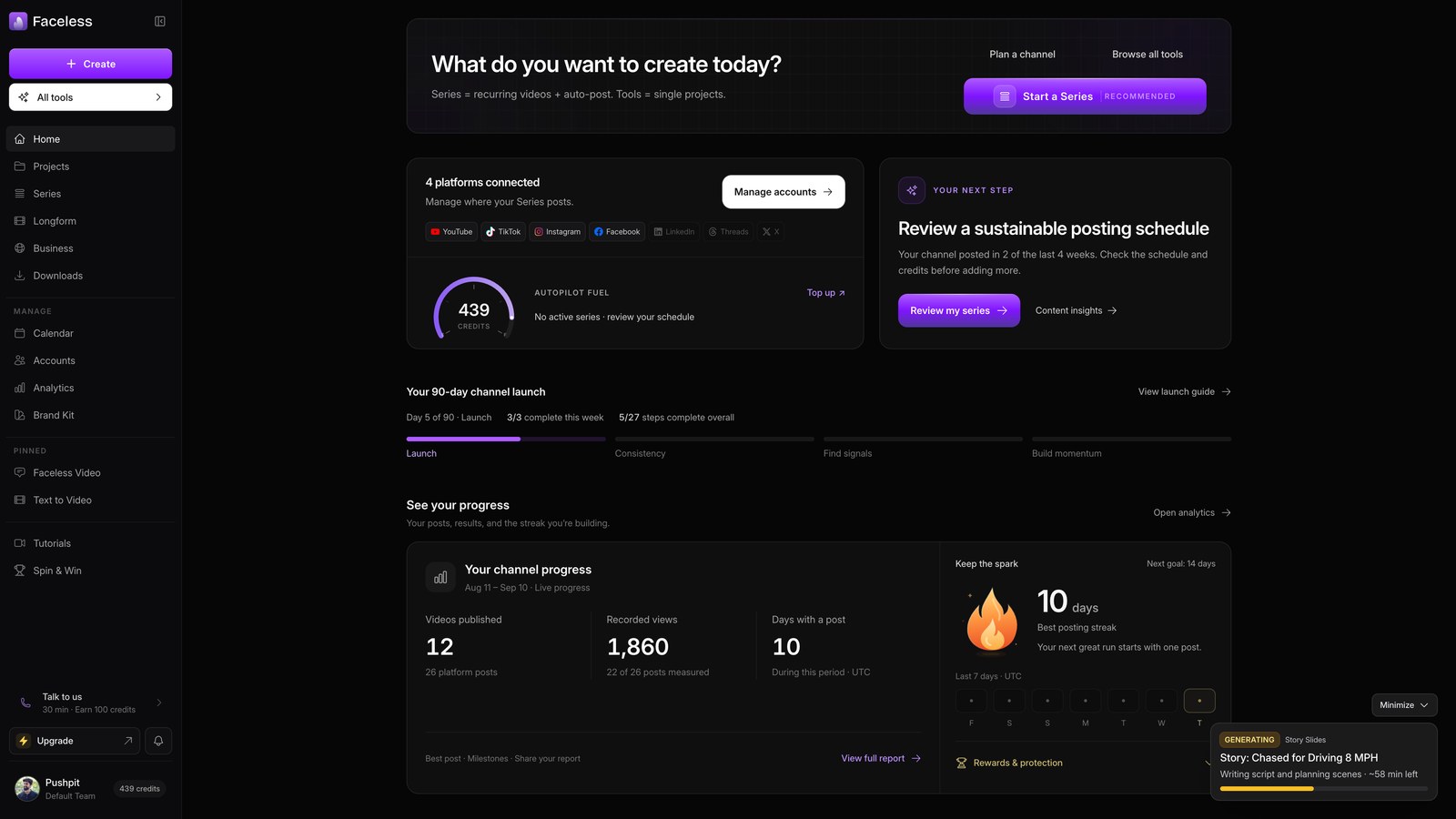
Open home
Open your Faceless dashboard.
02
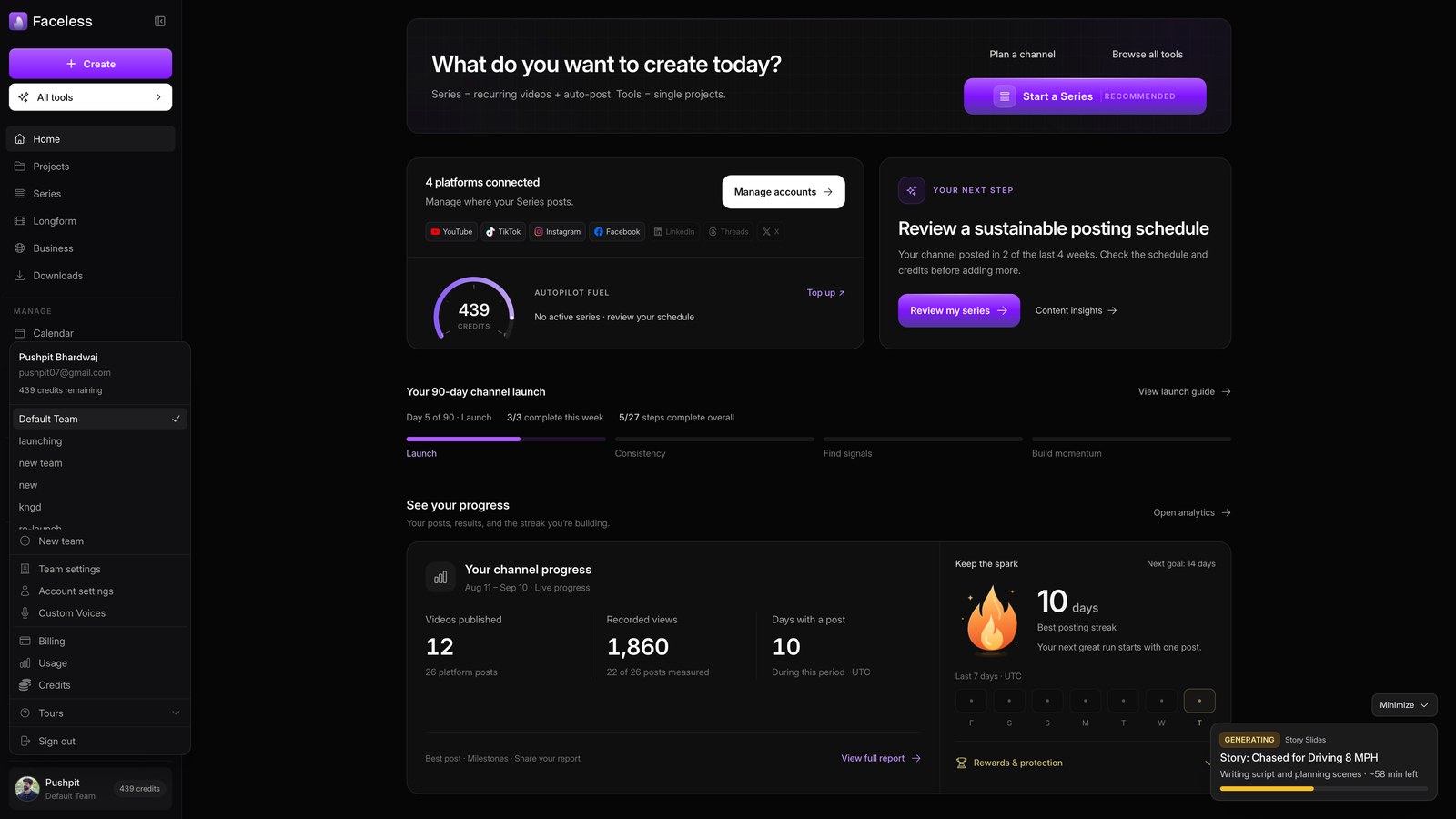
Open account menu
Open your team account menu at the bottom of the sidebar.
03
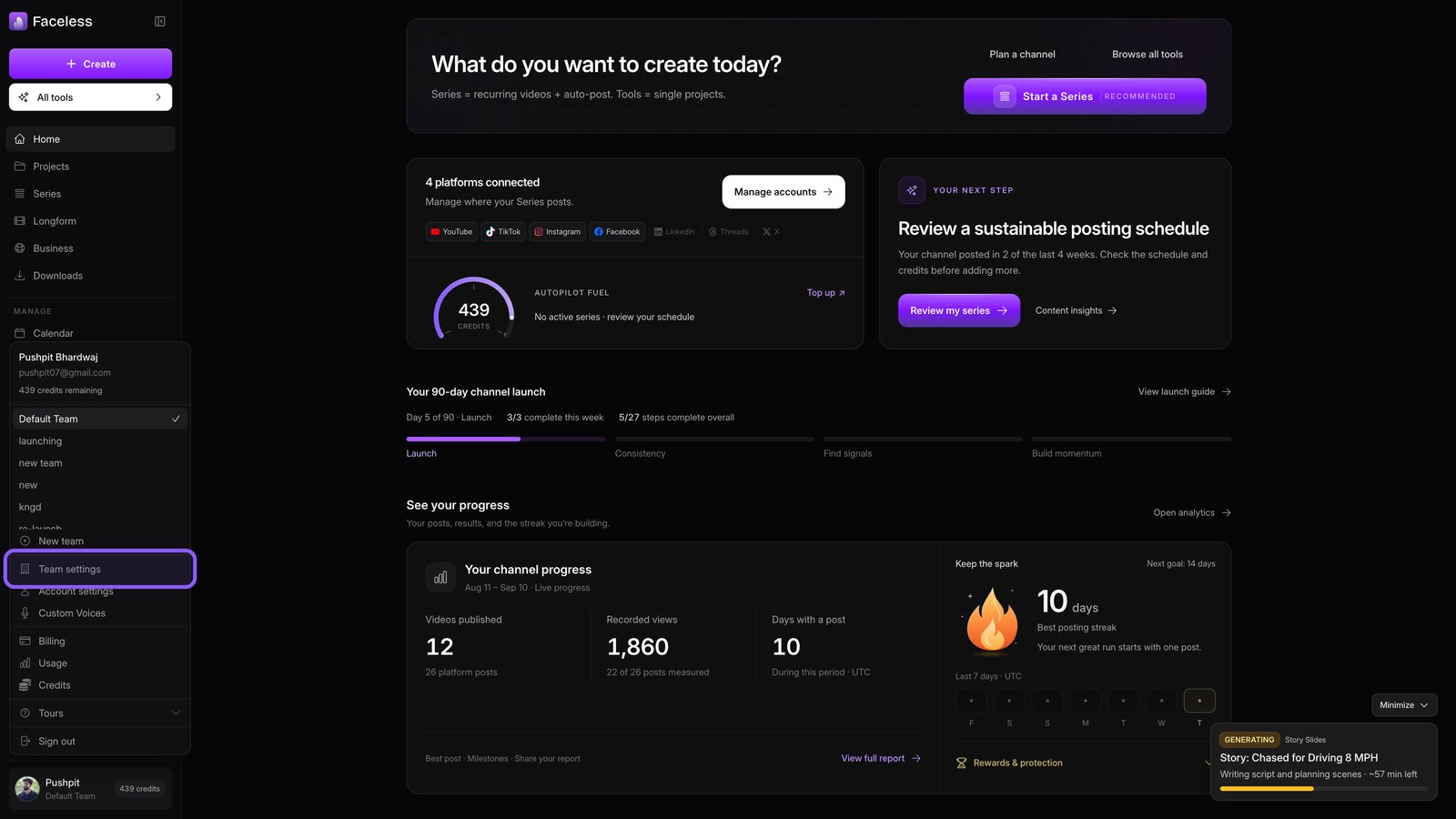
Open team settings
Choose Team settings to access team controls.
04
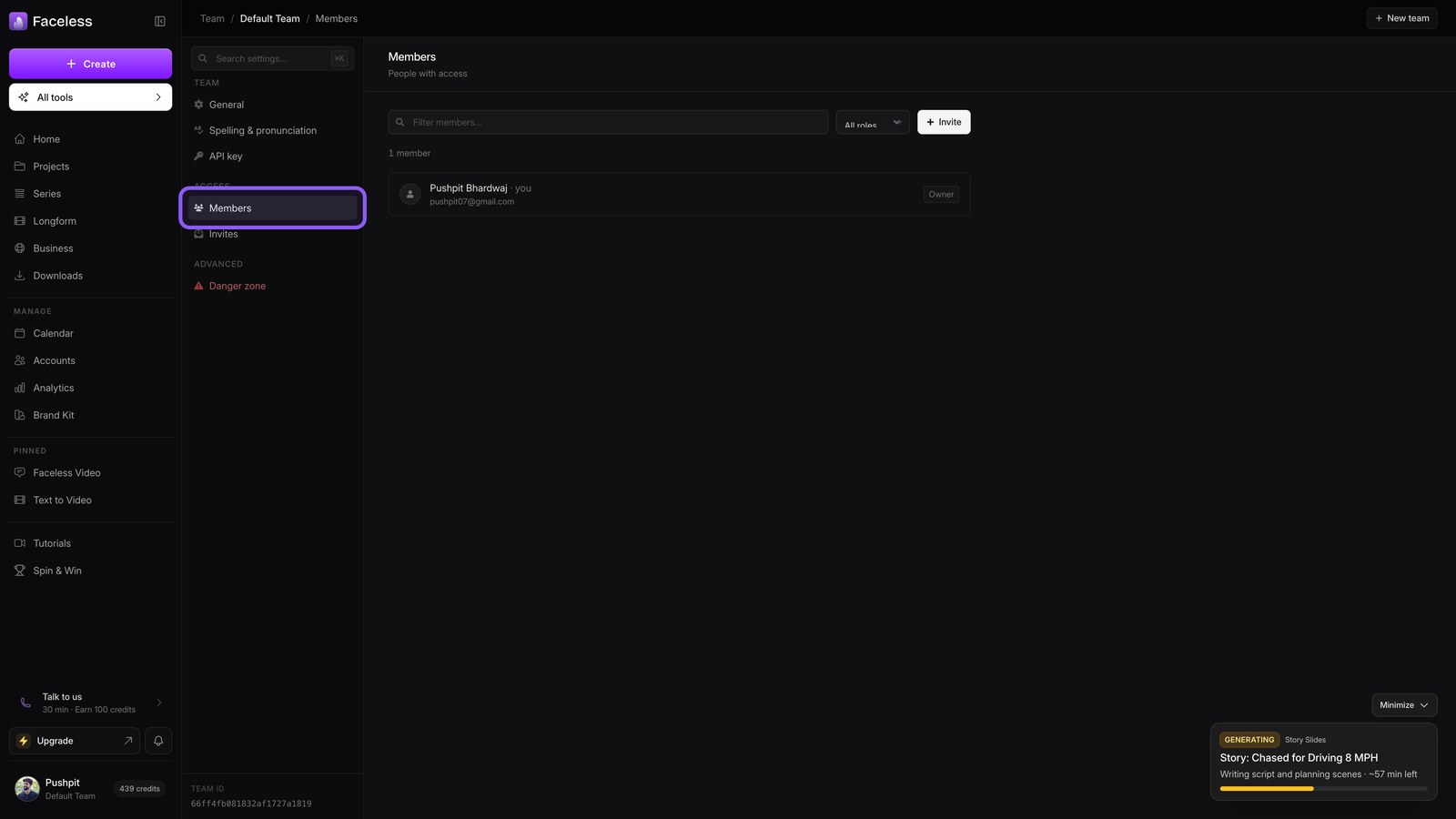
Review members
Open Members to review who has team access.
05
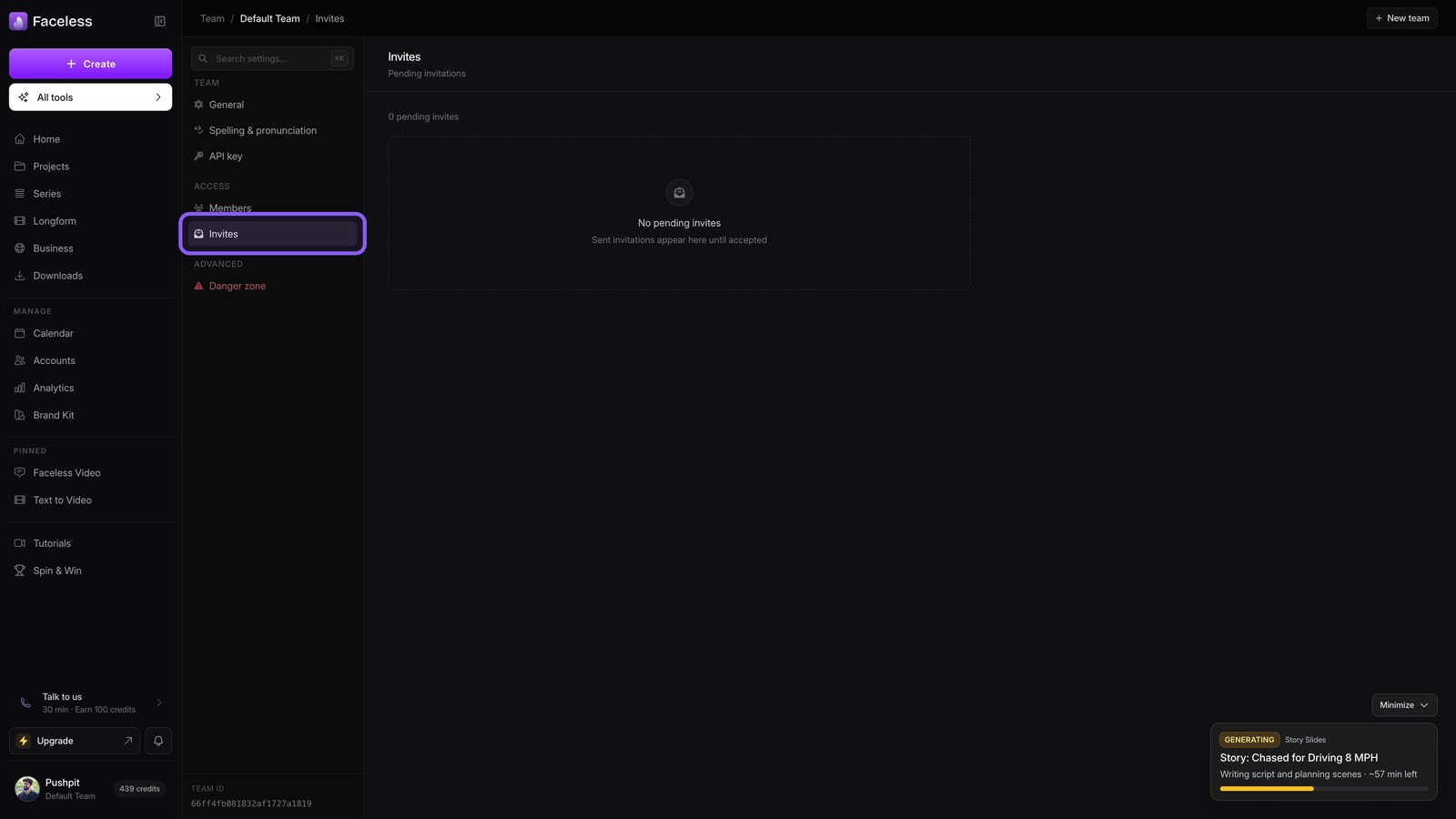
Open invites
Open Invites to manage invitations for new members.
06
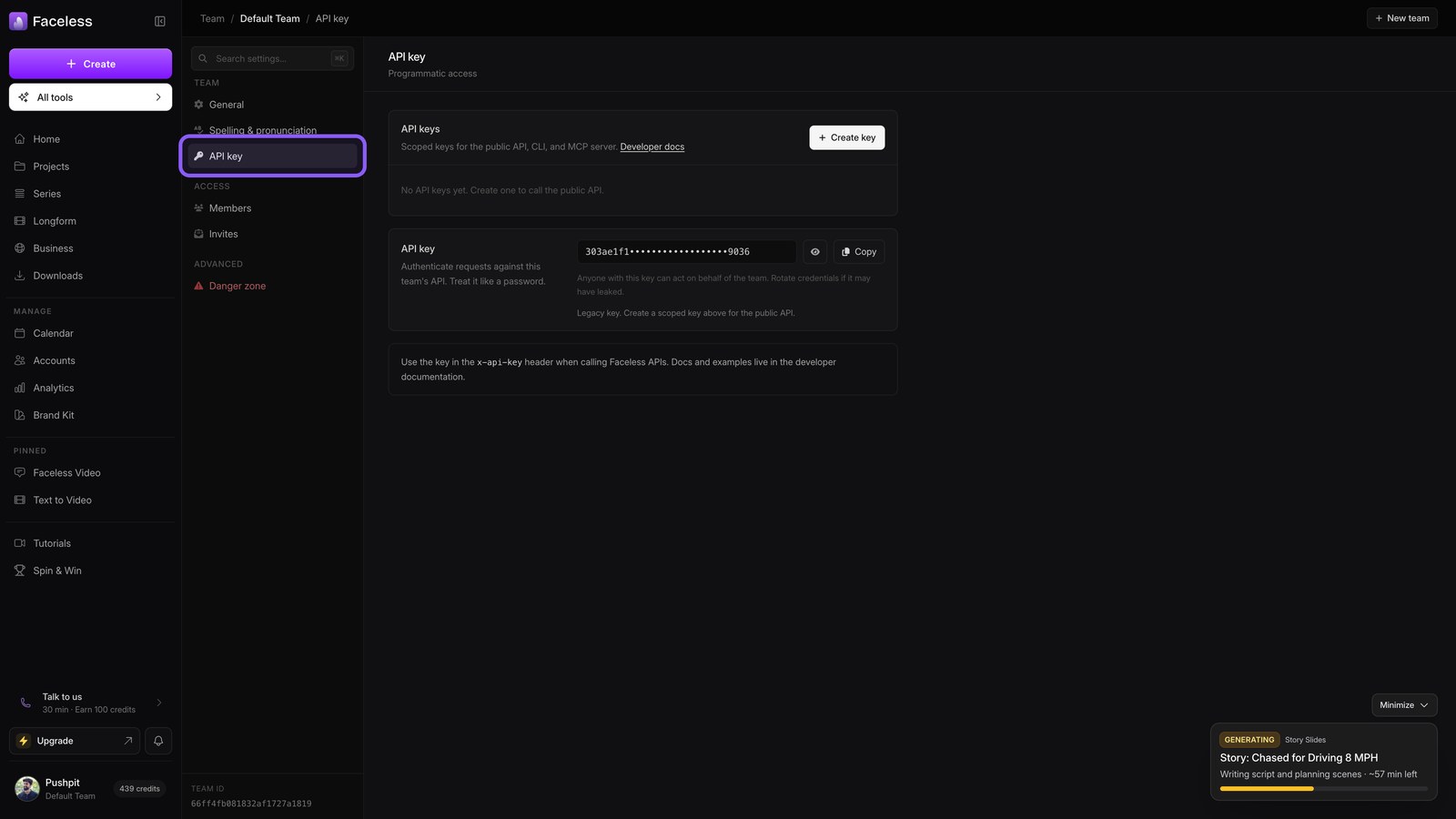
Open api key
Open API key to manage credentials for connected services.